You can check what checksheets should be visible to a specific vehicle or driver by going to ‘Mobile App’ and then the ‘Checksheets’ tab. You can then enter a vehicle registration or driver name under the ‘Test Visible Checksheets’ header and then click the ‘Test’ button.
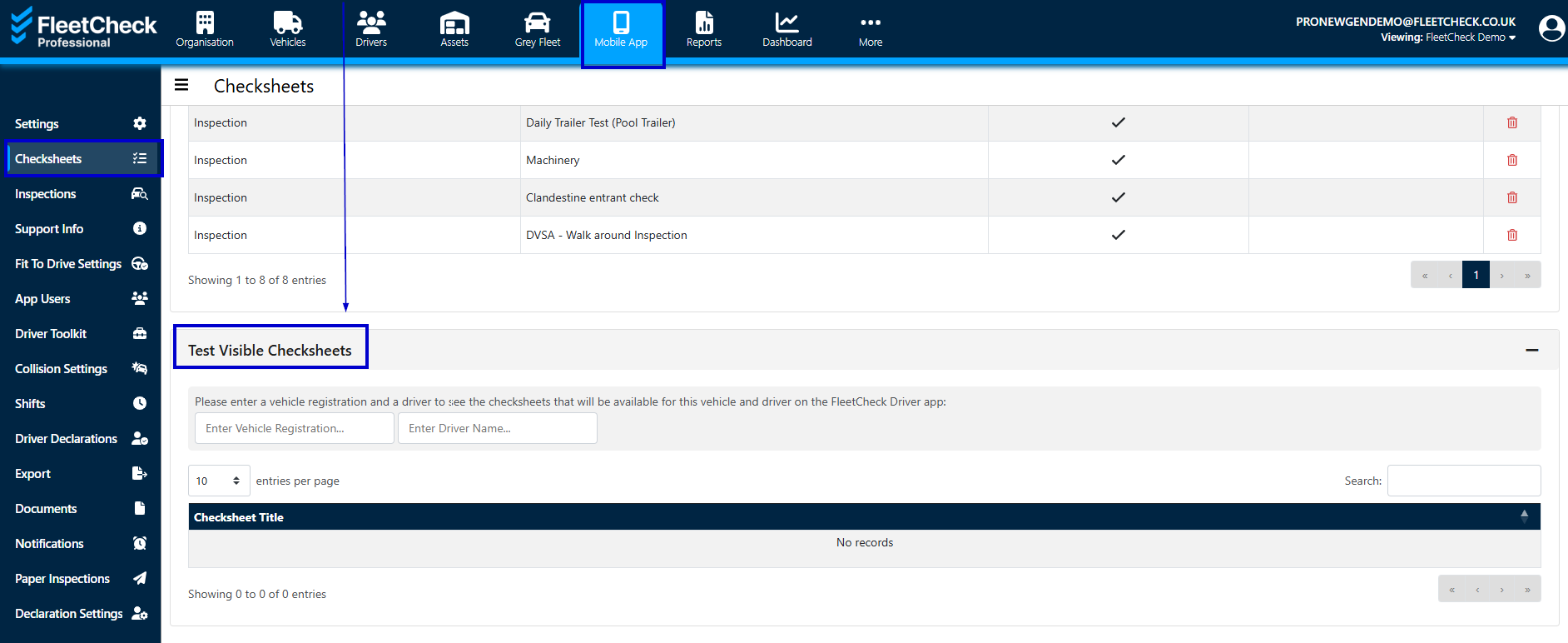
Alternatively, you can follow the below steps to check for any issues with your driver viewing checksheets.
- Check you have a checksheet set up.
You can check if you have any checksheets set up within ‘Mobile Settings’ at the top right and then go to the ‘Checksheets’ tab. If there are no checksheets, you will need to create a new checksheet from scratch or select a template.
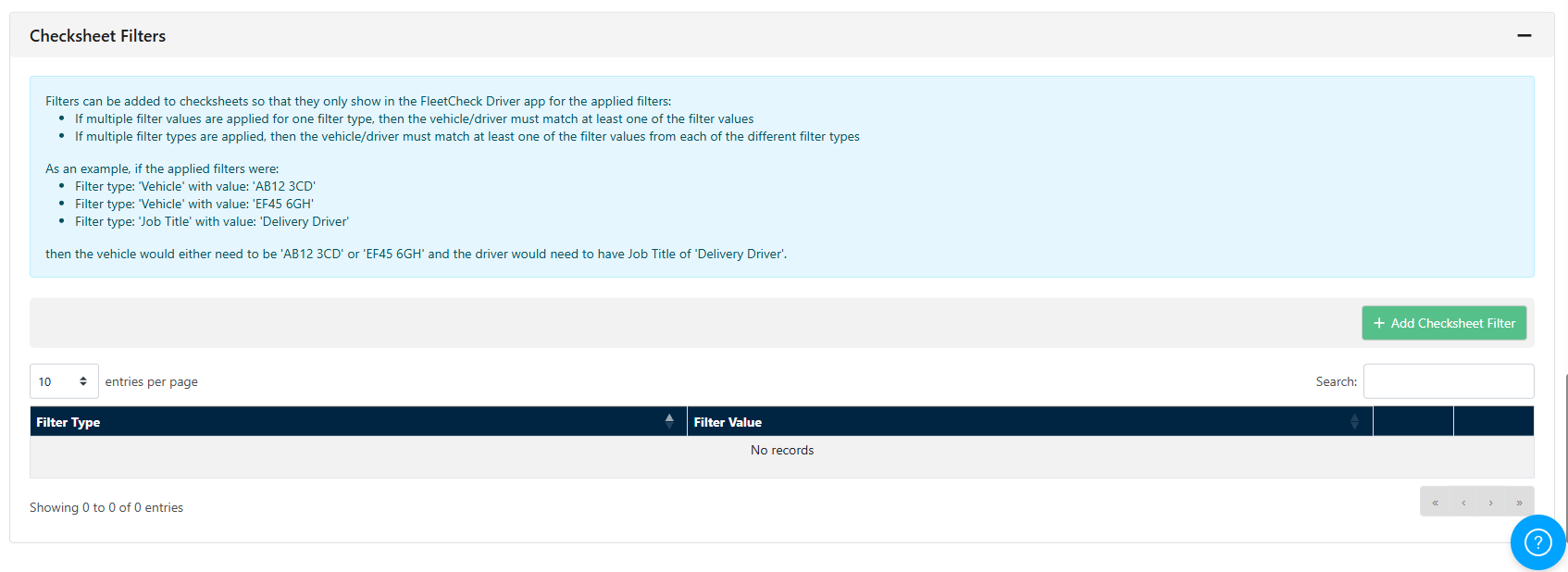
- Check the checksheet has no filters.
If there are any checksheets within this section, you can click into each of the checksheet titles and scroll to the bottom. There is a ‘Checksheet View Filters’ header where you can see if there are any restrictions.
If you have entered selected vehicles to view the checksheet, you may need to add any new vehicles to the filters.
- Ask your driver to Refresh the App
When the driver has logged in, just ask them to pull down the page whilst in the app to refresh the app.