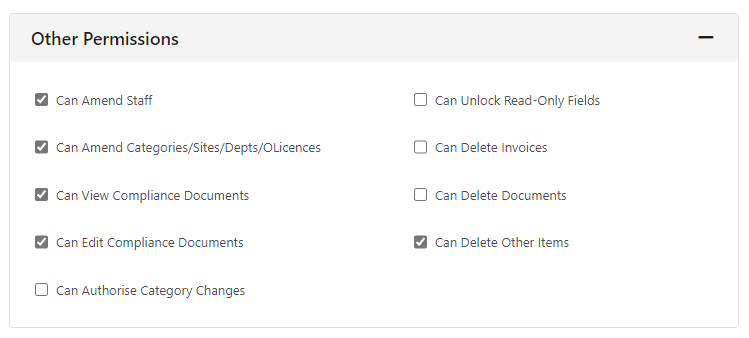
To delete anything on FleetCheck you need to ensure that you have the correct staff permissions set up. This is found within Admin and then Users, then find your User details.
Once you have gone into your username ensure the following area is ticked within the ‘Other Permissions’ section
If you are unable to access the Users area on the system, it might be because you don't have the necessary Permissions. If this is the case, speak to your Transport Manager to confirm your visibility.