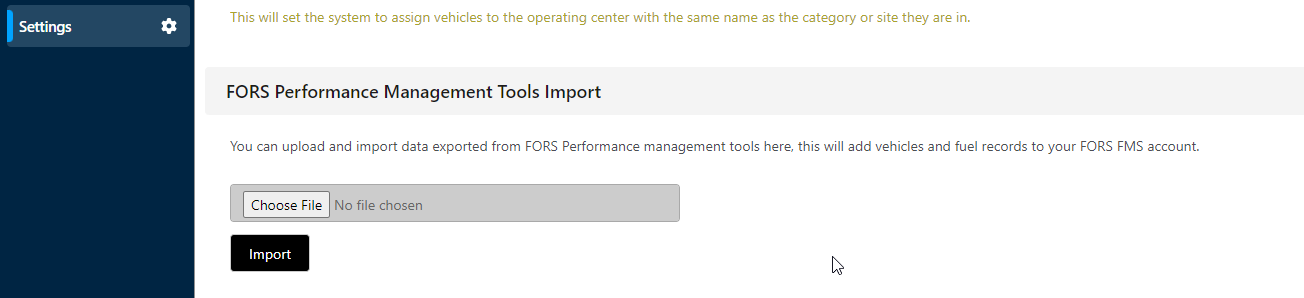
There are optional settings which can enable links to the FORS system. These settings can be found within the ‘FORS’ section and then on the lefthand side under the ‘settings’ tab.
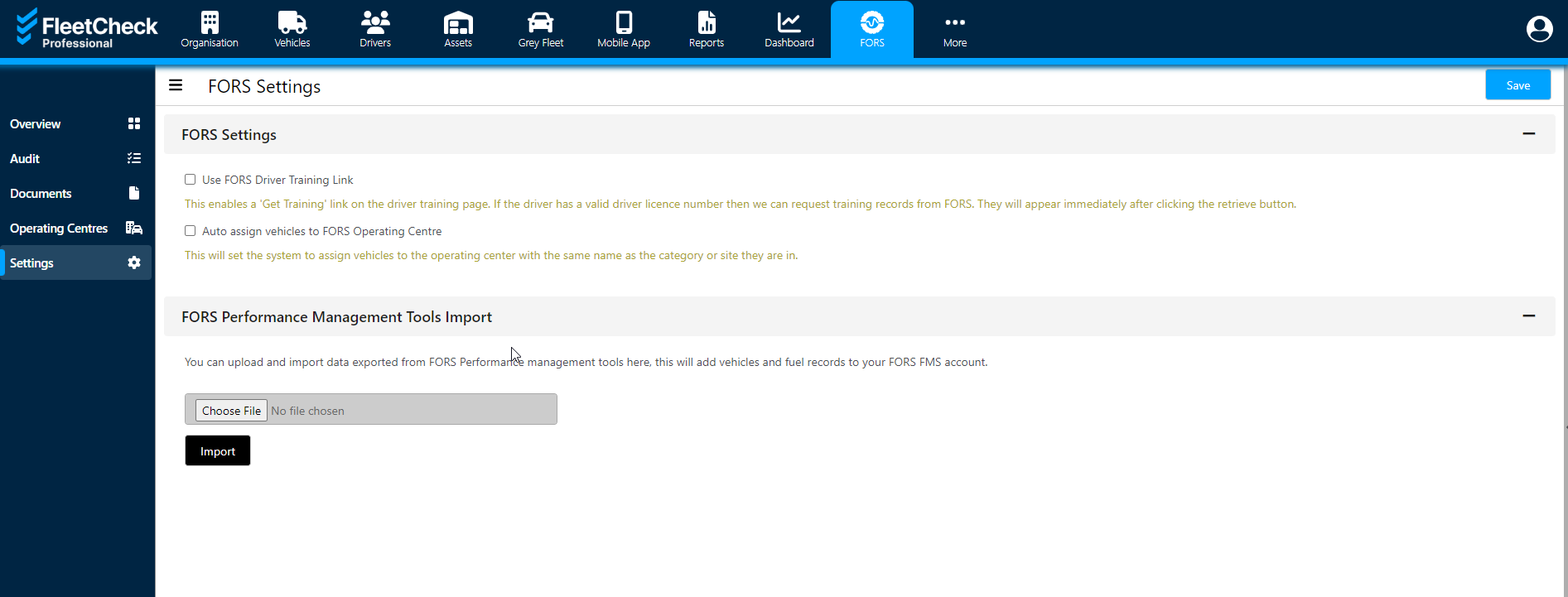
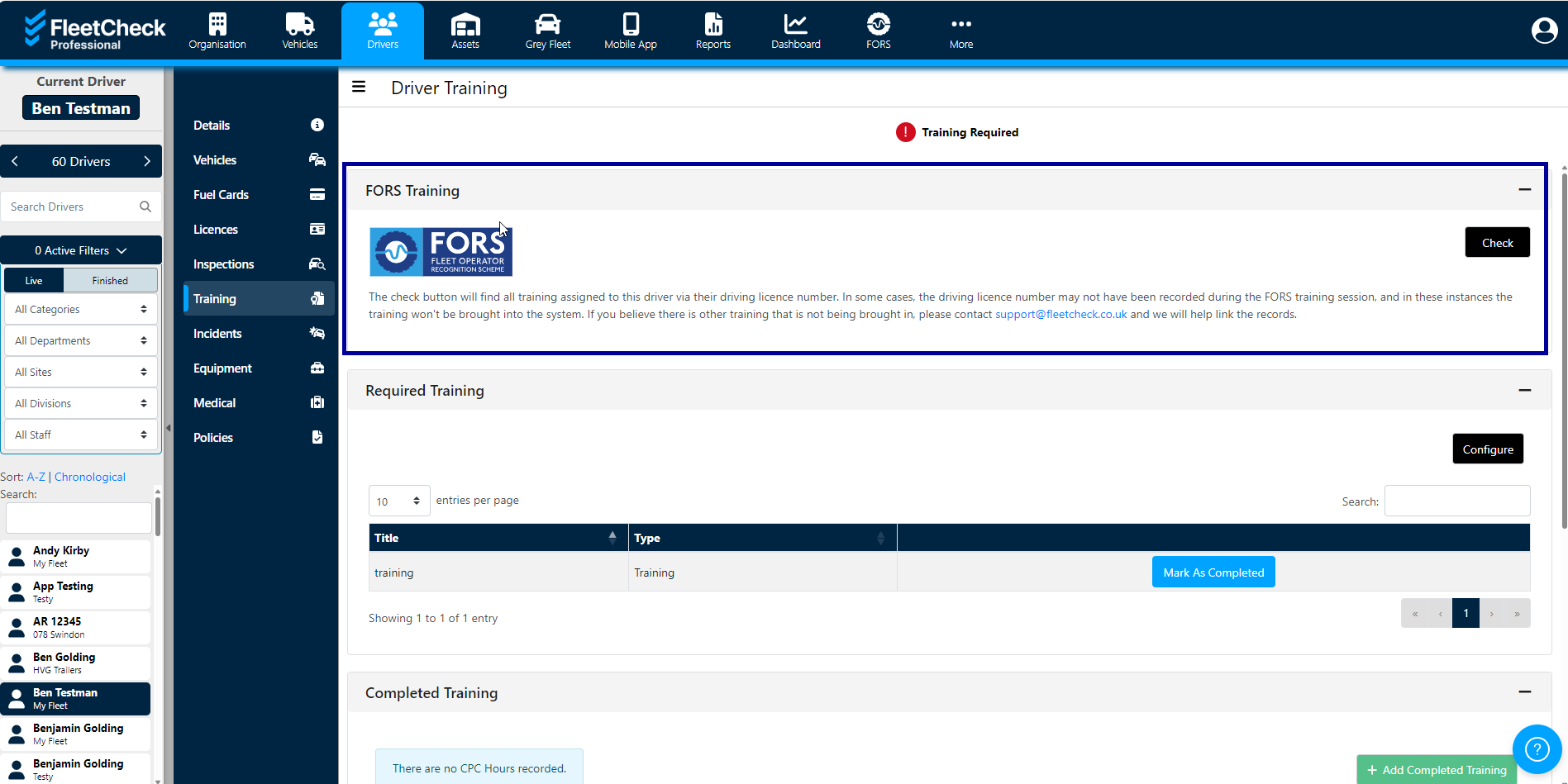
Use FORS Driver Training Link - This enables a 'Get Training' link on the driver training page. If the driver has a valid driver licence number in FleetCheck we can request training records from FORS. They will appear immediately after clicking the retrieve button.
Auto assign vehicles to FORS operating centres - This will set the system to assign vehicles to the operating center with the same name as the category or site they are in.
Then you can either pull through the data for all drivers as above in the FORS section or it can be done individually within the ‘training’ tab for each driver within their individual training record using the ‘check’ button.
Withing the settings area of the FORS FMS software, you can also upload and import data exported from FORS Performance management tools here, this will add vehicles and fuel records to your FORS FMS account.