Dashboard is located within the top menu bar.

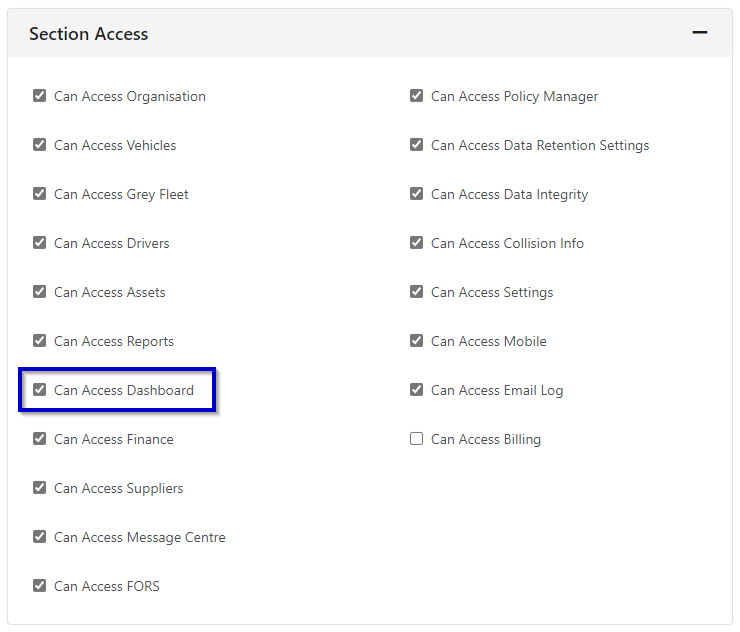
The dashboard plus permission must be enabled within the individuals user permissions in order to access the ‘Dashboard’ view. The Dashboard enables you to see an overview of the data you have within FleetCheck in graphs and charts.
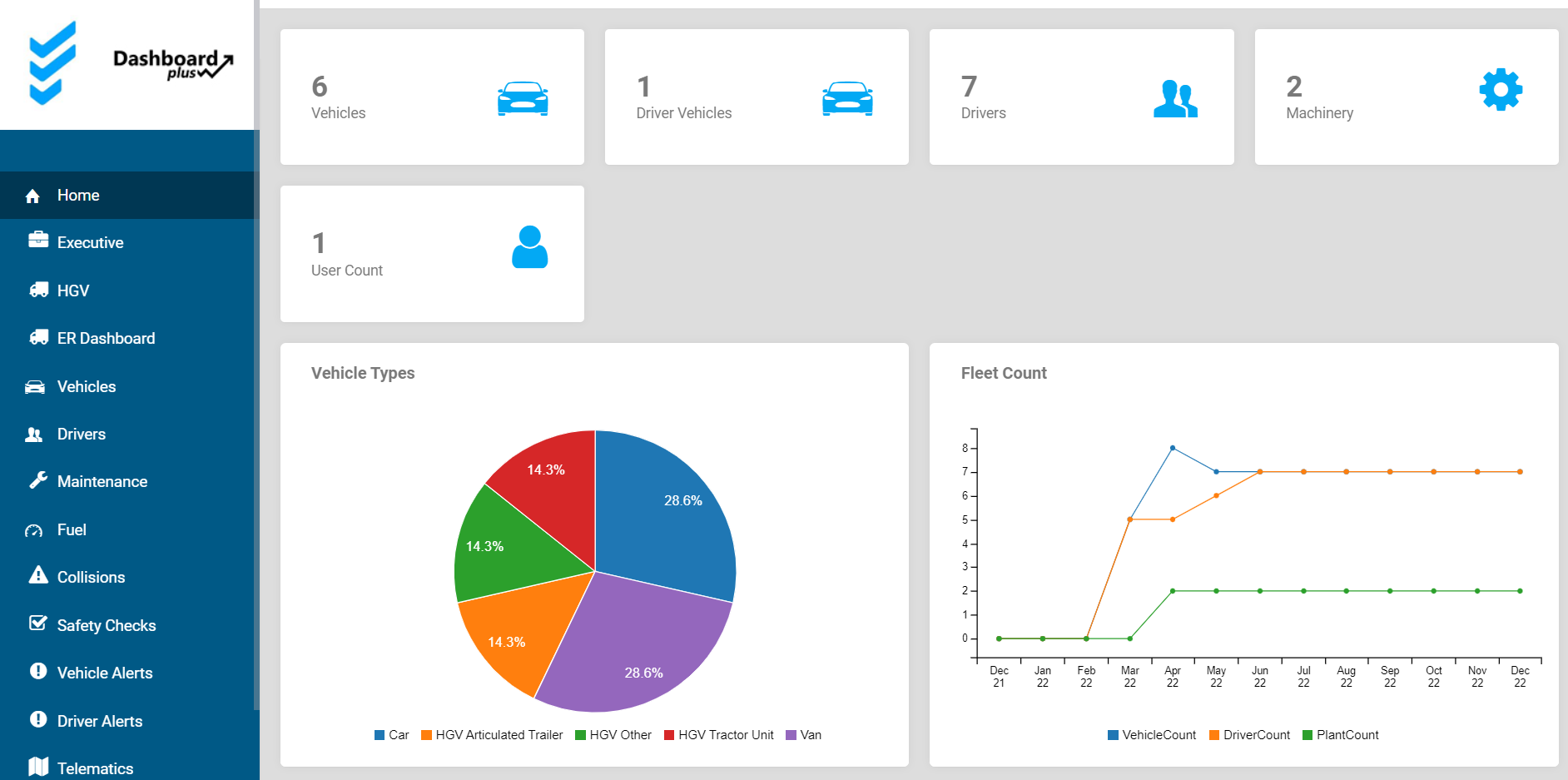
You can navigate the dashboard view using the tabs down the left-hand side of the page to view the different areas and statistics.
A lot of the statistics are run month by month on the Dashboard, meaning it updates at the beginning of every month and only some areas refresh instantly. So please do not panic if certain areas look to be slightly out of date.
You presently do not have the ability to edit or customise your dashboard.