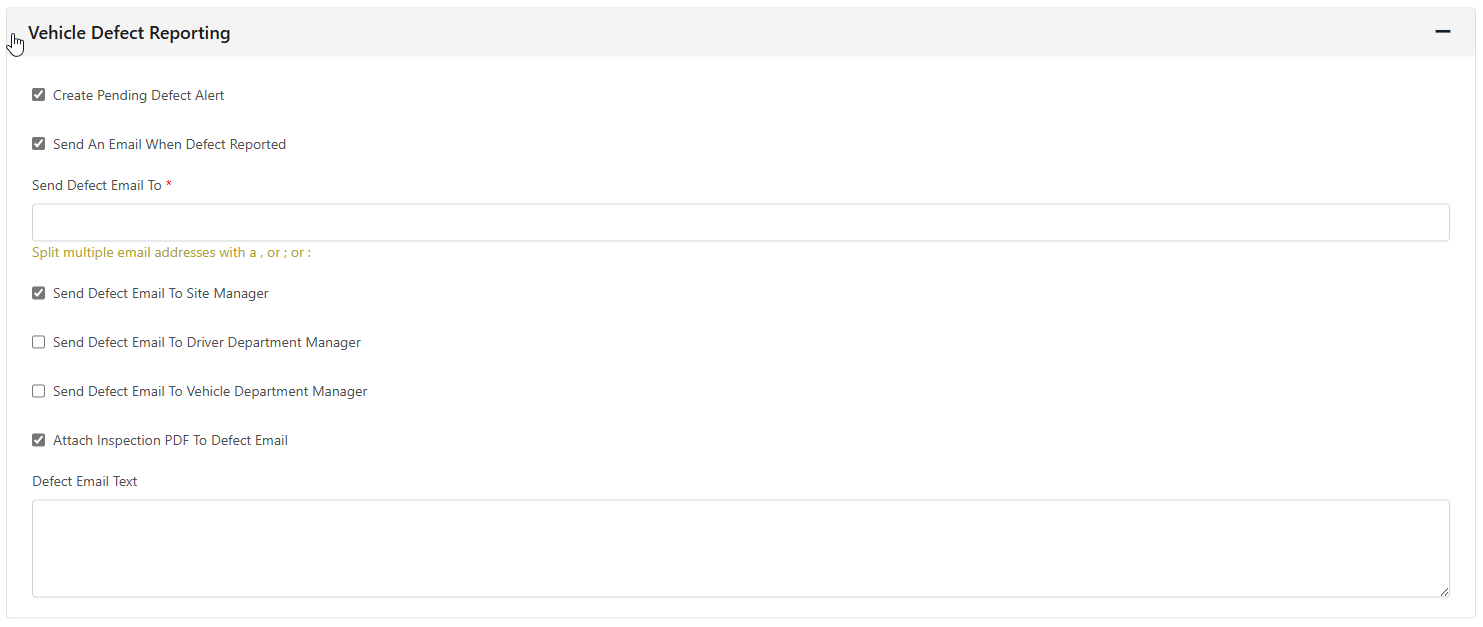
All the settings for the FleetCheck Driver app can be controlled and adjusted by clicking the “Mobile Settings” button from the main menu.
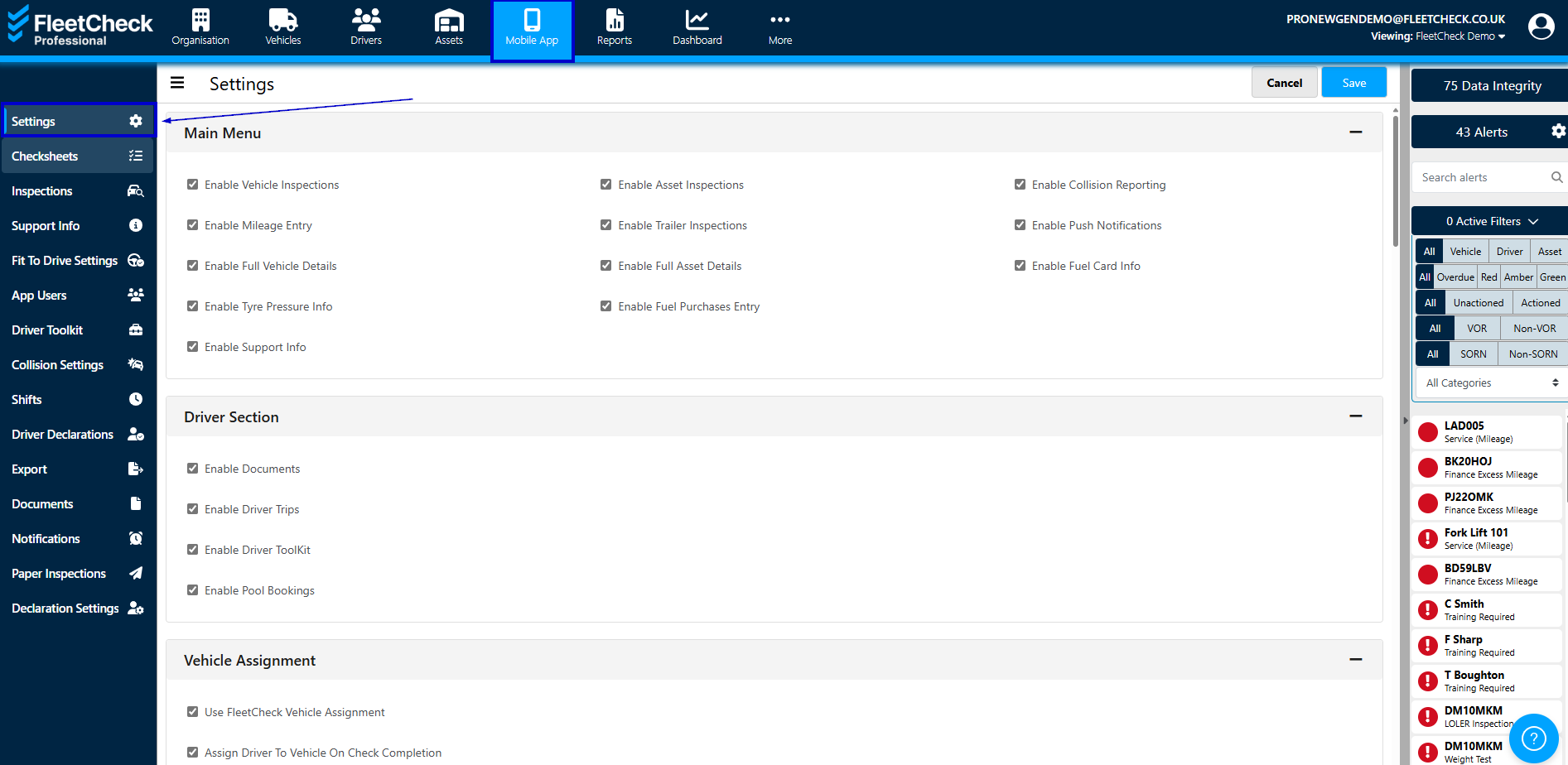
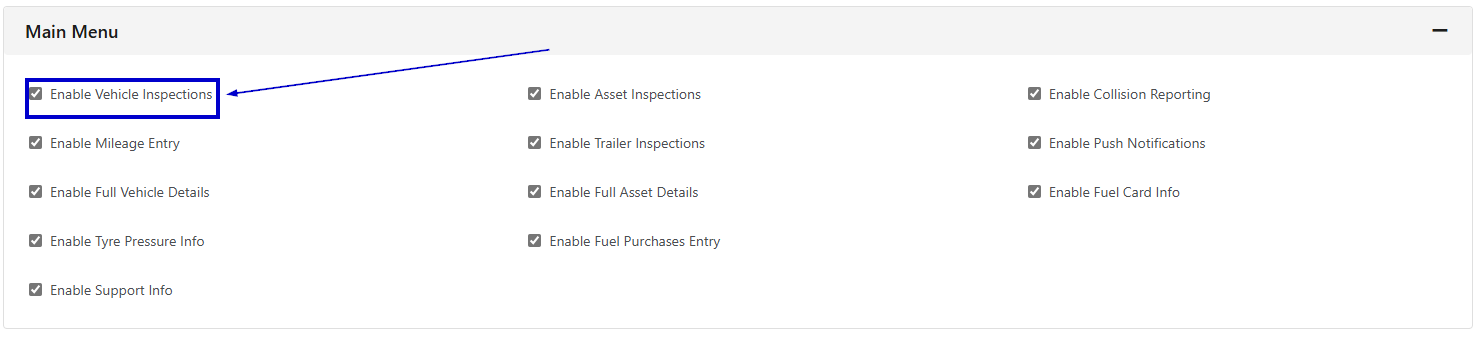
Part of these application settings are the main menu options which allow you to enable/ disable certain functions of the app based on your requirements.
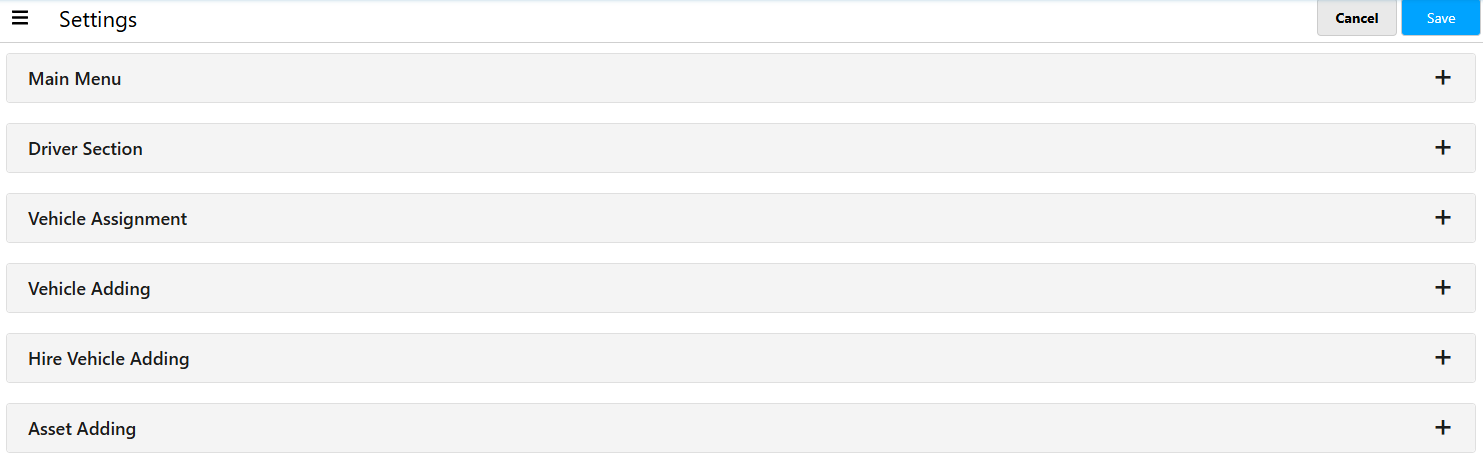
As a minimum, you will need to make sure you tick the box for enabling vehicle inspections, as the drivers will not be able to conduct a walkaround check without it.
Mileage data entry allows drivers to enter their current odometer to the app without having to complete a full check on the vehicle. This could be useful if you prefer to get a start and end mileage of a driver’s shift.
A lot of the settings are self explanatory but if you are using FleetCheck Professional we have our Drivers Section that will need looking at within Mobile App settings. This needs to be checked if you wish your drivers to be sent Documents that will store on their phones -

The incredible advantage to the walkaround check app, is that the system will tell you which driver completed a check on a particular day, therefore giving you complete visibility of who was driving what vehicle on what day for the entire time your drivers have been using the FleetCheck app.
It is a 100% worth your time going through the Settings on Mobile App ensuring you are enabling all the areas you require and you have set up email notifications as desired etc -