When adding documents to the system, there are a number of settings which can be turned on or amended within the system.
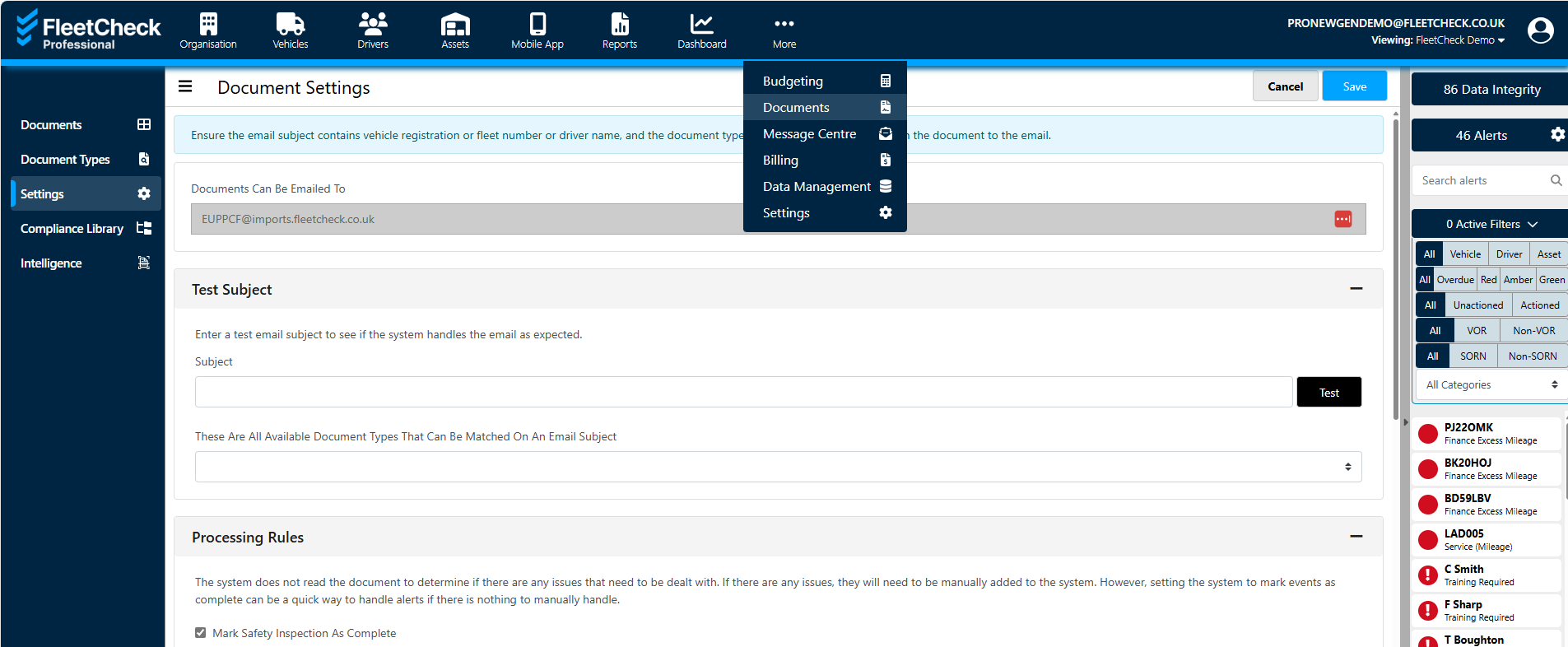
You can access the settings via ‘Documents’ on the top main menu and then the ‘Settings’ tab on the left.
Within this tab you can test email subjects to see if they would be stored correctly

you can enable rules for documents such as Safety Inspections and MOTs as well as choose your document archiving rules.
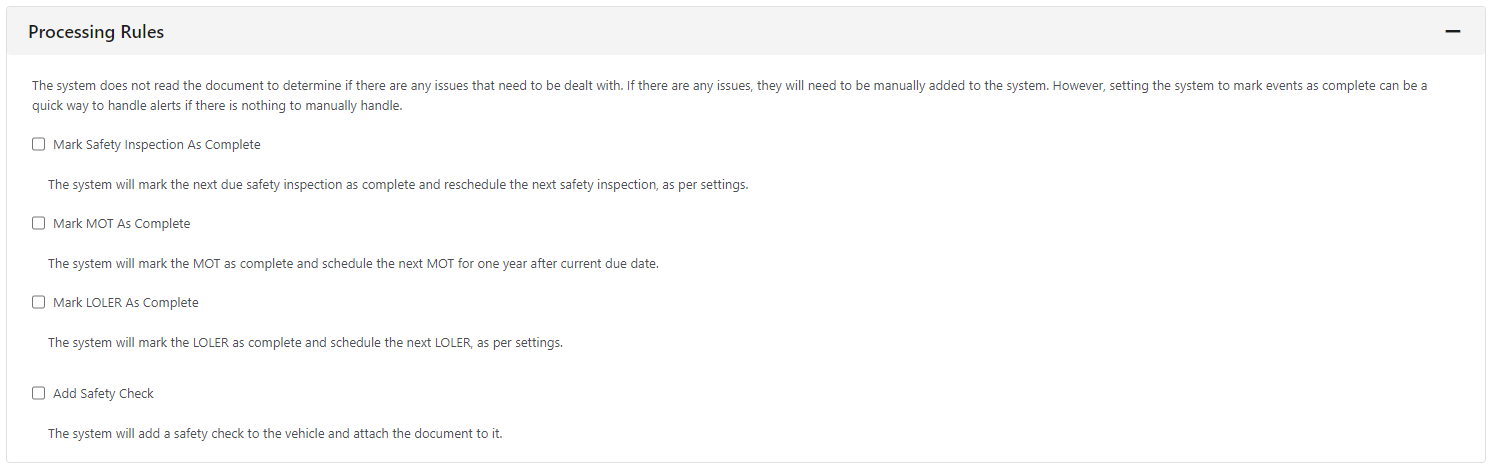
The processing rules can be set to reschedule inspections, MOTs etc in a quick and simple way. The system does not read the document so will not enter any defects found during an inspection or pick up a date of the past.
You can also set up Document Archiving

This will archive any documents that are of an archivable type and older than the specified month period. Archived documents are still held in the system, but are not listed by default. You are able to choose your own archive time.
At the very bottom of this section, you are able to set up Dropped Files, so if any files need to be dropped rather than imported they can be entered here. e.g. mail footers. Meaning your account could be less cluttered and just including the most important fleet data.