Creating
Periodic alerts are custom alerts which can be set up by yourself against an asset, vehicle or driver. You can schedule it to generate regularly over a set number of days, weeks or months. You can set up a periodic alert within ‘More’ at the top of the page and then the ‘Settings’ tab and then Periodic Alerts
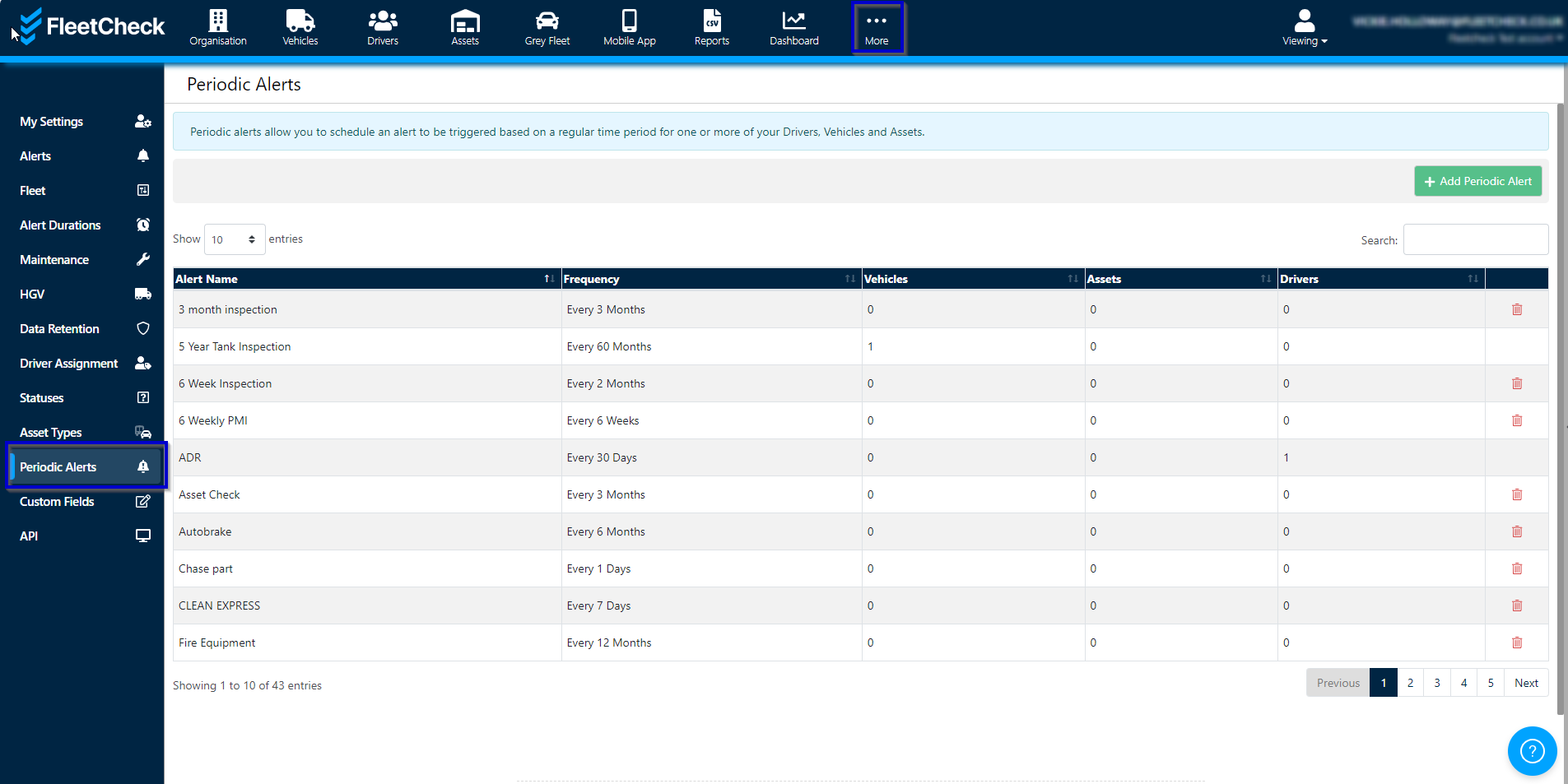
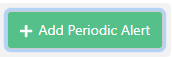
To create a Periodic Alert we need to select
You will need to give the alert a name and a frequency here.
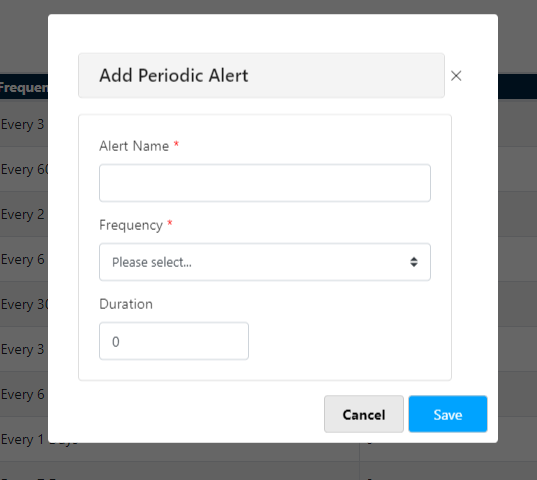
And then select Save.
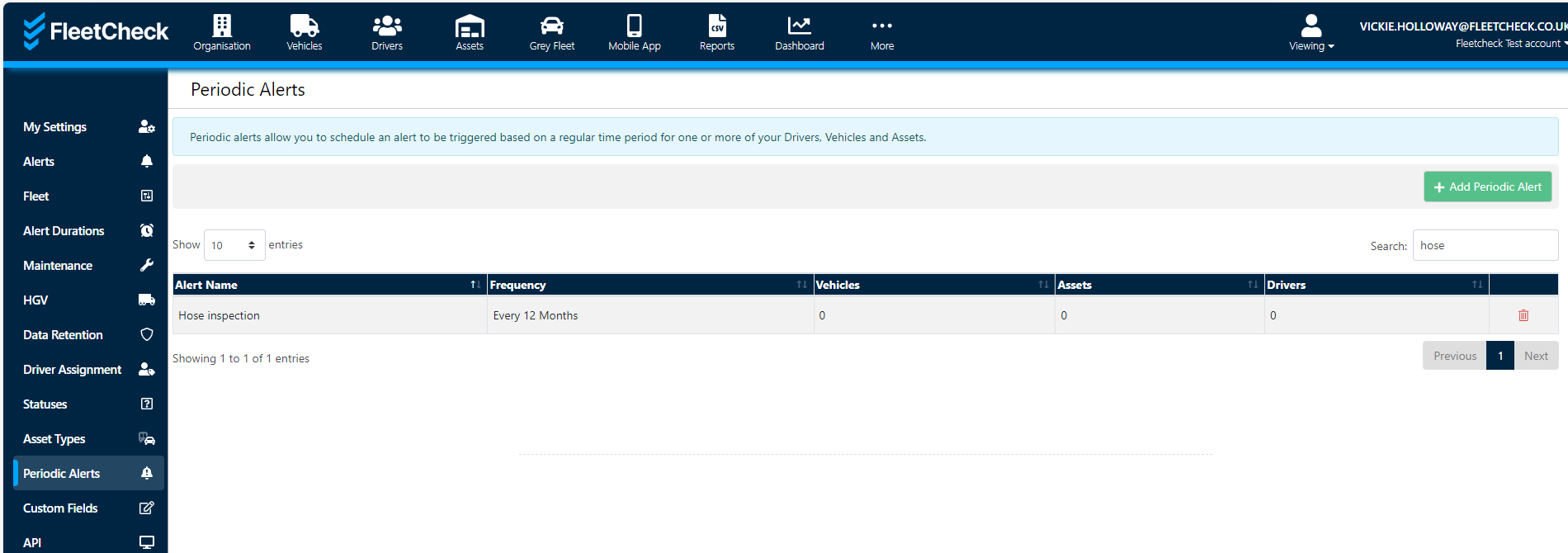
You have then created your own Periodic Alert.
Assigning
To assign a periodic alert to a Vehicle/Driver/Asset you will need to go into the item/person in question.
In Vehicles you need to go into the details area of the Vehicle, scroll all the way down to the bottom and you should then see Periodic Alerts
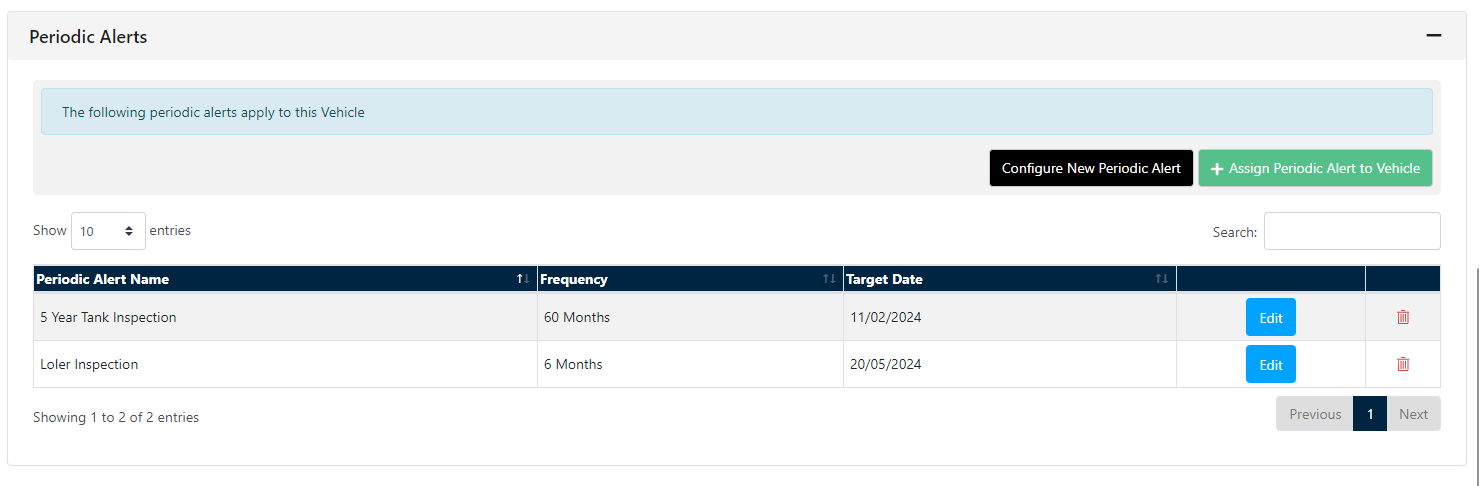
You can select the relevant alert from the dropdown and enter when the alert is next due and then click the ‘assign new alert’ button and this will then follow your traffic light alerts schedule on the right-hand side.
In Drivers to assign a Custom alert is located within the Drivers details, scroll all the way down to the bottom and you should then see Periodic Alerts
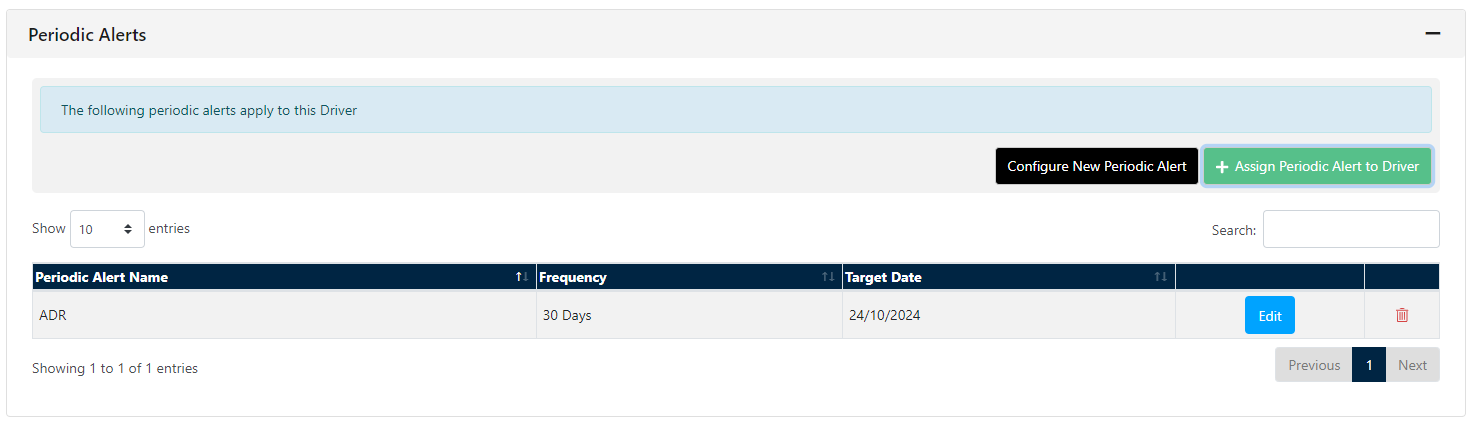
You can select the relevant alert from the dropdown and enter when the alert is next due and then click the ‘assign new alert’ button and this will then follow your traffic light alert schedule on the right-hand side.