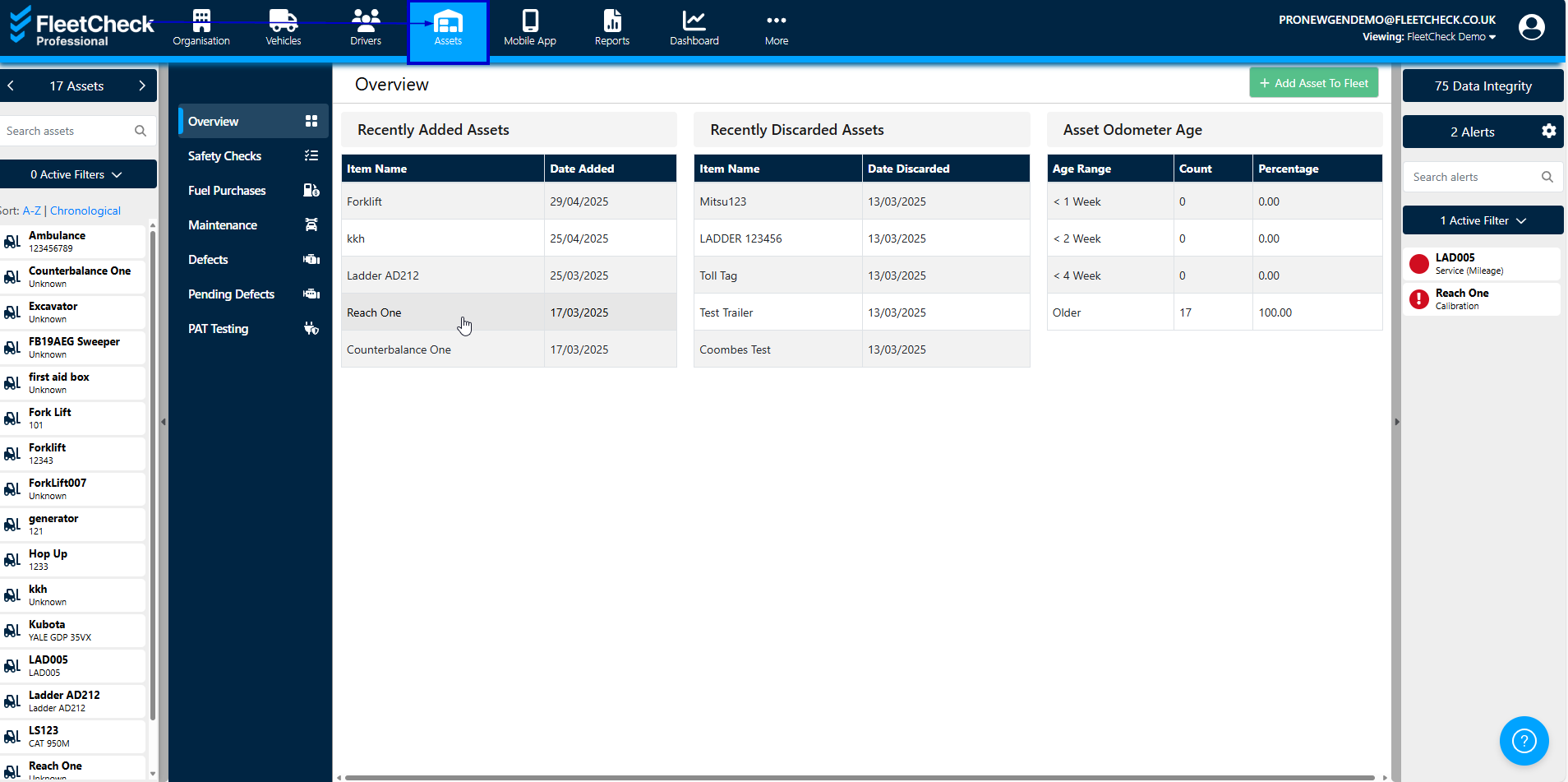
On the FleetCheck Professional package you have the ability to manage your companies assets.
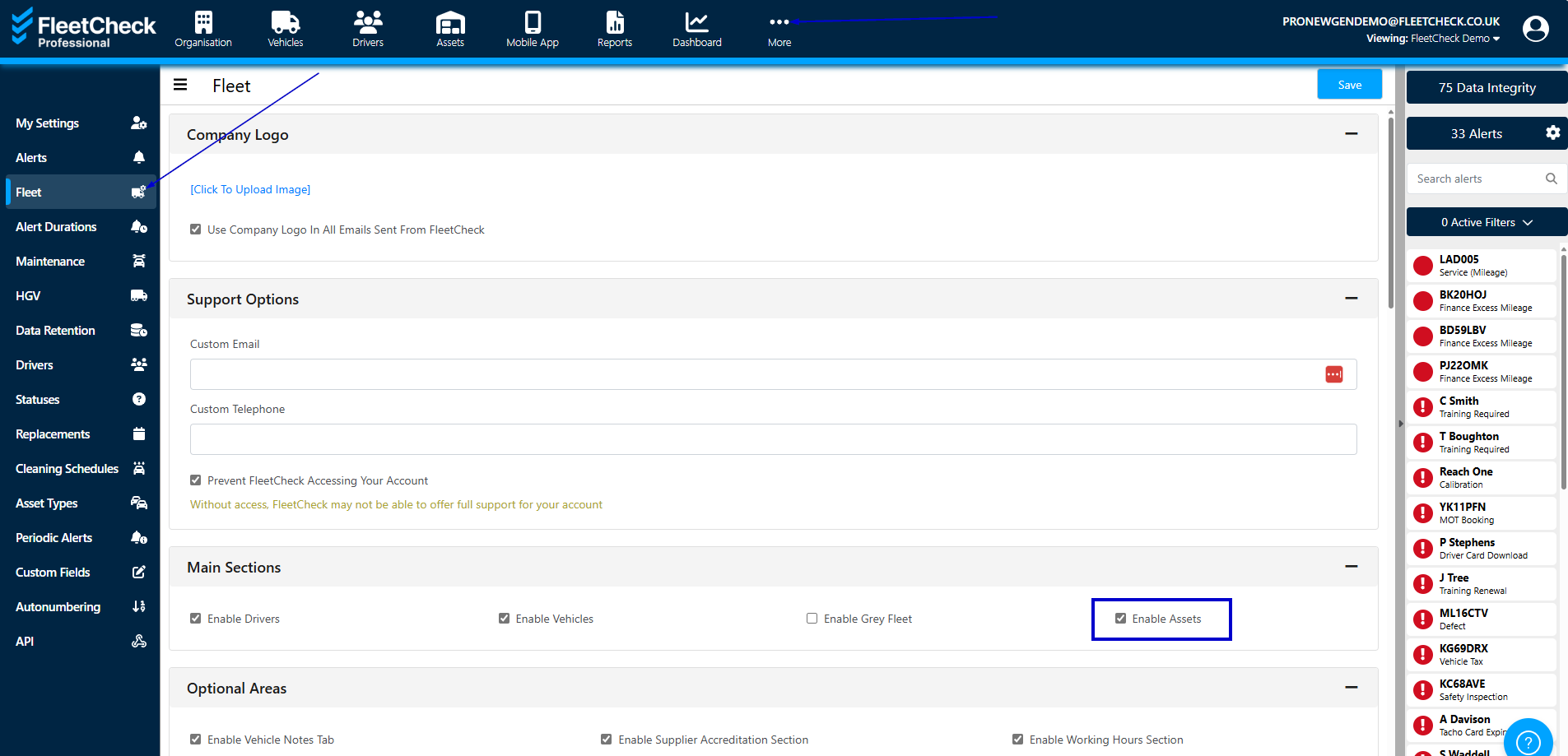
To take advantage of the asset feature on the software, you will need to enable it within the settings area and selecting fleet and then Main Sections and Enable Assets
Once Assets has been enabled the Assets area will be located on the horizontal menu bar at the top of the page. It is within the Assets page that you are able to administer your Assets, view the recently Added, Discarded and Asset Odometer Ages.