To keep track of your Vehicle Hires in FleetCheck Professional you are able to collate the information within the Hires section on the software.
Hires are located within the left hand side menu under the Vehicles tab
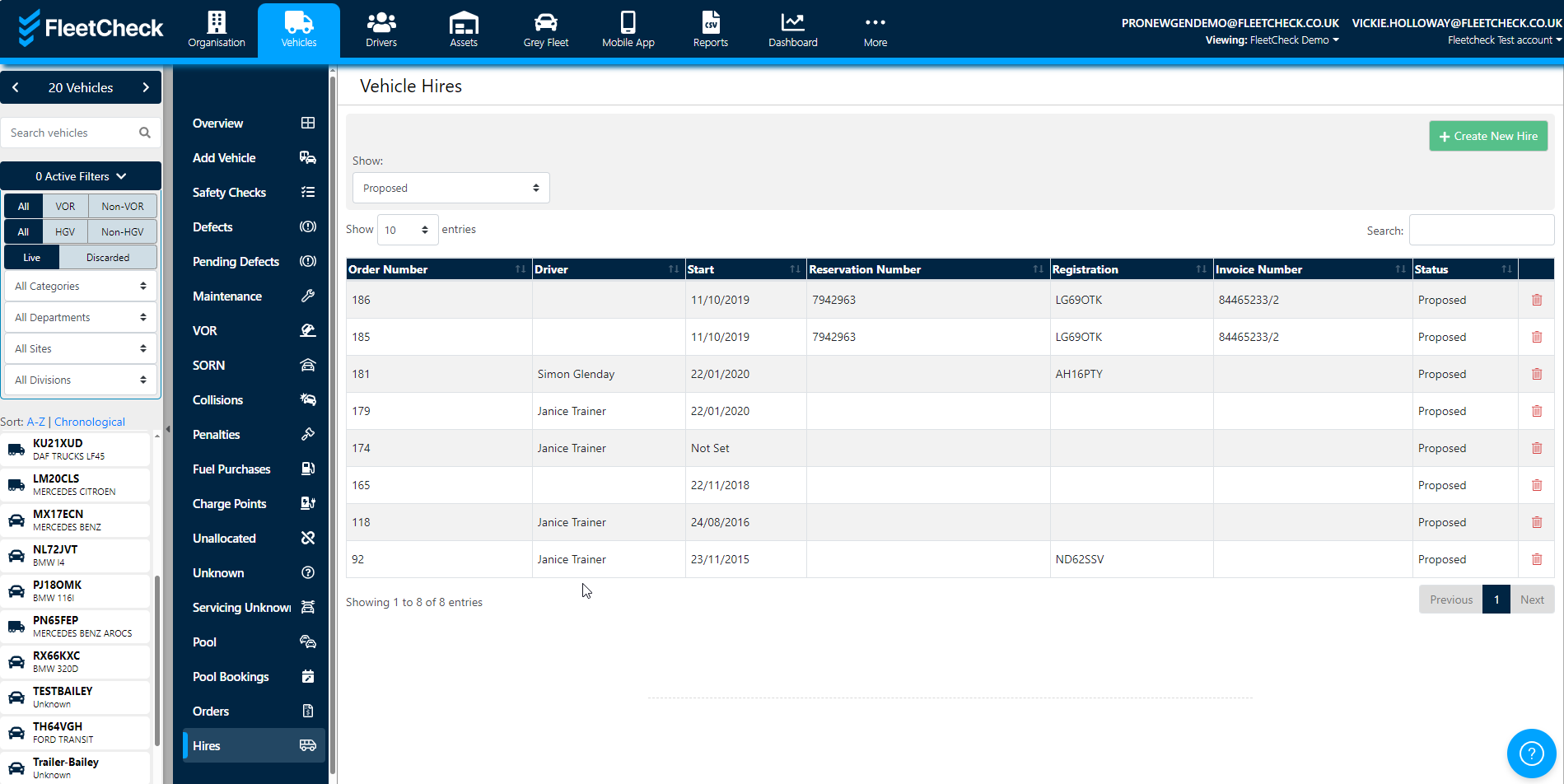
You can Add Vehicle Hires by selecting the green button. 
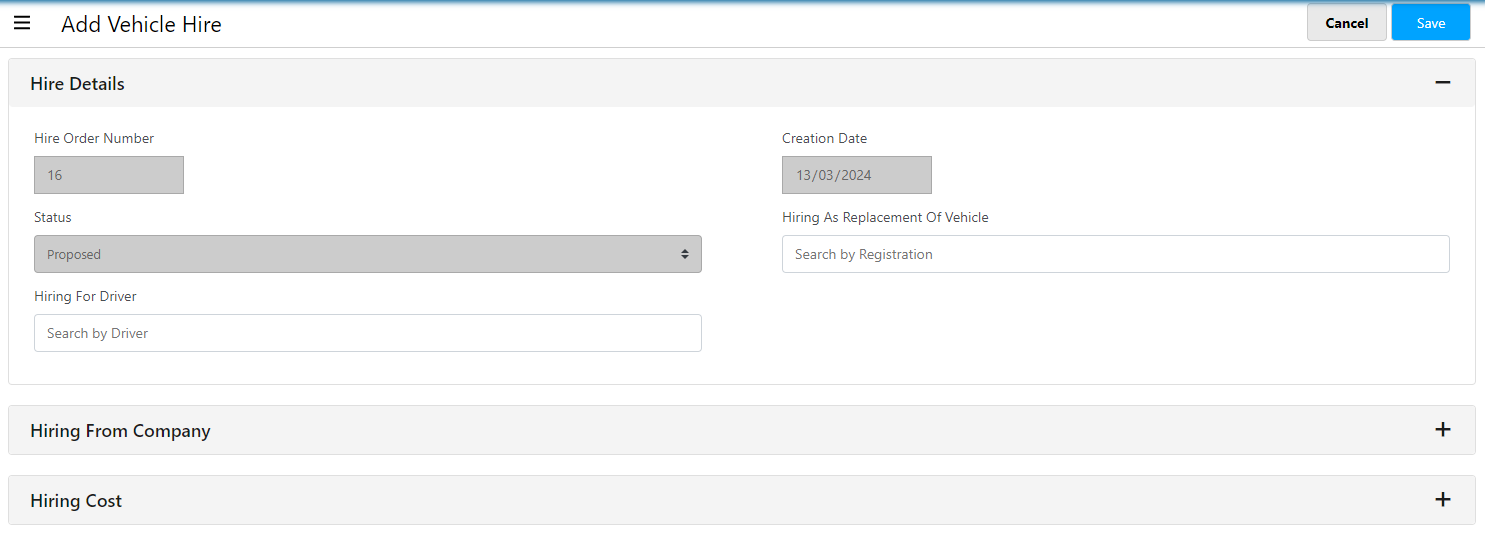
This will then allow you to add the vehicle hire details, hiring from company details and the hiring cost information -
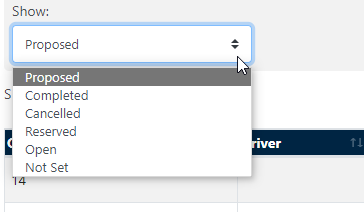
You are able to view all the Vehicle Hires by using the dropdown filters to drill down into the hiring information on the fleet
Hires is a really useful area within the software that allows you to collate and document all the Costs, Charges, Documentation etc relating to your Vehicle Hires on FleetCheck Professional.