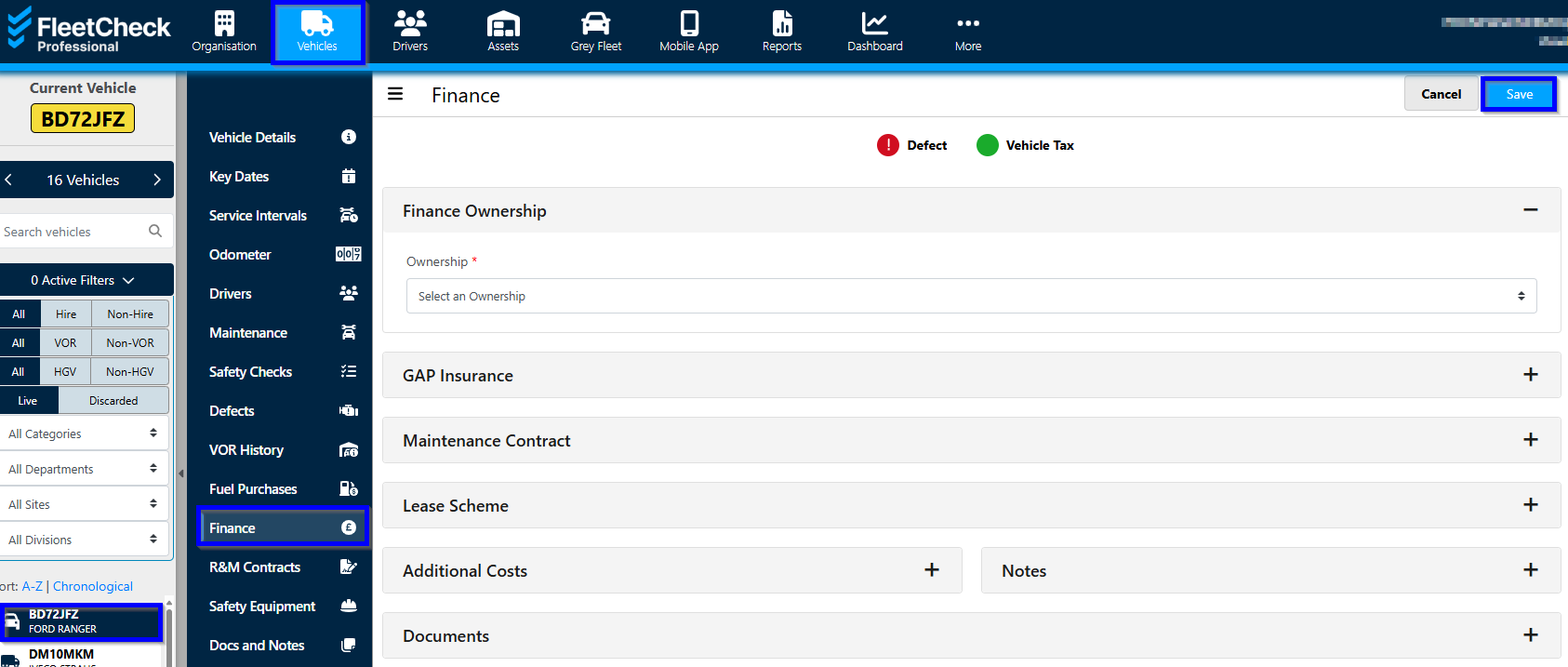
In FleetCheck’s ‘Vehicle’ main tab and by clicking on a specific registration you can add financing information which enables you to receive reminders and run reports on vehicle costs.
The vehicle finance page can be selected from the vehicle tab list when you are viewing a vehicles information.
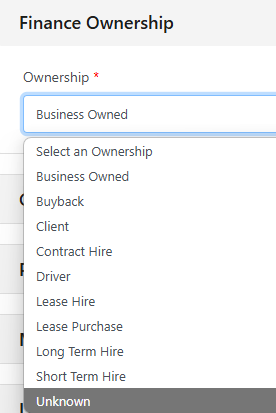
Within the Finance Ownership section, simply determine the ownership of the vehicle in question. With it being Lease Purchase and Business Owned.
GAP Insurance
Within the GAP Insurance you can add the Insurer, Policy number, cost, the term and the effective/expiry dates.
Purchase Details
Within the purchase details, you can add the purchase date and amount and mileage. This helps when you would like to discard the vehicle from your fleet to calculate the depreciation values such as life depreciation, book value and defleet date based on the mileage.
Maintenance Contract
If you have a Maintenance contract with your vehicle, then you can use this area to keep track of the details. The system will then be able to give you an alert when it is expiring.
Lease Scheme
In this section you can add information such as the vehicle grade, the driver grade, P11D value and any contributions or costs.
Any Additional Costs can also be included on this page, as can Notes.
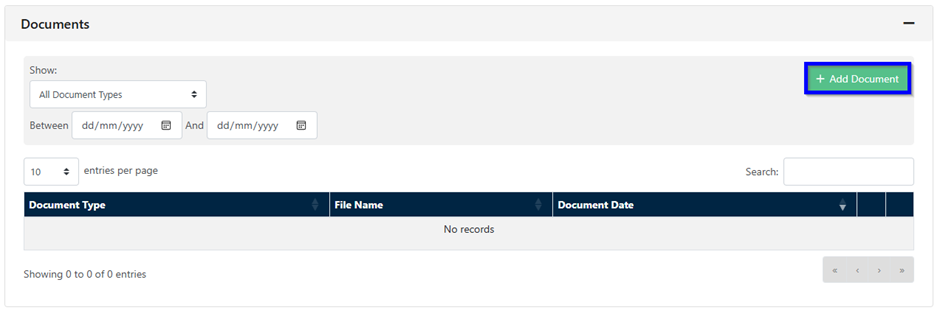
At the bottom of the Finance area, you can detail your Documents, this is where you can Add Documents and search document types.