There are many settings for HGVs and the safety inspections which can be changed within ‘Settings’ and then the ‘HGV’ tab.
If your HGVs have a fridge or a tail lift, you can enable the specific tabs for these within this page.
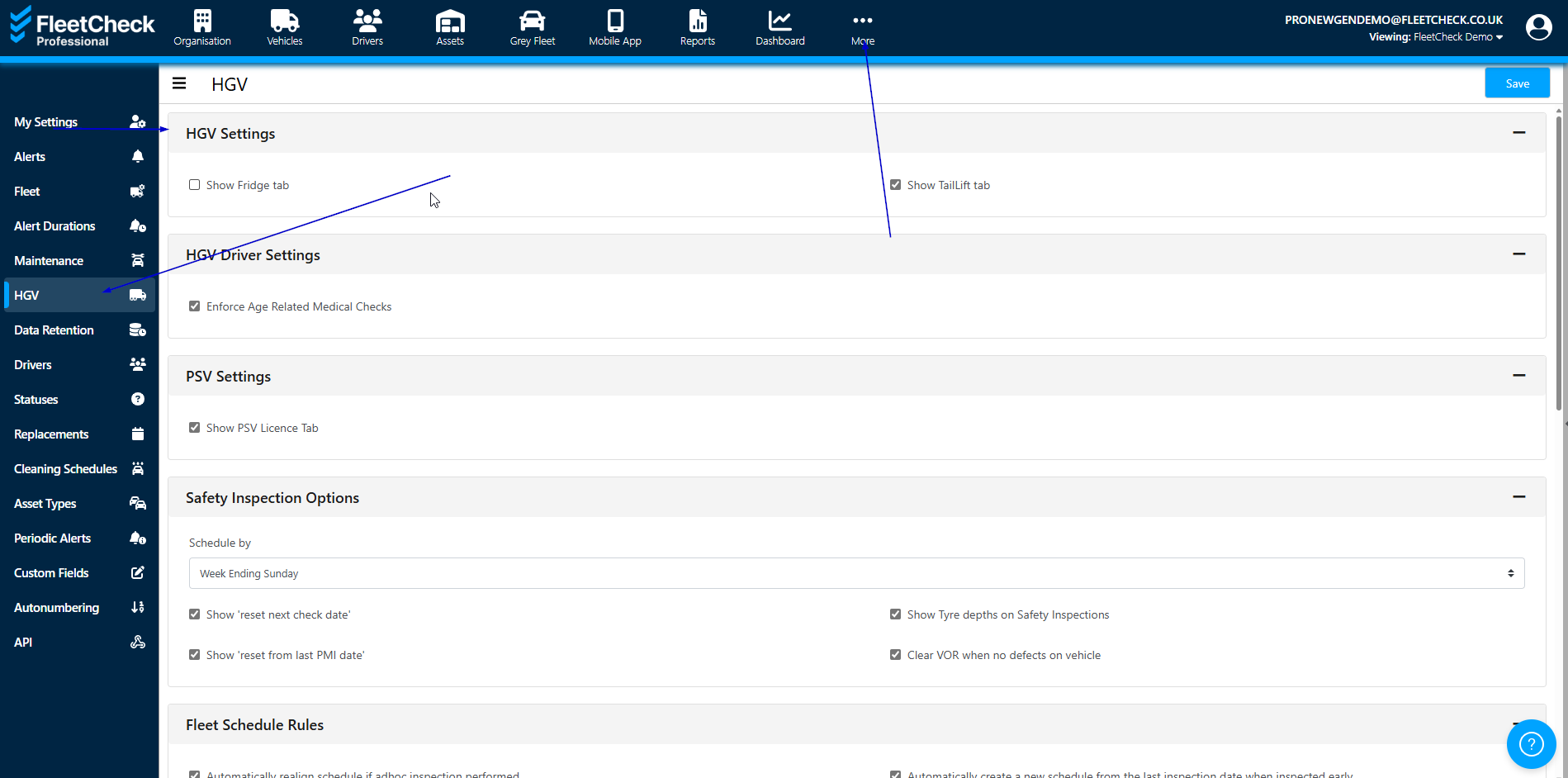
If you enable this section, you will have visibility on the left hand side menu of the screen

The ‘tail lift’ tab enables you to set a frequency for inspections and select if a weight test was carried out.

To enter in a Tail lift inspection select
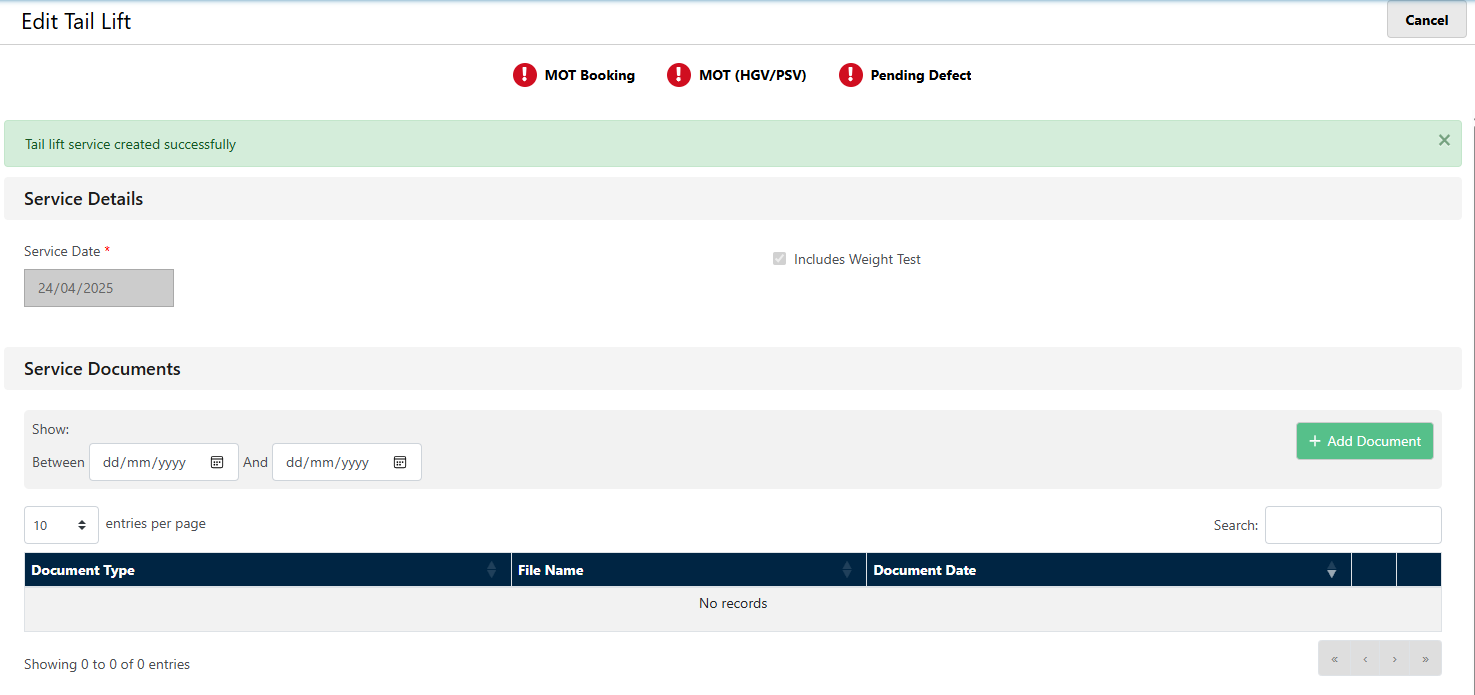
And then complete

Once you have entered the tail lift date etc, this will take you through into an area where you are able to upload supporting documentation
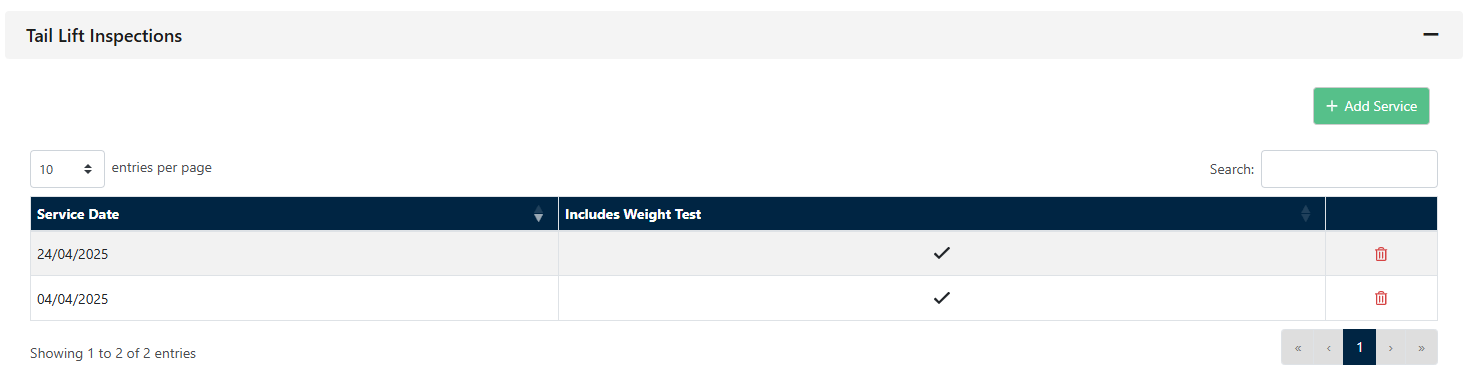
Once completed the newly entered tail lift details, will display within the Tail Lift area of the vehicle, making it easy for you to find.
Simply by selecting the frequency in the drop down for the Tail Lift inspection frequency you will start to receive alerts for your vehicles with tail lifts.