In FleetCheck you can keep a log of the vehicles that you need to SORN.
You need to make a SORN (Statutory Off-Road Notification) when you take a vehicle ‘off the road’ and you want to stop taxing and insuring it. A SORN notification is used to inform the Driver and Vehicle Licensing Agency (DVLA) that you are registering a vehicle as off the road.
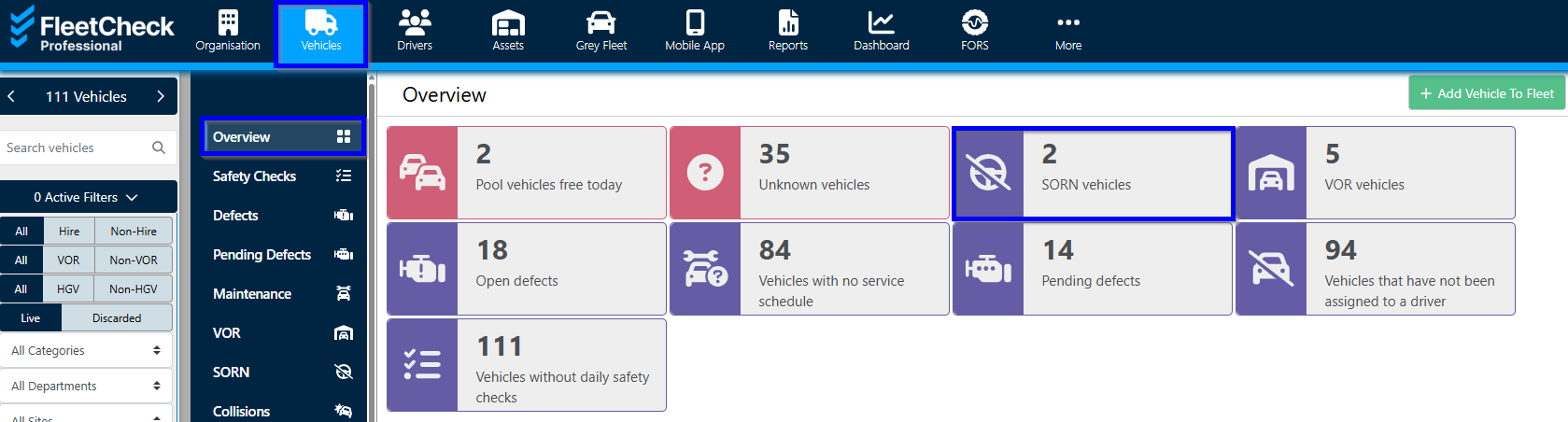
You can view your SORN vehicles on the 'overview' page on the 'Vehicles' tab.
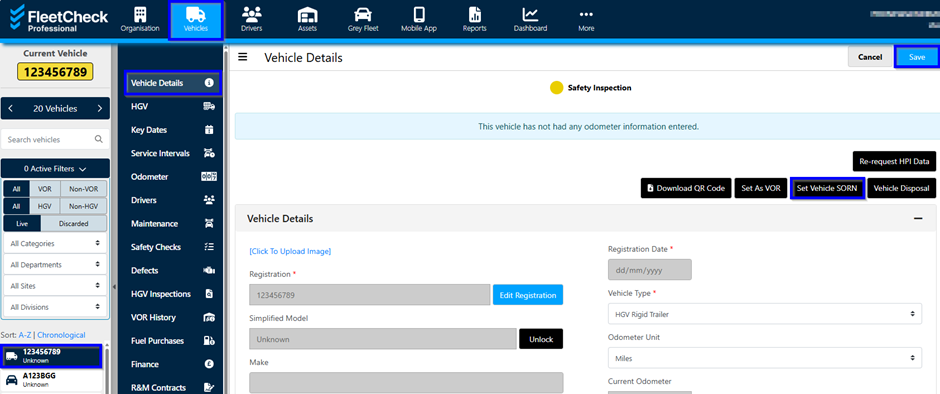
To set your vehicle as SORN simply click on the vehicle’s registration and in the ‘Vehicle Details’ tab click on the 'Set Vehicle SORN' button.
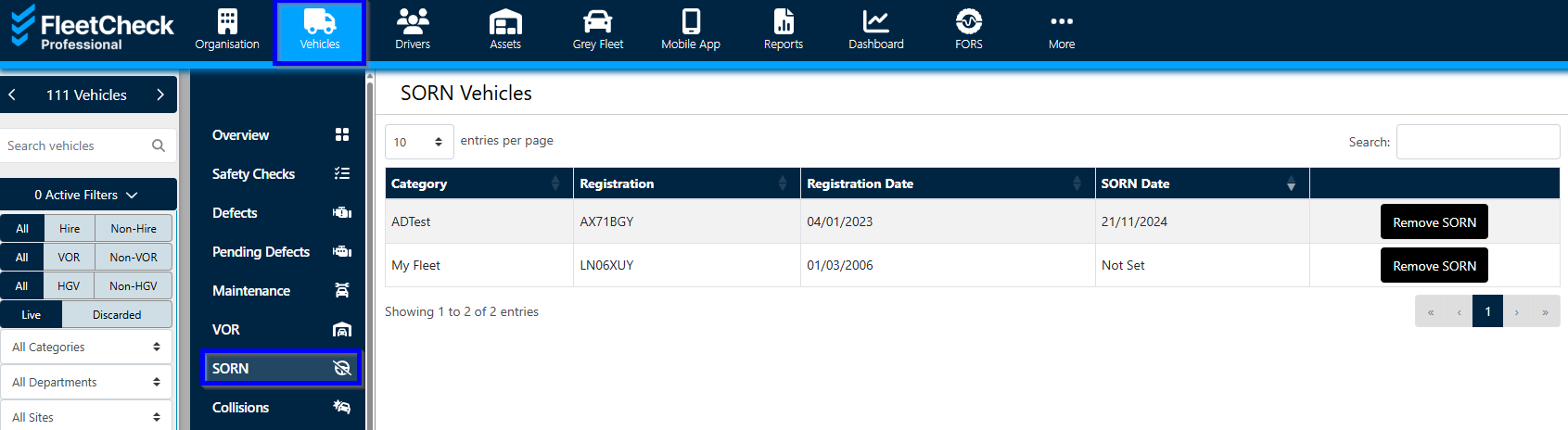
 To keep track of your SORN vehicles within the software you can view them in the SORN tab as shown below.
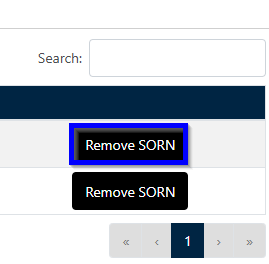
You can remove the SORN by simply selecting 'Remove SORN'.