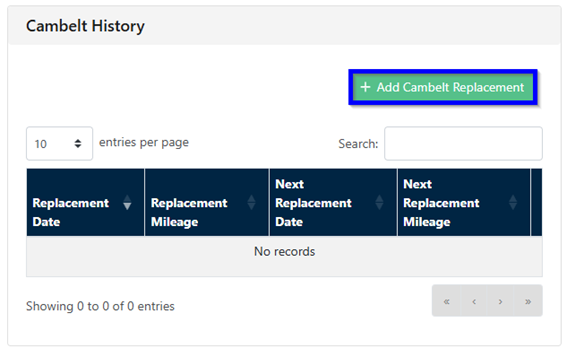
On the FleetCheck software you might find one of your alerts is a Service alert, or even a Cam Belt alert.
Within the FleetCheck Service Interval area you can determine the service intervals and/or the next service mileage. You can find this area by clicking the main ‘Vehicles’ tab, then by clicking a vehicles registration and then in the ‘Service Intervals’ sub tab on the left.
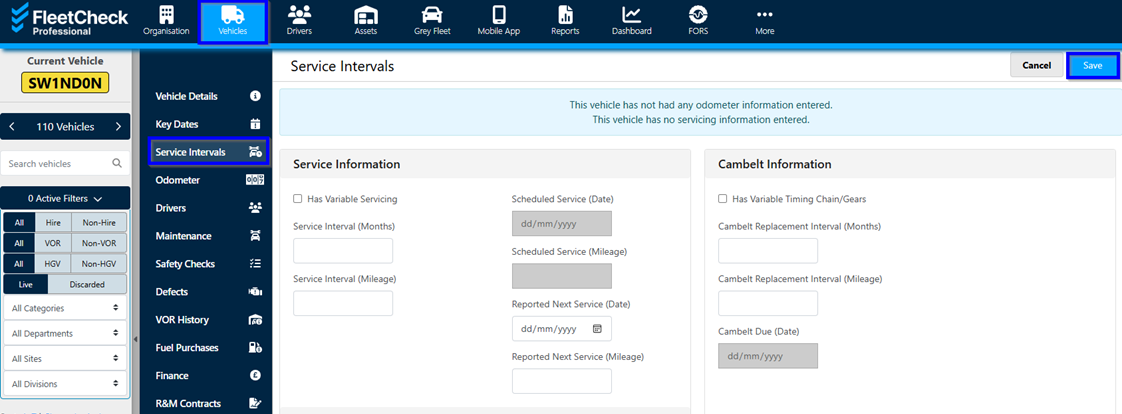
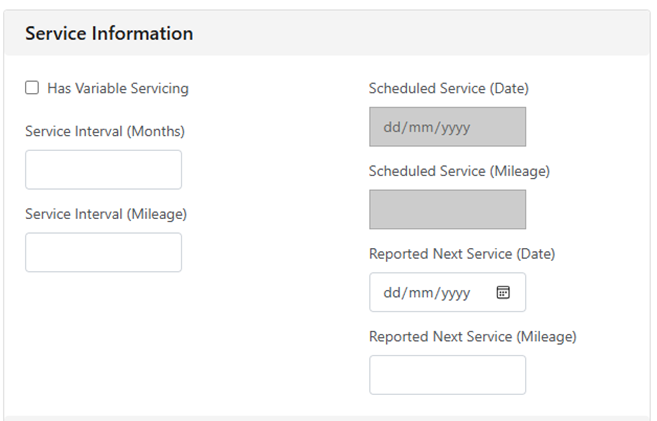 Once you have entered this information into the system, we can get these alerts cleared.
Simply scroll down and then you have the Service History area.
To clear the alert, we require the last service date and the mileage at last service. Based on what you enter in and what you have entered the above FleetCheck Servicing area, your alert will be cleared until the service is due once again.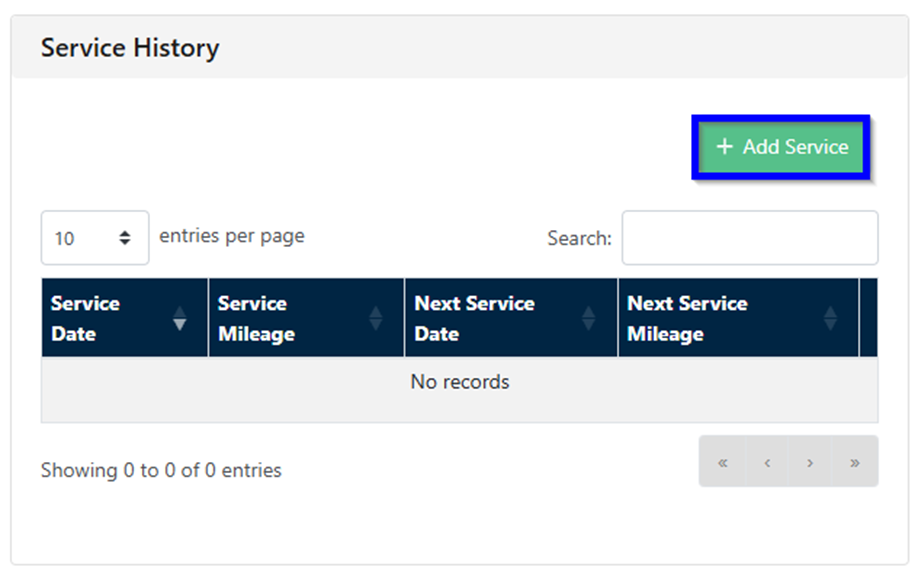 The same can be said for any Cam Belt alerts you might get; to clear the alert we require the last replacement date and the replacement mileage.
Based on what you enter in for the Cam belt and what you entered the above FleetCheck Servicing area, any Cam Belt and Service alert will be cleared until the service/cam belt replacement is due once again.