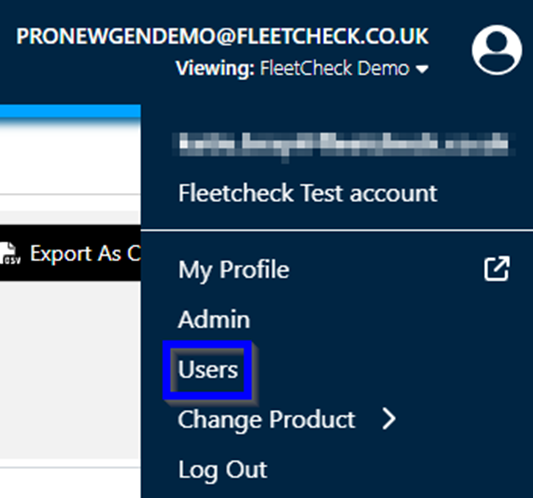
To remove a User from the system, click the profile icon in the top right corner of the screen which will take you to a drop-down menu where you can click ‘Users’.

Once you can see the list of Users, click on the one you want to delete.

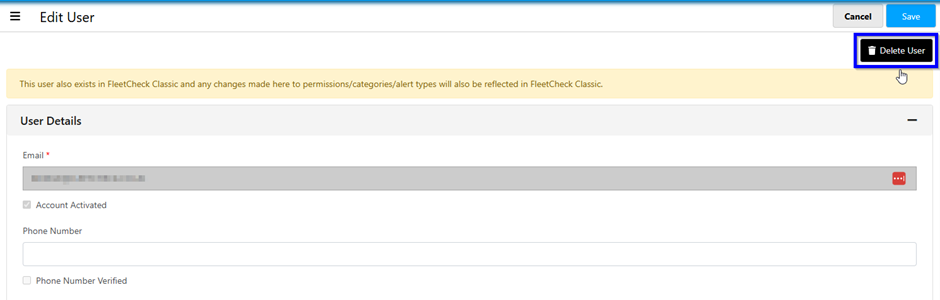
Once you’ve clicked on the user you would like to delete, simply click the ‘delete user’ button on the right.
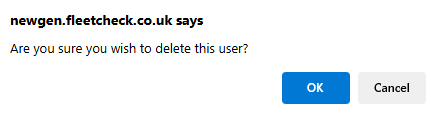
Once clicked, you will be prompted with a message asking if you are sure you want to delete this user:
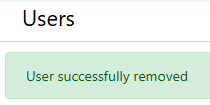
Once you press 'OK' you will be notified that the user has been successfully removed.