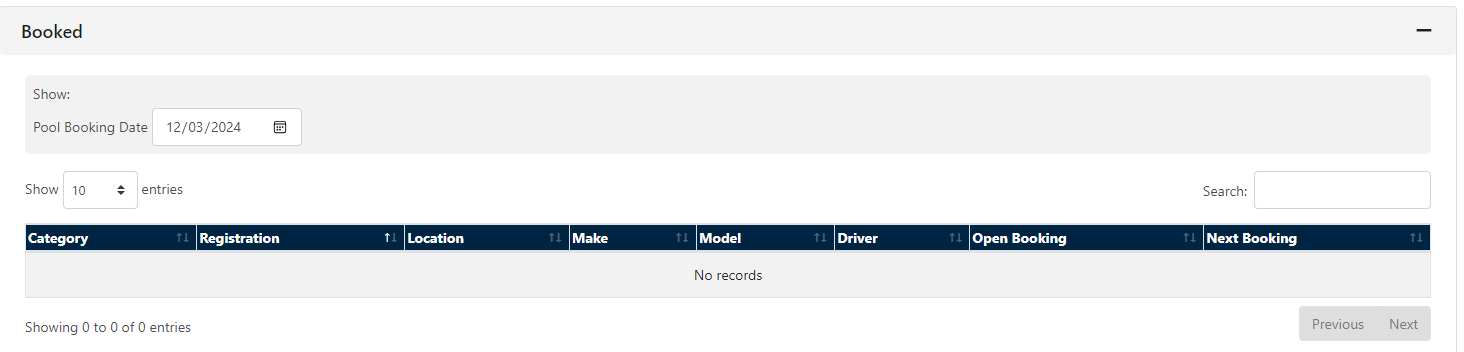
The Pool option on FleetCheck professional allows you to view the Booked vehicles
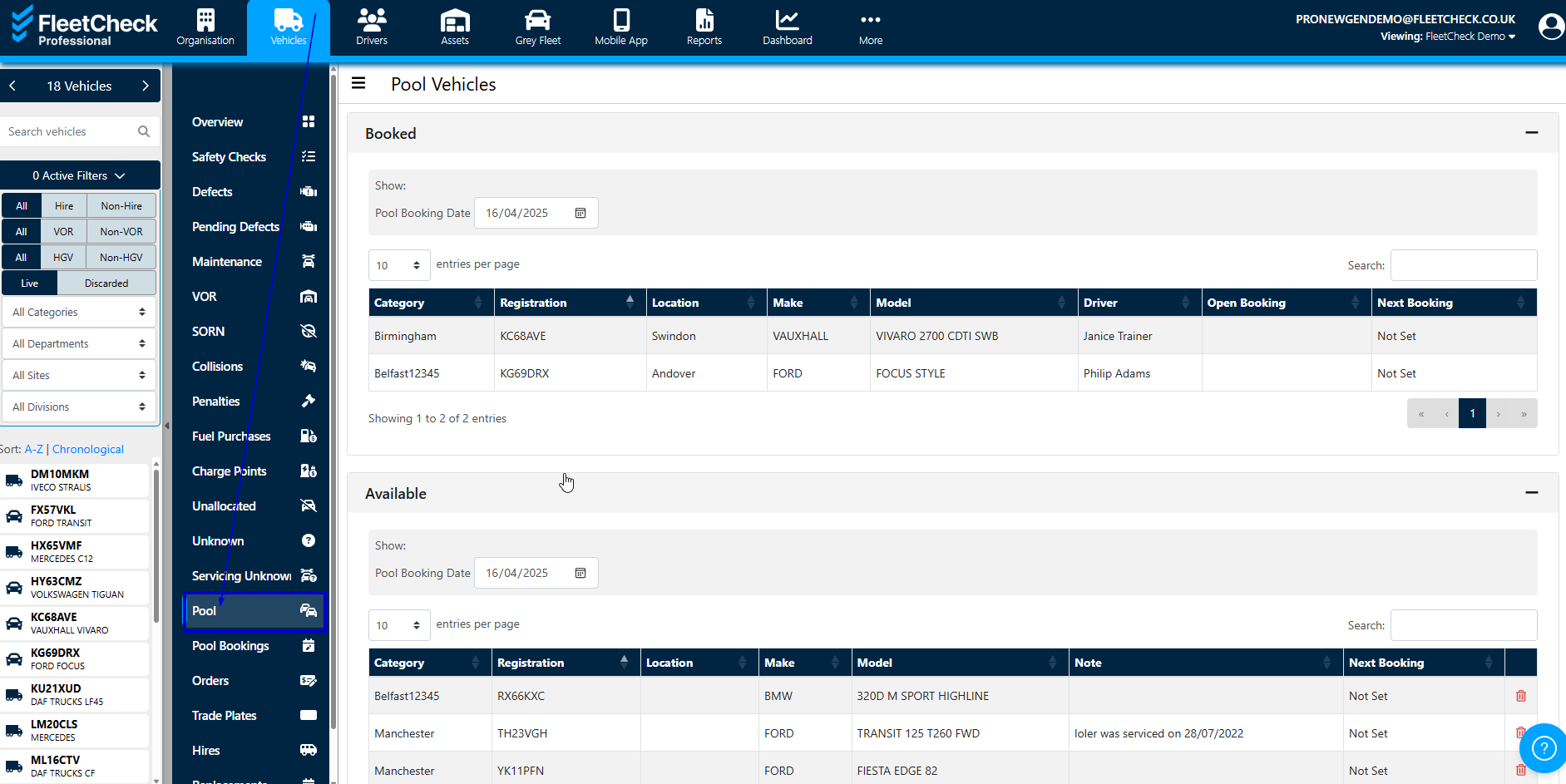
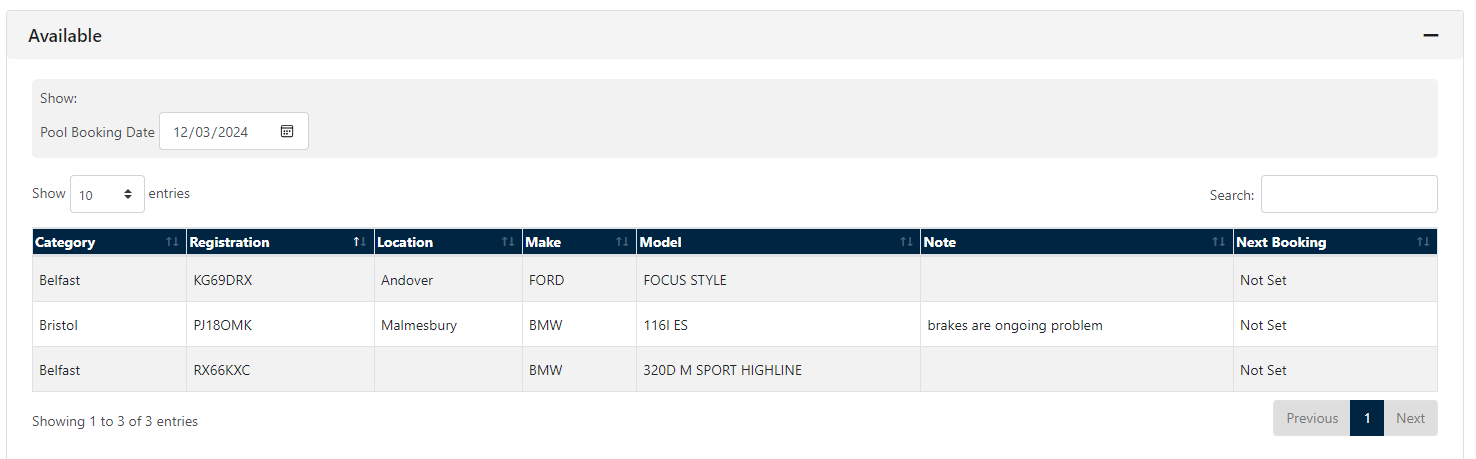
You are also able to view the Pool Vehicles you currently have available on certain dates
to book one of these vehicles its simply a case of selecting the vehicles in question, then View Pool Bookings Calendar.
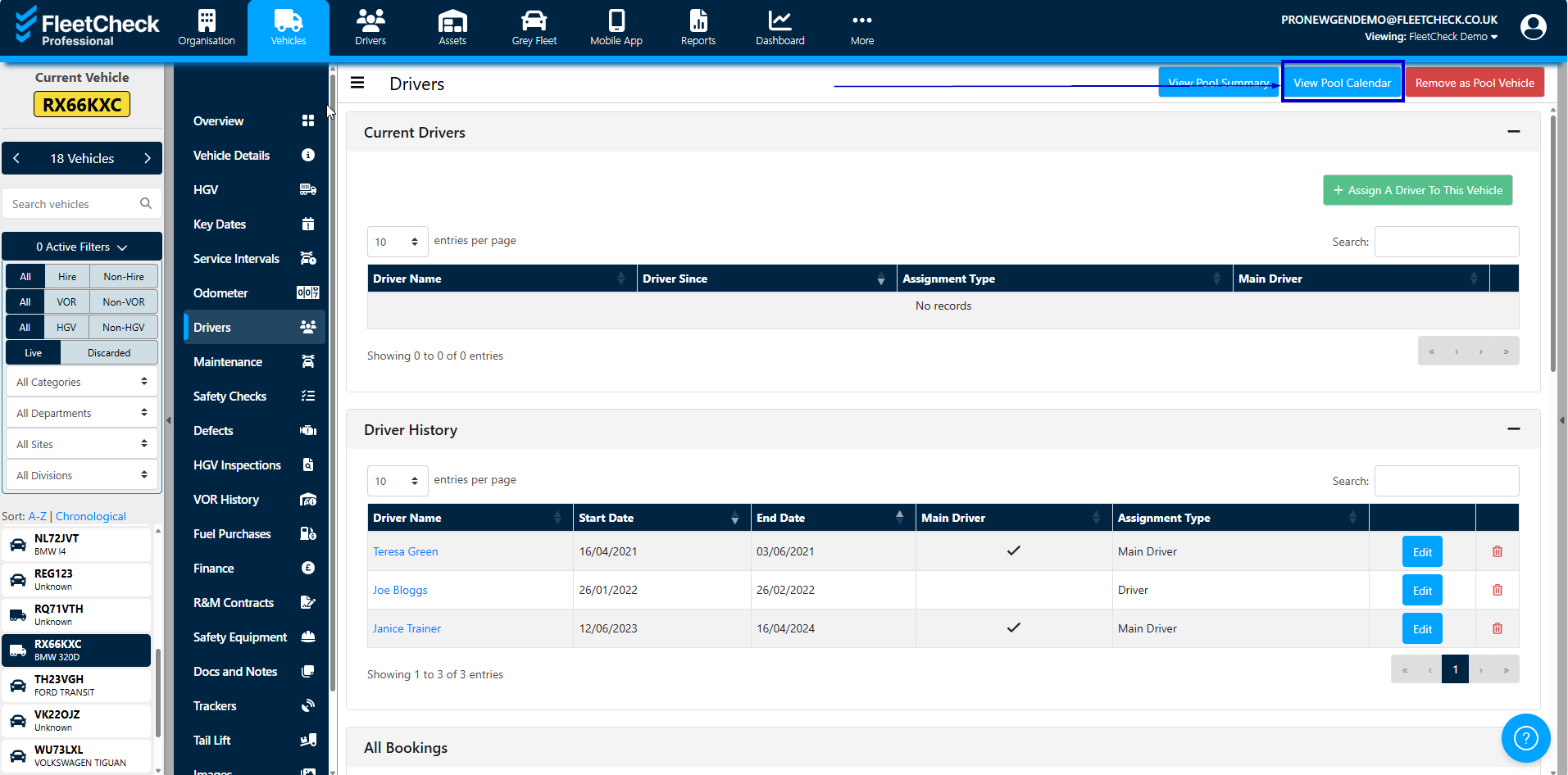
This will then display the pool vehicle bookings you currently have on the system.
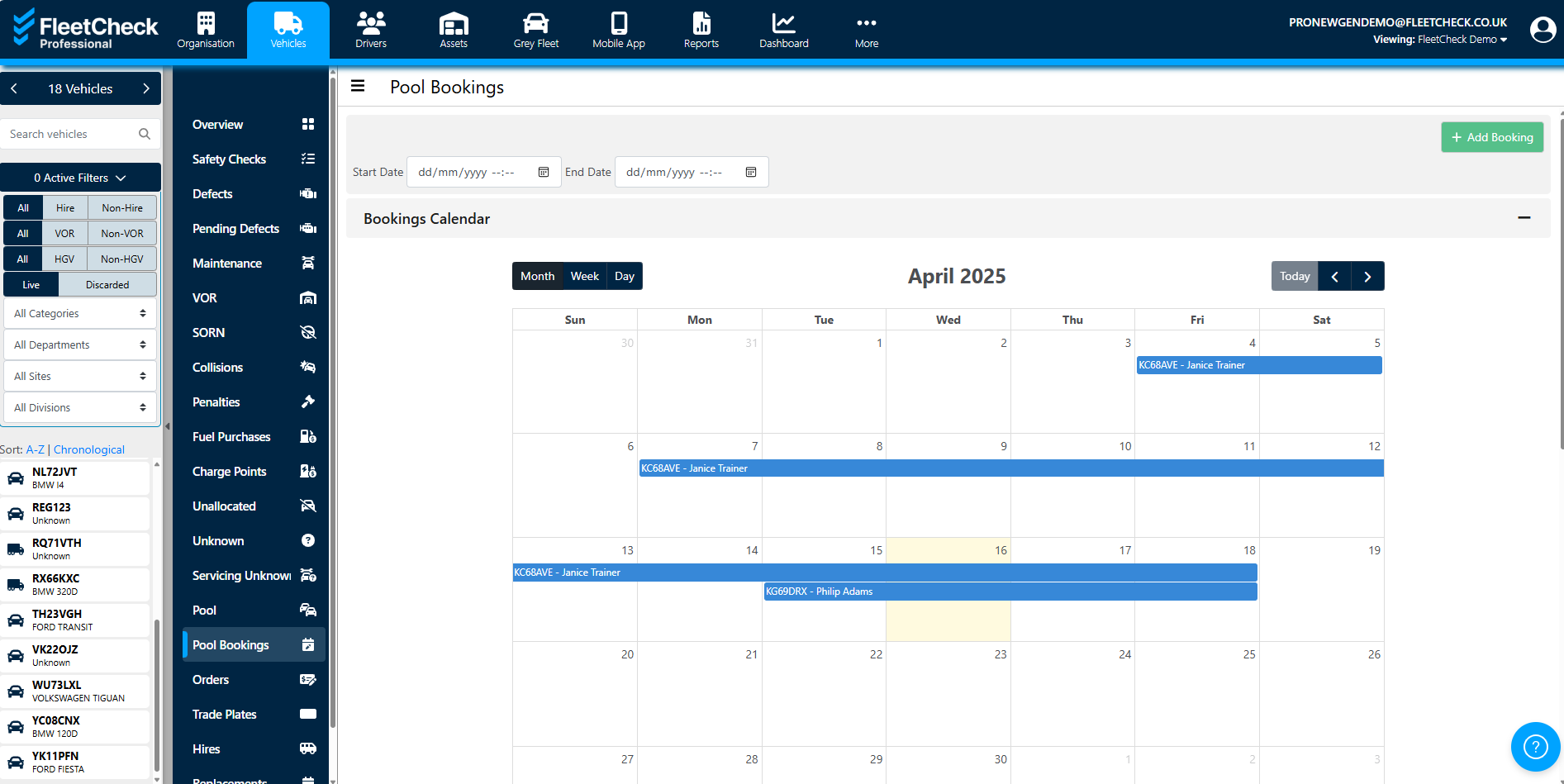
To book a vehicle select Add Booking.

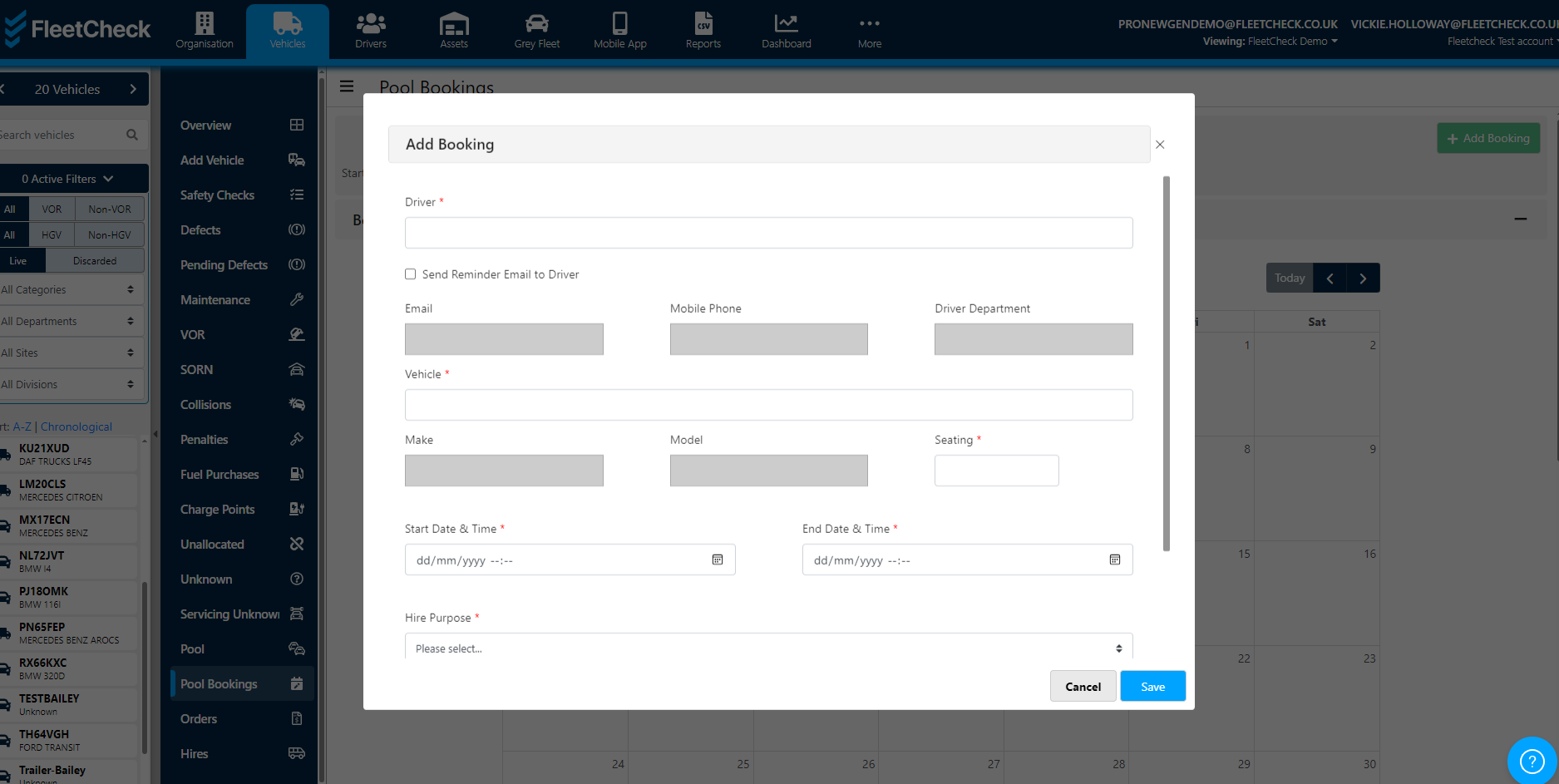
Simply complete the details and you will have booked the Pool Vehicle.