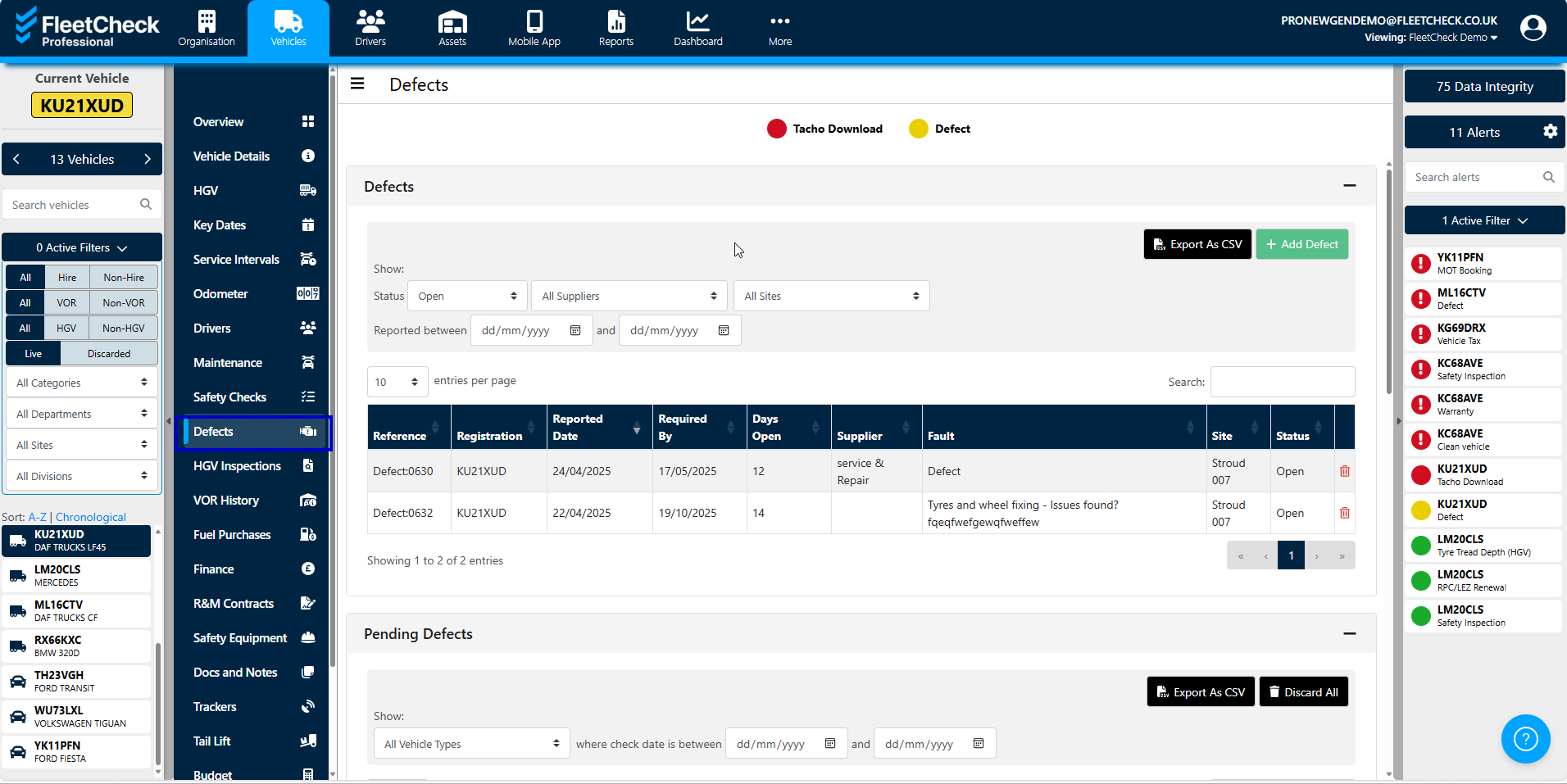
Defects can be reported on the system manually or they can be added by your drivers using the app. If your drivers use the app, a defect enters the system as a ‘pending defect’ and creates a flashing red alert on the right-hand side requiring urgent attention.
There are a number of ways to view defects...
The alert centre on the right-hand side will display any pending defects, and the defect can be viewed in-depth by clicking on the alert.
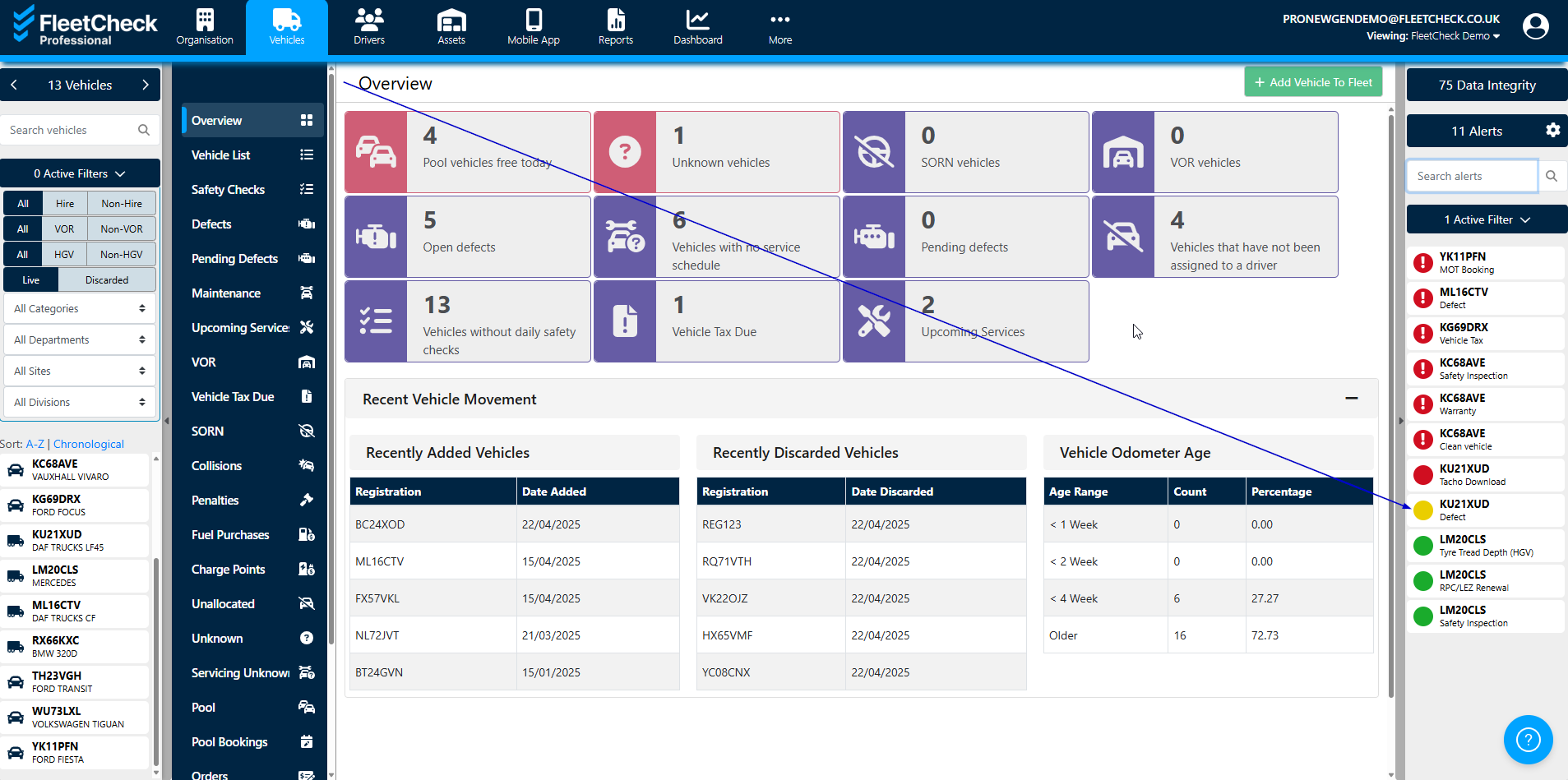
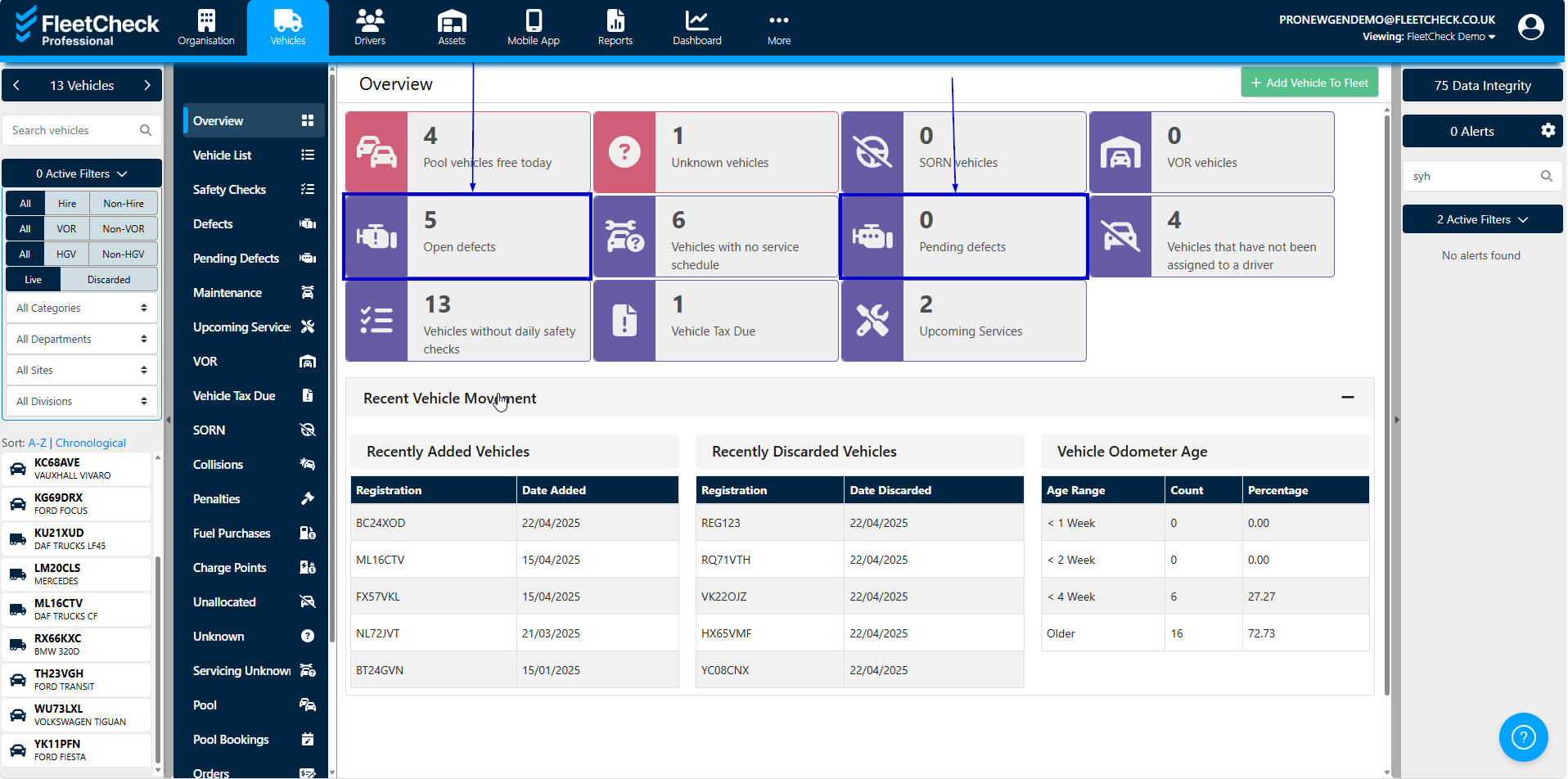
The ‘vehicles’ tab from the main menu features a series of tiles showing the number of open and pending defects.
The ‘defects’ tab from the 'Vehicles' page.