There are a range of options that you can set in 'Settings' that can alter the way that FleetCheck will display your fleet data. Each option will allow you to tailor elements of FleetCheck to suit your Fleet and your requirements.
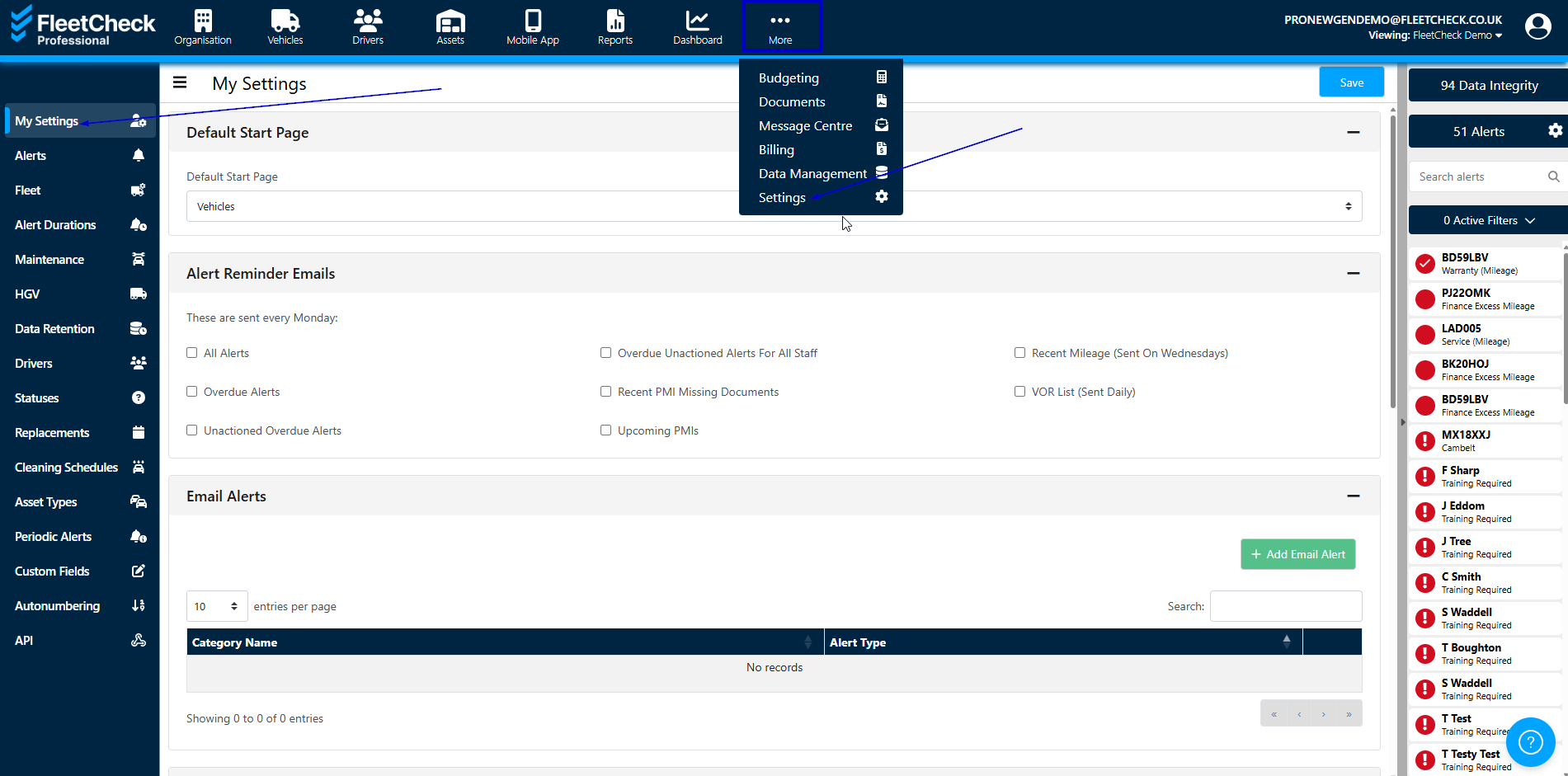
Settings is located within the Settings area from the More Menu option
A summary of some core options are below:
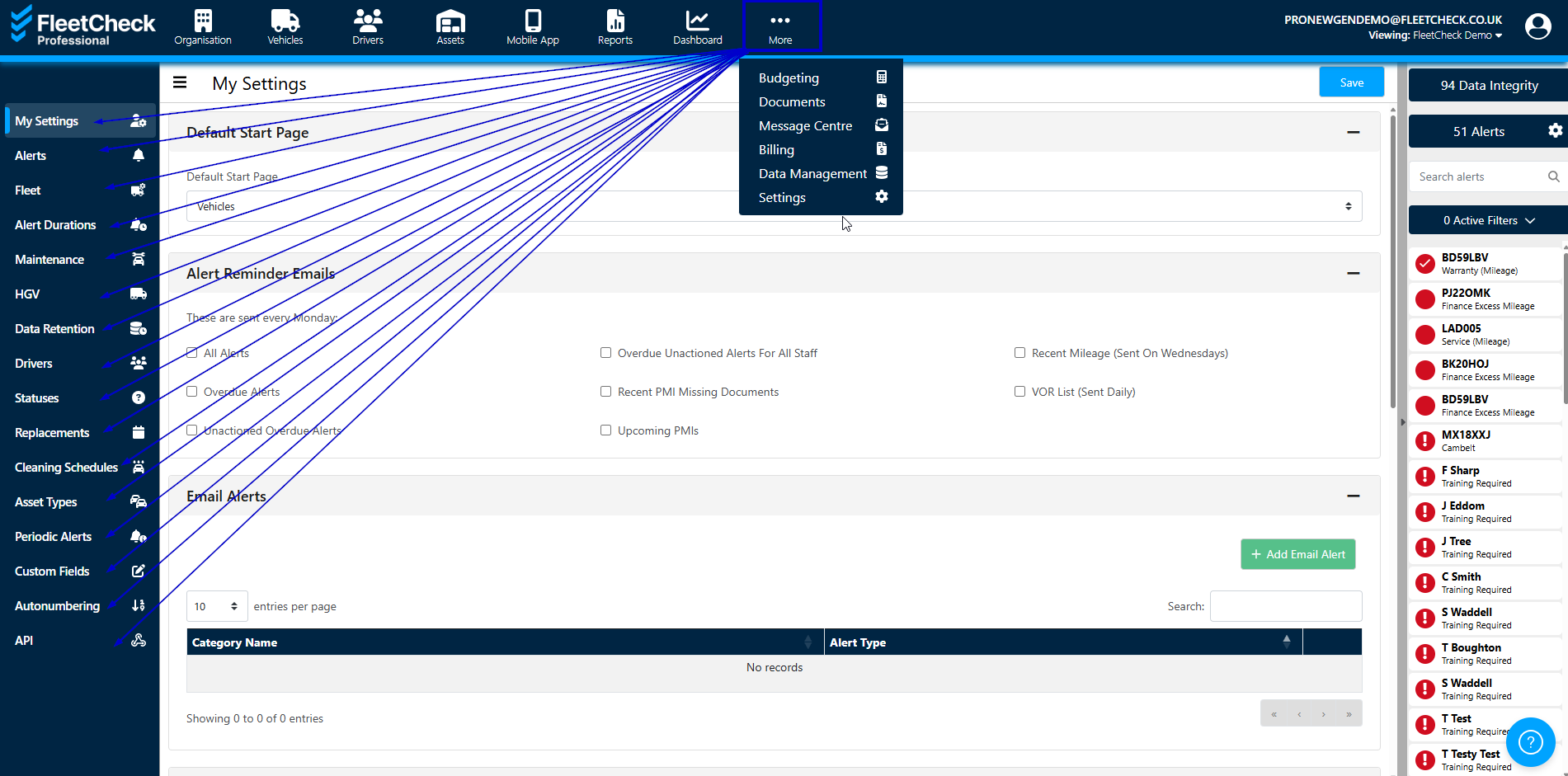
- In ‘My Settings’ you can set your areas of responsibility, taylor your email preferences and system alerts. This is also where are Terms&Conditions, Fair Use policies are located.
- In ‘Alerts’ you can control the alerts shown for your fleet and the alert durations by setting up your preferences.
- In 'Alert Durations' you can configure the data shown in various sections of FleetCheck. Date Driver alerts, Mileage Driven alerts, tread depth driven alerts and percentage driven alerts etc it’s all in this area.
- In ‘Maintenance’ you can set rules and conditions that can determine what happens with workorders, Invoice settings, standard servicing, variable servicing and servicing.
- 'Data Retention' displays the settings for Variable Servicing and Servicing.
- 'Driver assignment' is an area that allows you to Add Driver Assignment Types, this is for individuals you would like to set up on the system for example, manager, custodian etc