Within FleetCheck you can use the collision reporting functionality section to record a new collision.
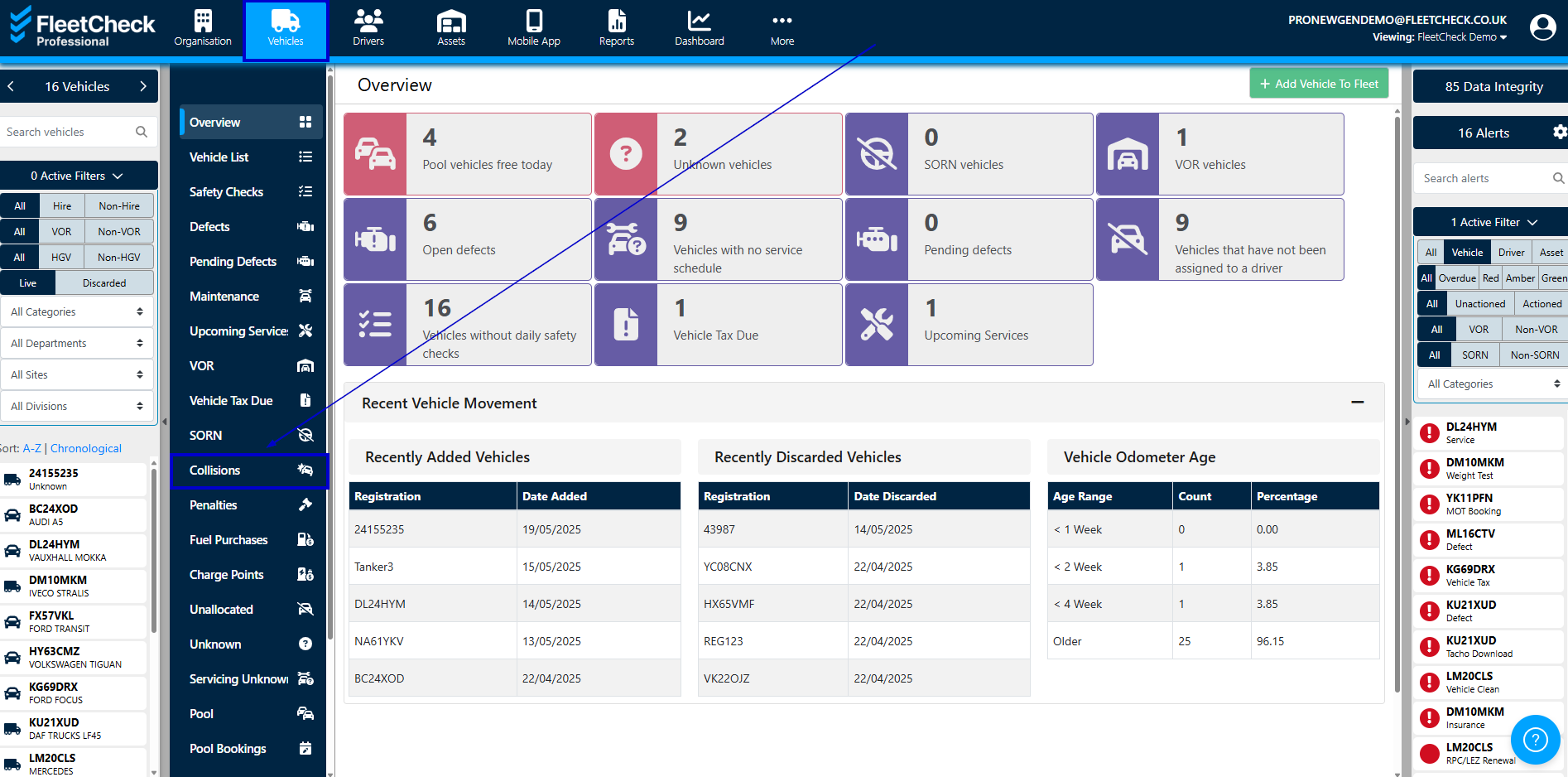
Collisions are found within the Vehicles section on the system.
Simply go in to the Vehicles section, then find the collisions tab, to record a new collision, click the ‘Add Collision’ button where you will be able to add the collision details of what happened at the scene.
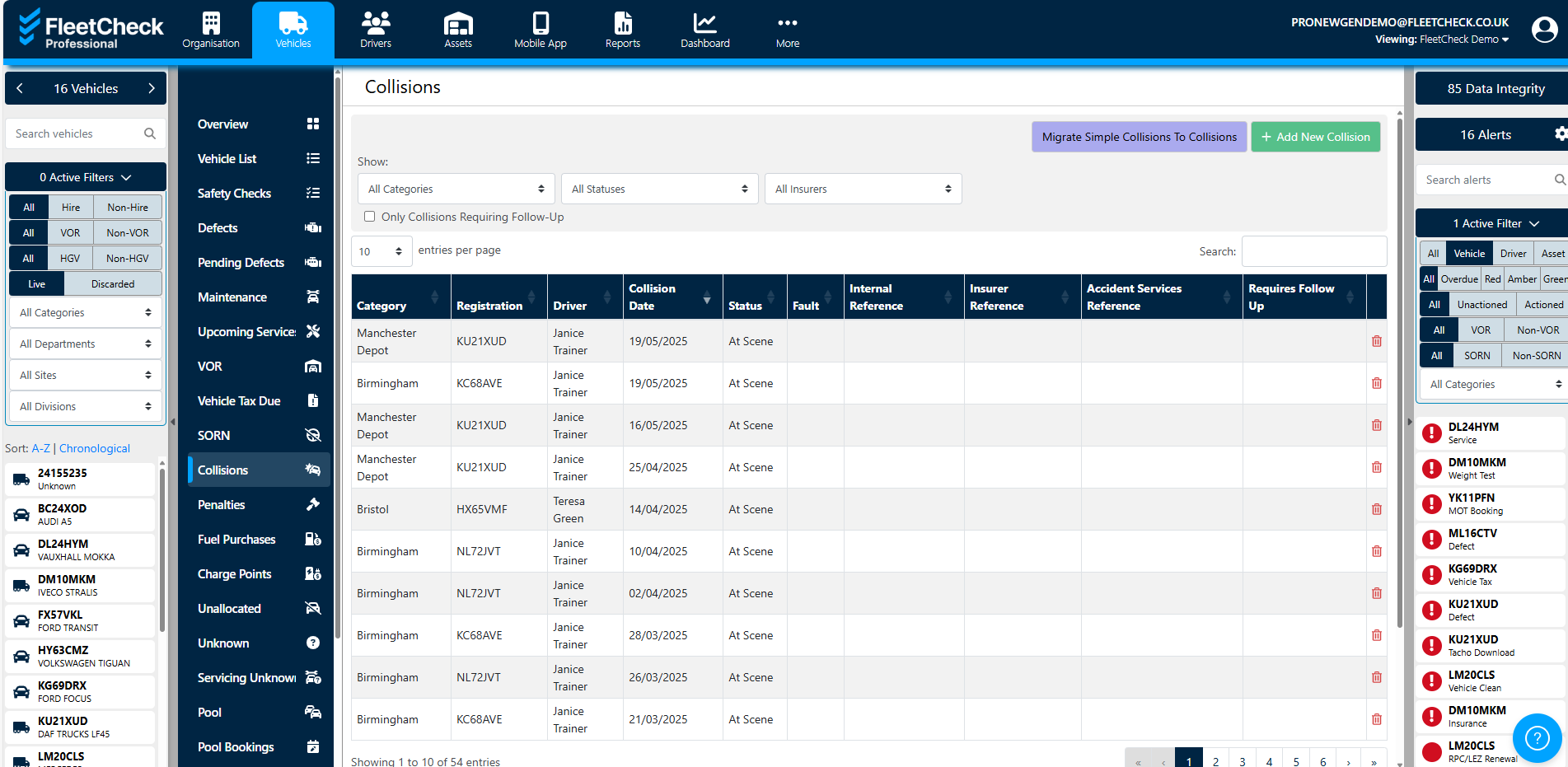
Once you have added the details, click the ‘save’ button. You will then be able to edit any collision details if required, add any third party or witness details and add any costings and quotes through the various areas within the record.
To locate the collision once saved, simply go back in to Collisions and you will find your collision located. You are able to use the search buttons to filter to the collision you require
If you happen to be using our Professional software, your drivers can also record collisions on the FleetCheck Drivers app.