On FleetCheck Professional within the Mobile Settings area on the system, you are able to enable Simple Shift Reporting.
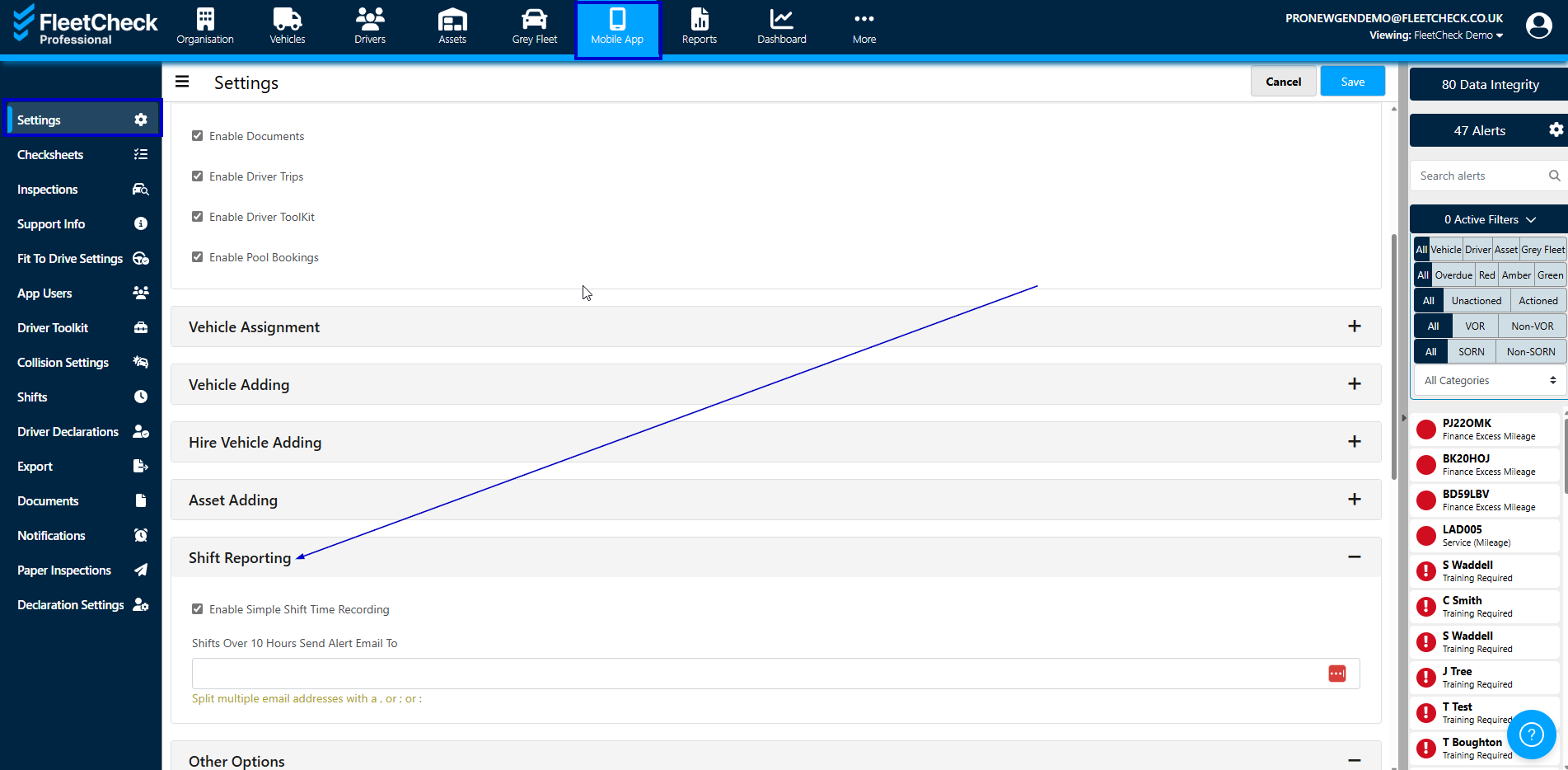
Ensure the following area is ticked

When you enable Simple shift time recording, you will be able to track your drivers start and end times. You will also be alerted if your driver is recording shifts over 10 hours if you pop your email address in the above area.
Many clients who use Shift reporting functionality on the system, create a 'Start New shift' checksheet in the system, detailing a pre use check you would require them to do. This would start the timer on their shift.
We would then recommend that they have a second checksheet to complete at the end of the day - this could be called something like 'End of Day' checksheet, allowing them to record their off shift time, mileage etc and any defects or concerns they have had for that day.
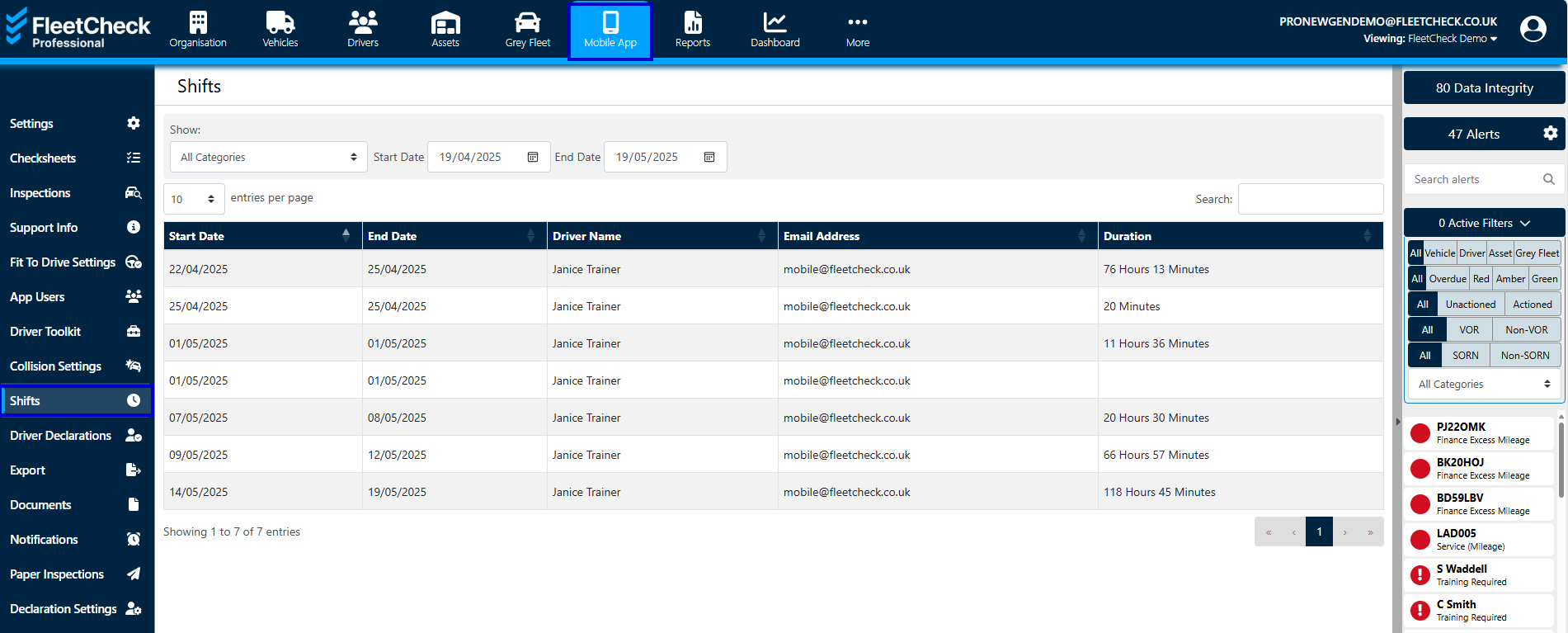
The Shifts will then display within the Shifts area on the system, underneath the header shifts.
You can run a report to detail the shifts your drivers have completed
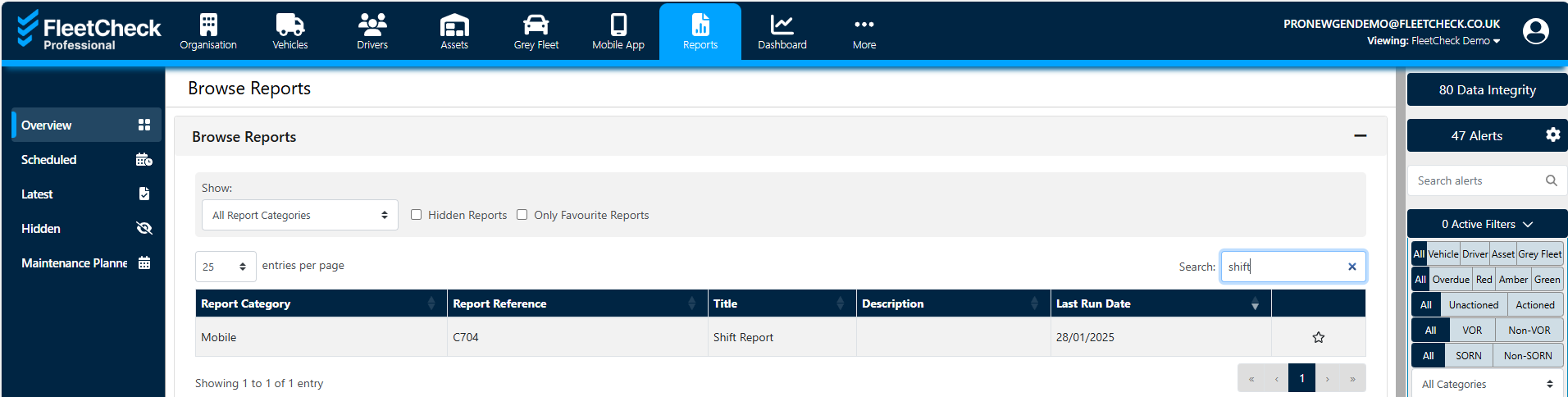
This report can also be set up on a schedule to be sent to you automatically at a time that suits you.