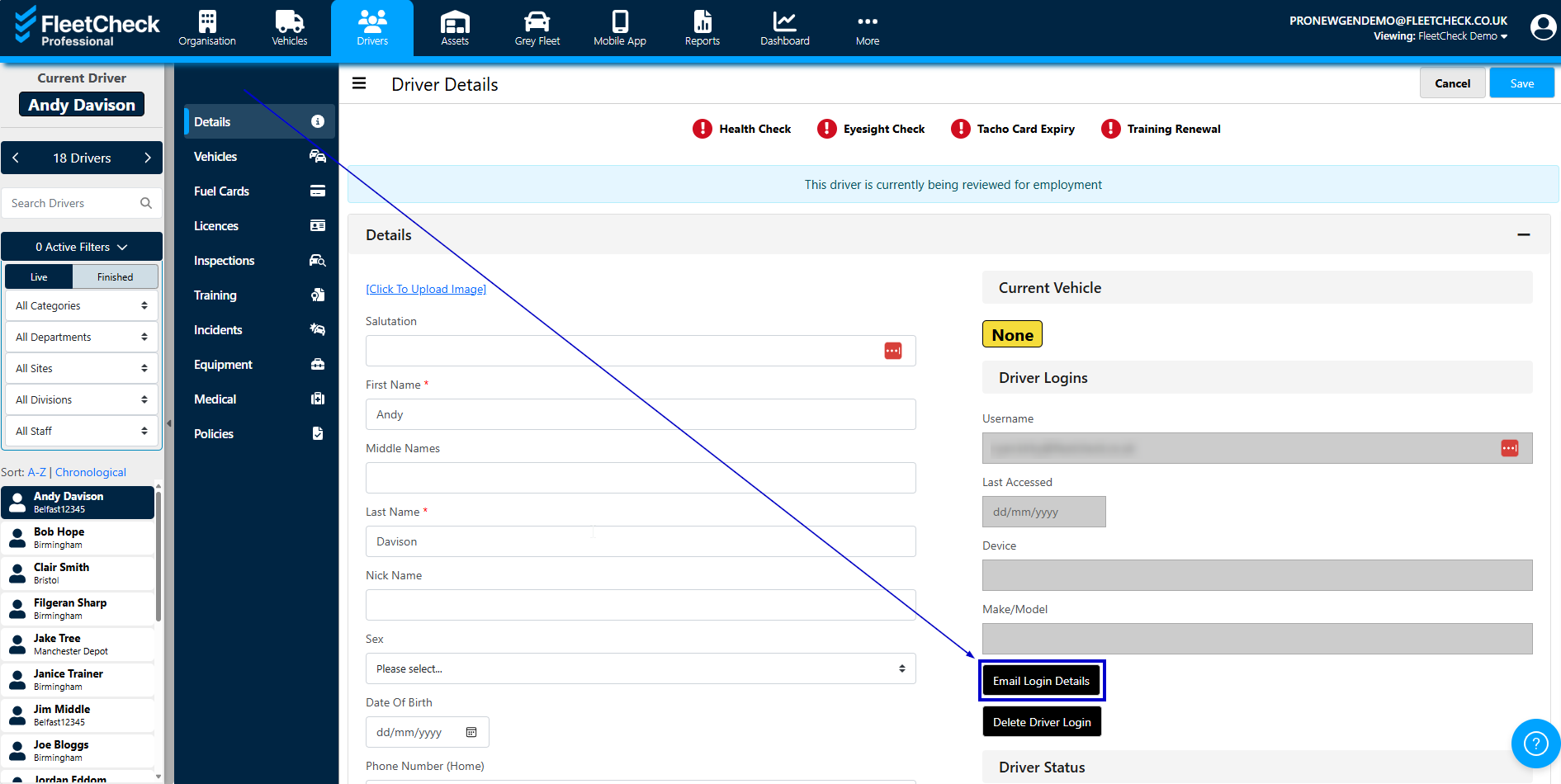
In order for your drivers to login to the software we will need first name, last name, email address and/or mobile number and or HR Login.
Once the driver is in the system, if they are logging in with Mobile Numbers you will either need to make sure their mobile number is added to their profile so they can login using the one time code. If they are using the one time code option, they will be able to go to the app and request the code.
Go to the driver record for the individual and ensure the Mobile number is in the system
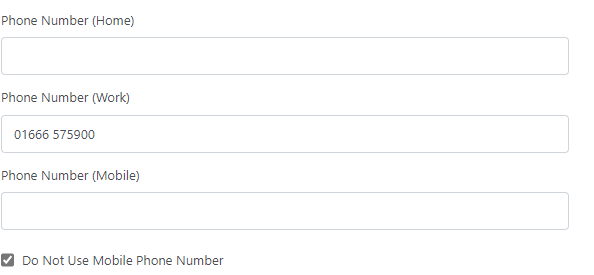
you then need to press Create login -

Alternatively, you will need to make sure the driver has an email address under their profile. If the driver is logging in using their email address, then you can click the ‘Email Login details’ button under the Driver Logins header and then select the ‘Email Mobile Login Details’ button.