Lots of FleetCheck clients use the schedule report functionality to receive emails detailing certain information that the system has collated - this could be for visibility of 'checks completed that day' or 'weekly fuel expenditure etc' - its just super simple to enable a scheduled report.
Select Reports from the top menu bar and then Scheduled from the left hand side menu.
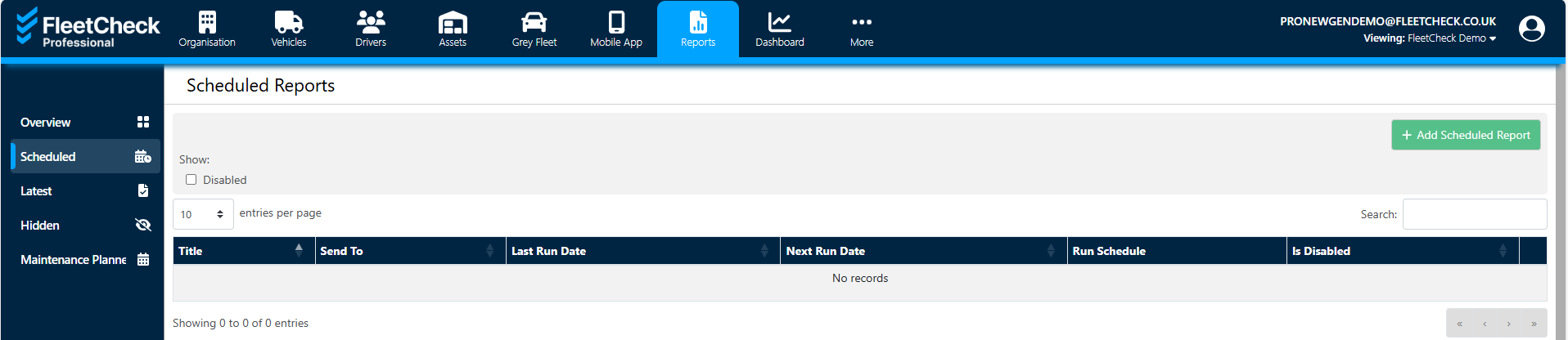
Once selected you can choose the schedule report option 'Add Scheduled Report'
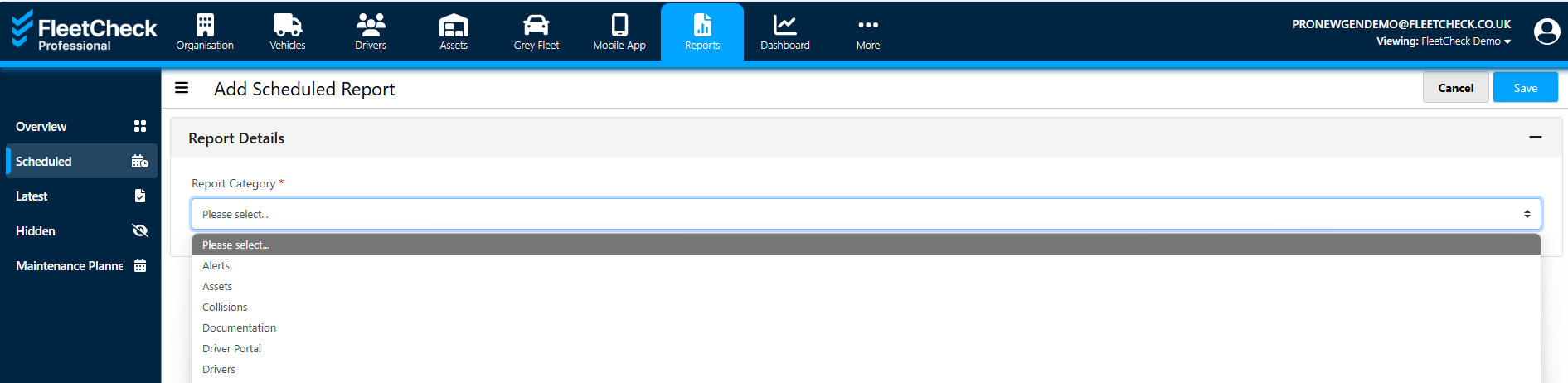
This will now take you through the areas to get a report scheduled
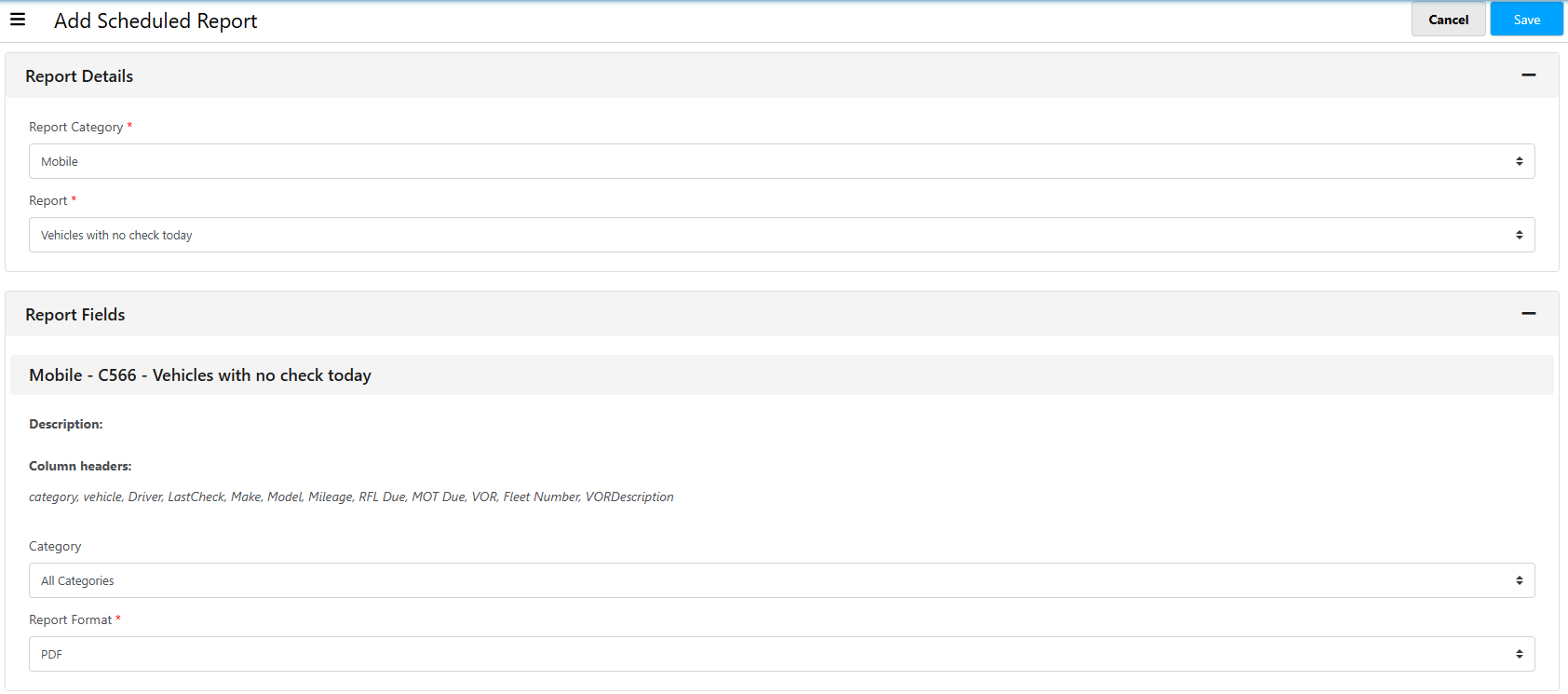
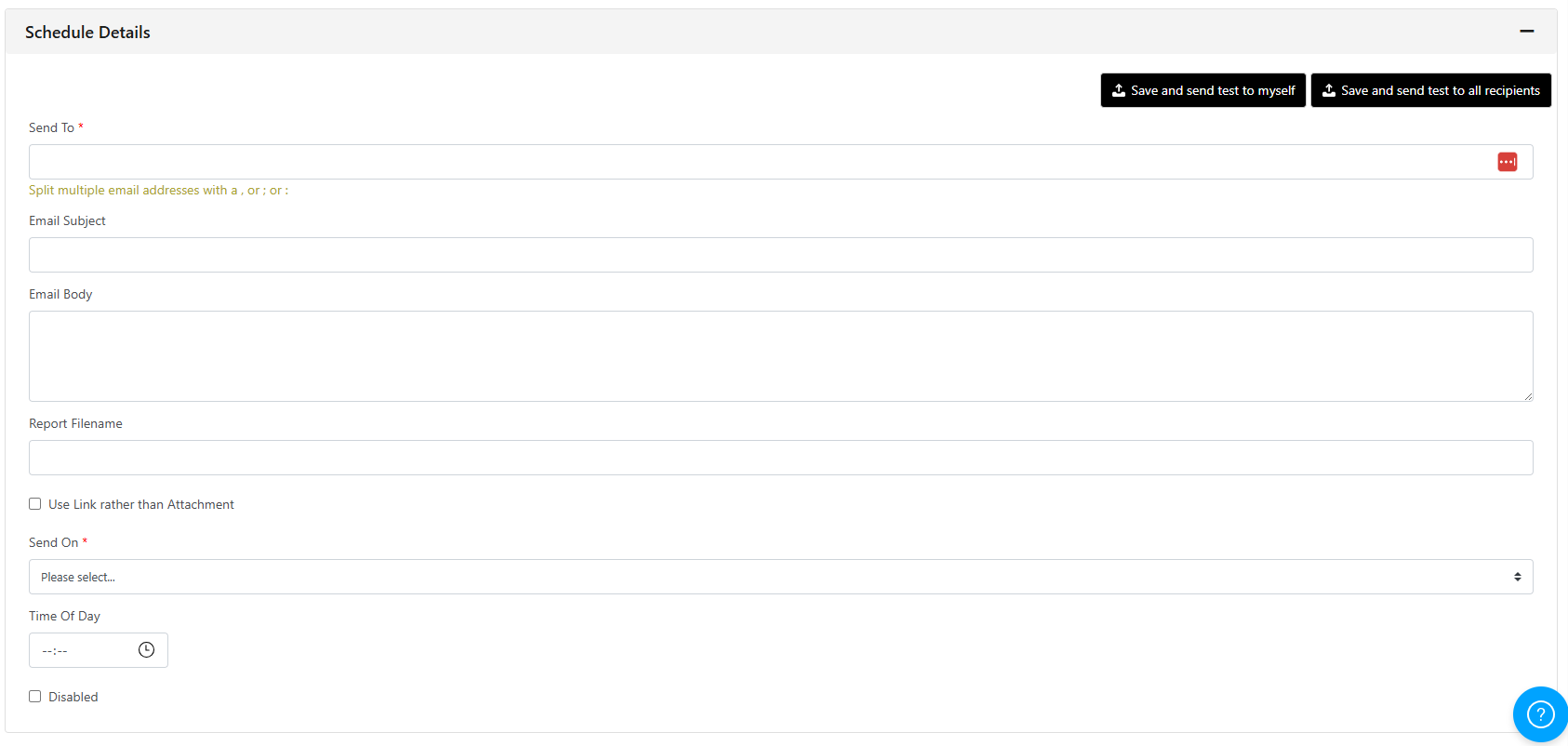
Once complete, do remember to SAVE.
TIP: If you choose the report dates as if you were running it now, the report will know to keep up with the date range in the coming days, weeks or months.