On FleetCheck, you can create as many checksheets as you need. There are no limitations. You can make your checksheets as basic or as detailed as needed and can come back at any time to edit or add to them.
However, you might find that you have reluctant drivers, or agency drivers that do not wish to use the app to complete a vehicle walkaround checks. On the FleetCheck software, you are able to add Paper copies to the system. They will appear under the drivers name and under the vehicle in question. Its just a simple case of adding the details in to the software.
To use Paper checks simply visit Mobile App and Paper Inspections -
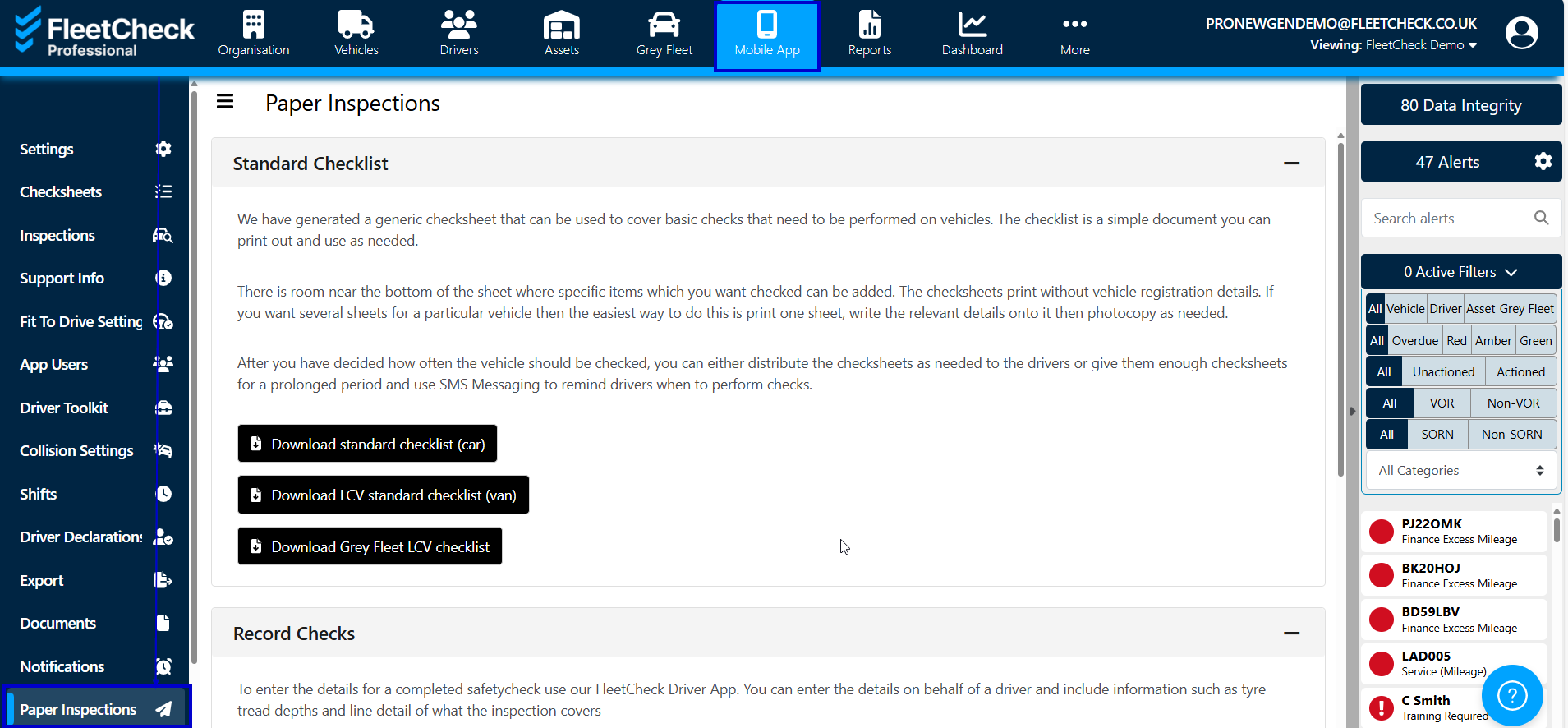
Once in Paper you can then download some standard templates of ours -
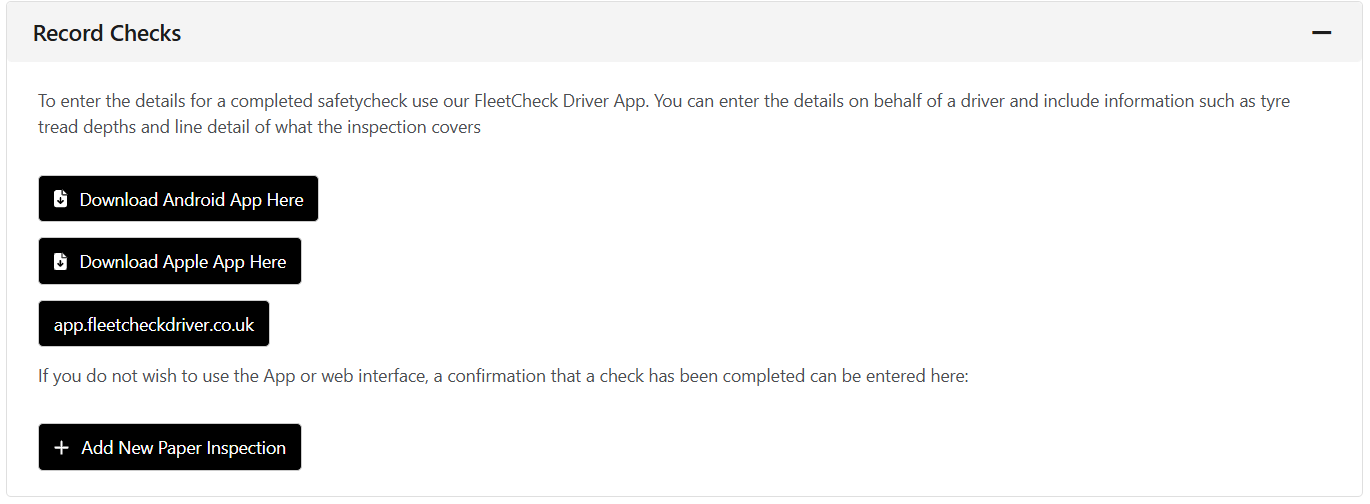
And also complete the details for a paper inspection carried out by your drivers if you scroll down
Simply select -
Having the ability to add Paper checks means that you can add any historic completed checks, agency driver checks, reluctant drivers paper checks etc. You still can store them on the system giving you the audit trail you require and less paper sheets around the office.