Defects can be reported on the system manually or by your drivers through the FleetCheck Driver app. If your drivers use the app you'll notice that the defects come into the system as a ‘pending defect’ and create a flashing red traffic alert on the right-hand side requiring urgent attention.
There are a number of ways to view defects...
The alert centre on the right-hand side will display any pending defects, and the defect can be viewed in-depth by clicking on the alert.
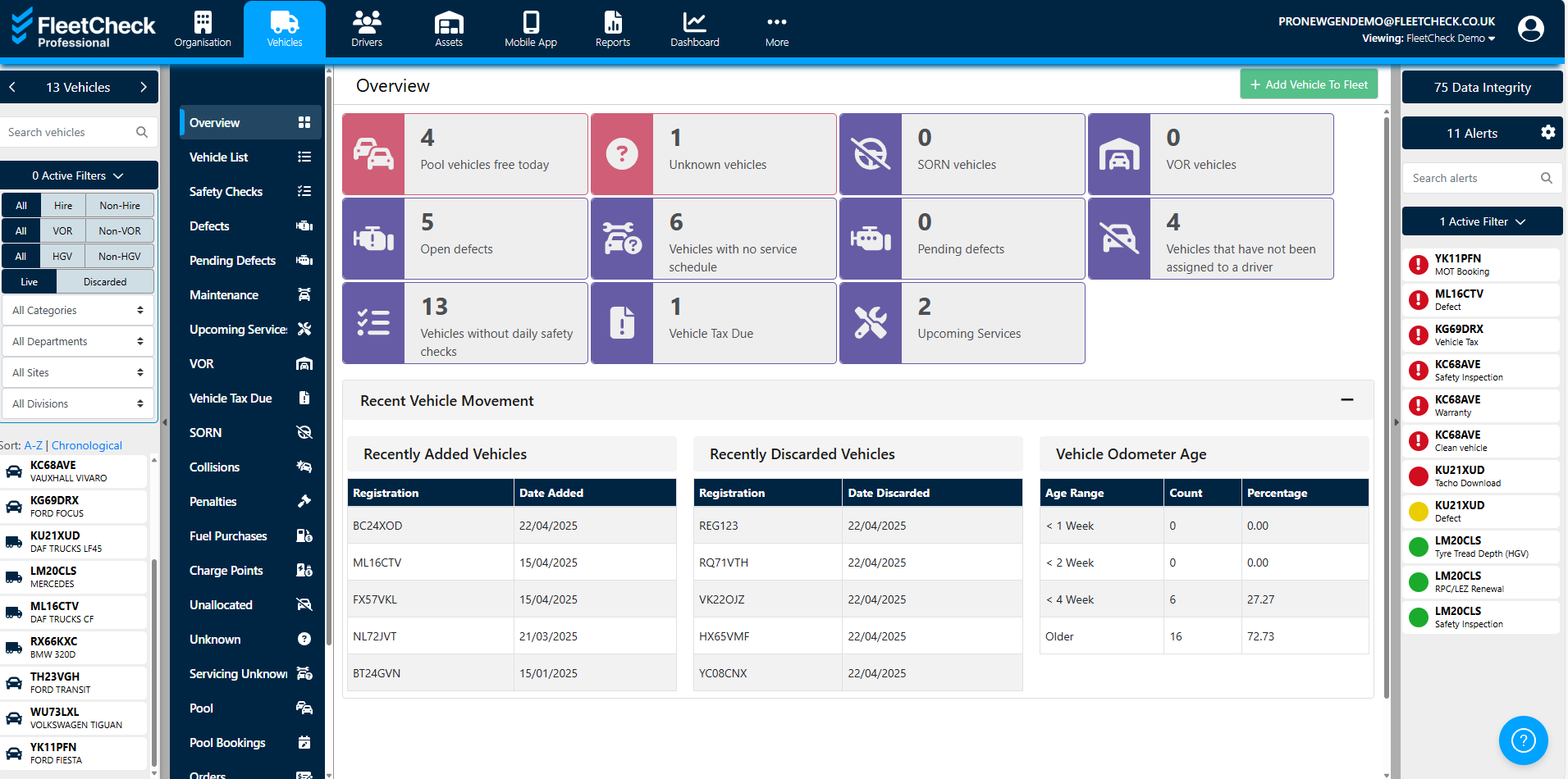
The ‘vehicles’ tab from the main menu features a series of tiles showing the number of open and pending defects.
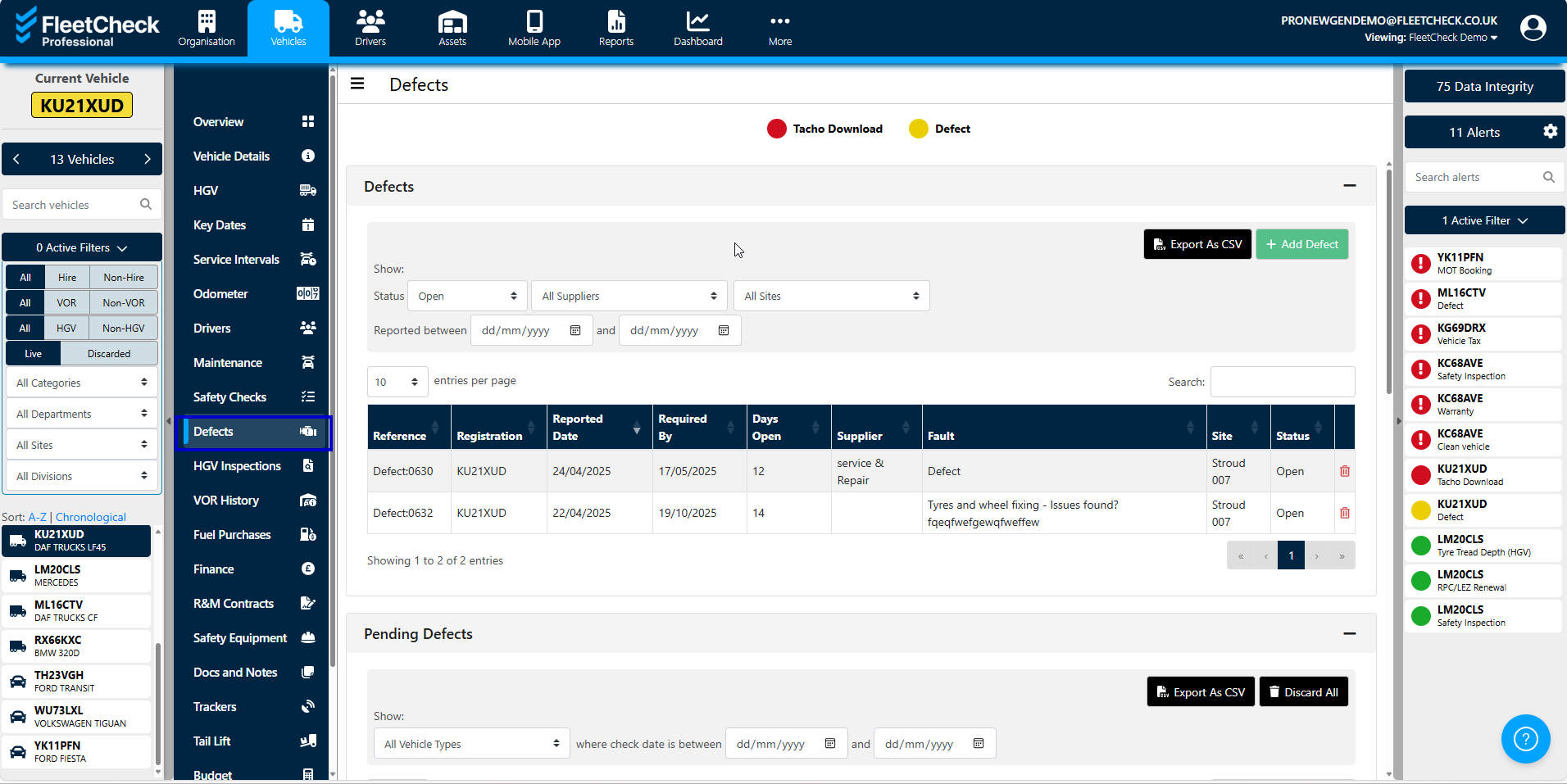
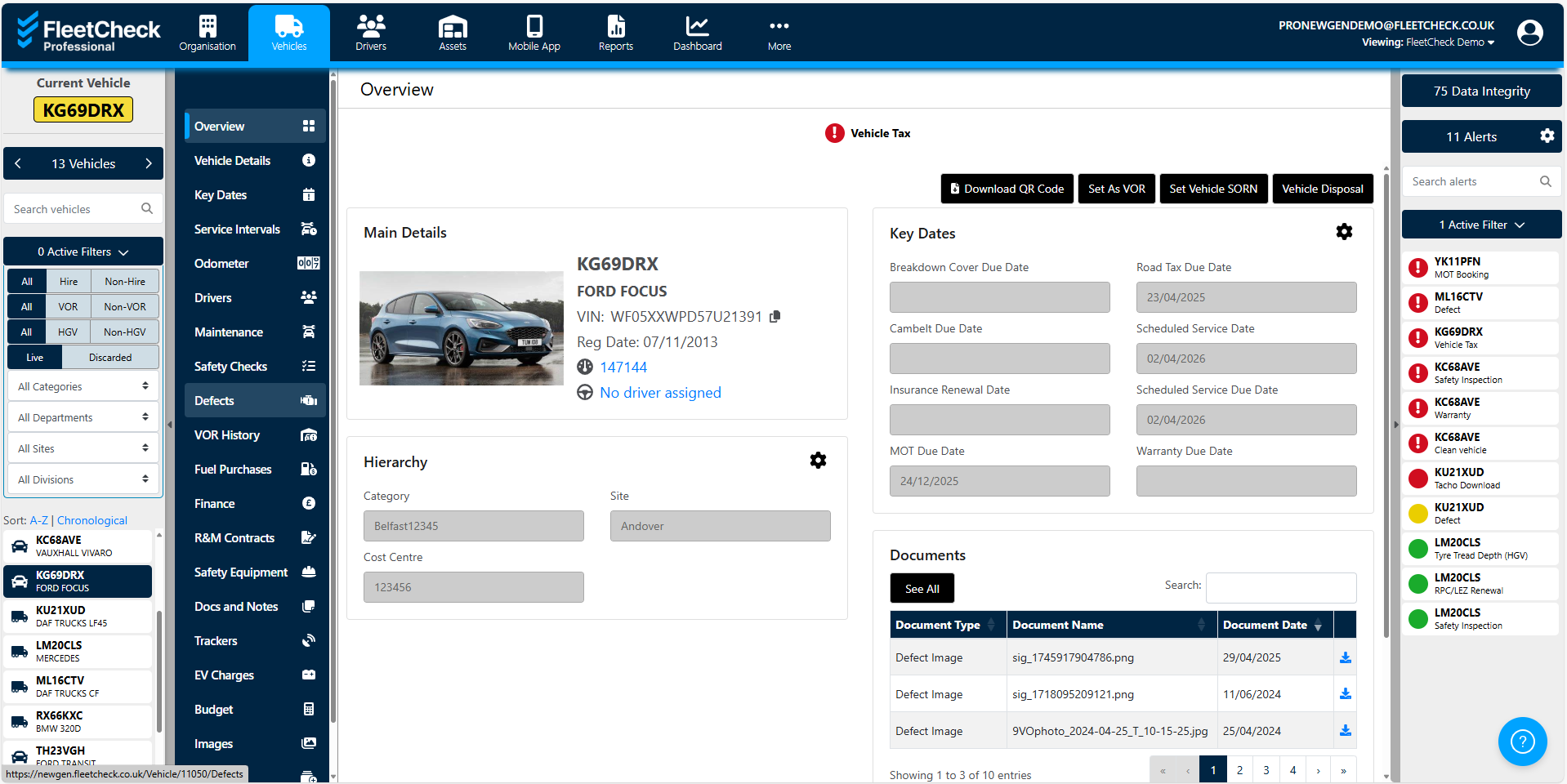
The ‘defects’ tab from the 'Vehicles' page.
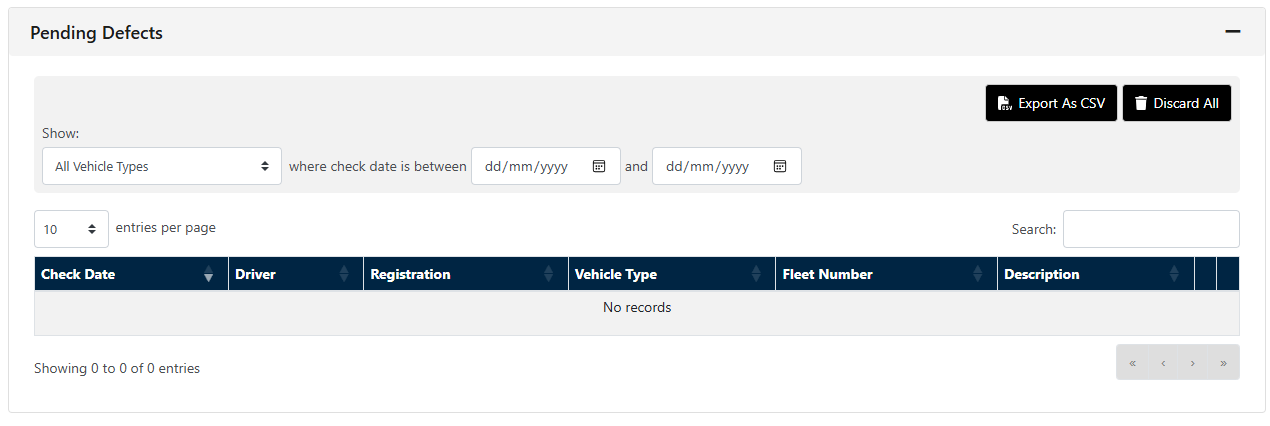
You can also update multiple defect statuses at once using the multi select option available if needed

PLEASE NOTE: Discarding a defect will delete it.
If you choose to ‘add defect’ you will need to choose how to record the defect; whether this will be open, monitor or completed.