Depending on what FleetCheck account you have, there are an array of reports at your fingertips. These helpful and informative reports can be run, scheduled and downloaded to extract multiple data sources into easy-to-read snapshots. All reports are listed in the 'Overview' section within the 'Reports' main menu tab.
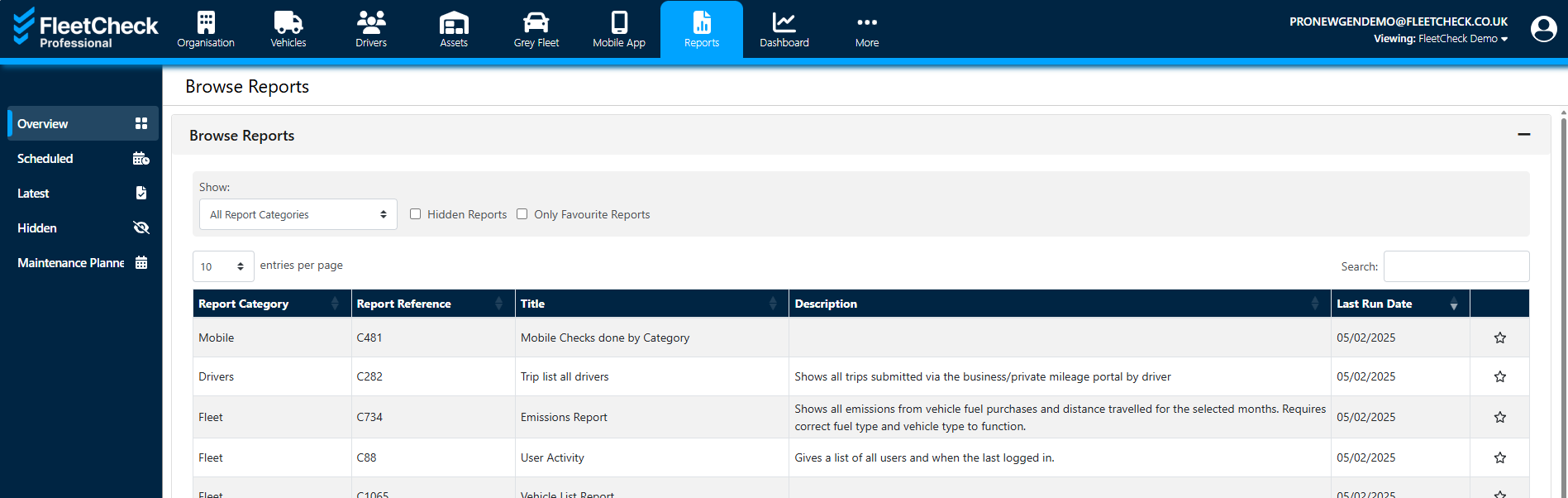
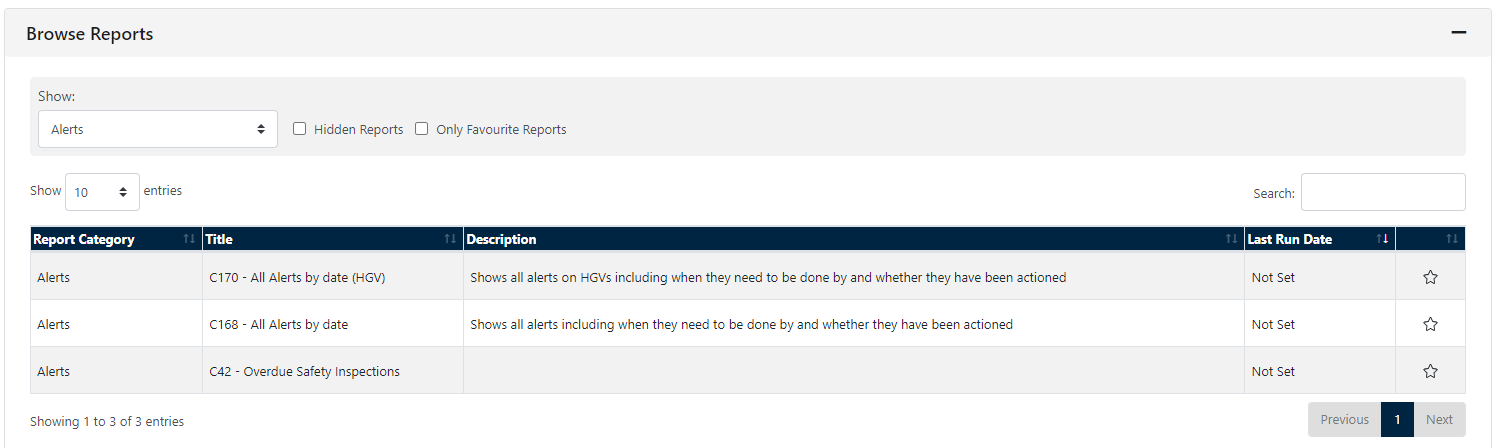
To generate a report first select it from the list - use the dropdown to help you locate the report you are looking for (lets use Alerts as an example)
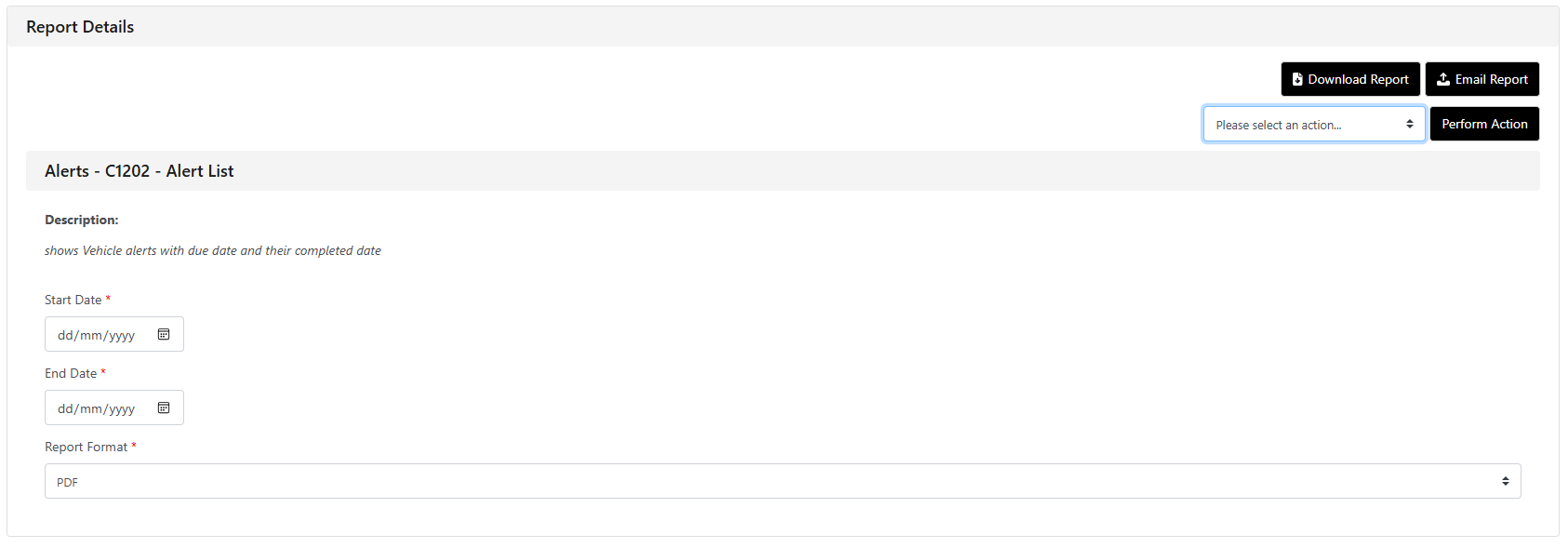
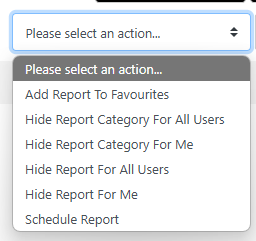
When the chosen report has been located, this will bring up the 'Report Details' section at the bottom of the page featuring a brief description of the report as well as the column headers. You are also able to 'Select an action' if required.
Select the report format (pdf, CSV, etc) and any relevant reporting dates before choosing to email or download the report