As some reports are more important or relevant to your business than others, FleetCheck can keep all those reports in one place by labelling it as a favourite.
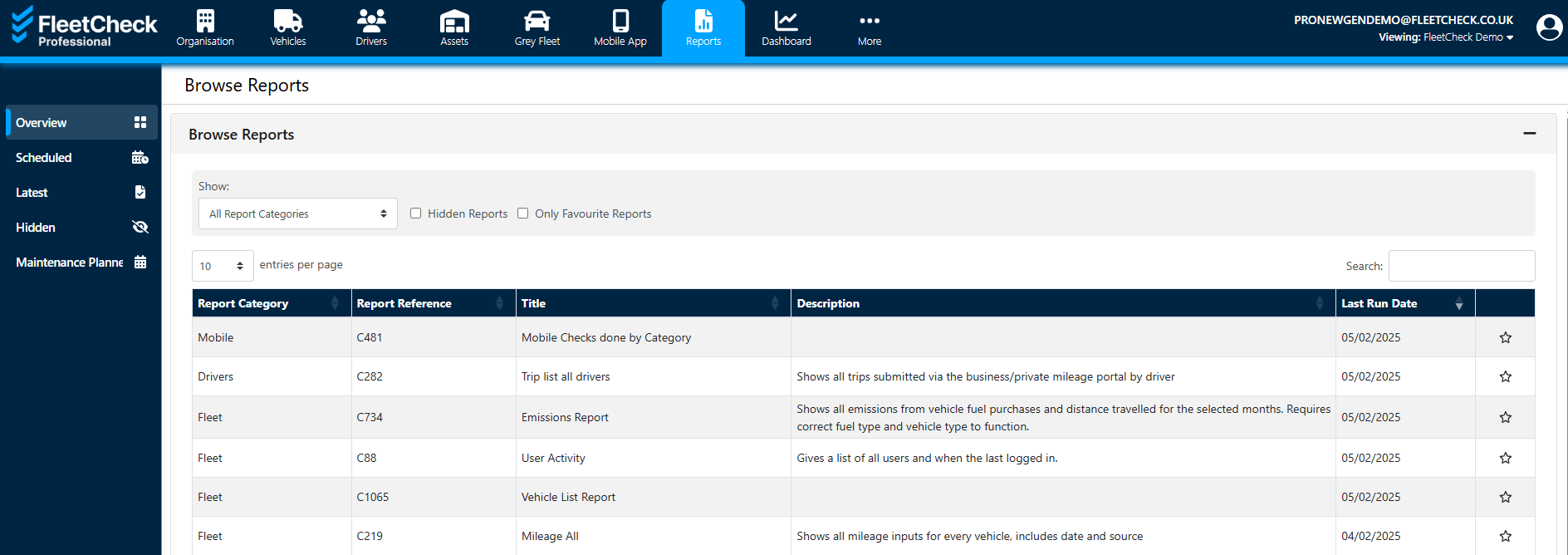
To set a report as a favourite, either click the star icon on the report...

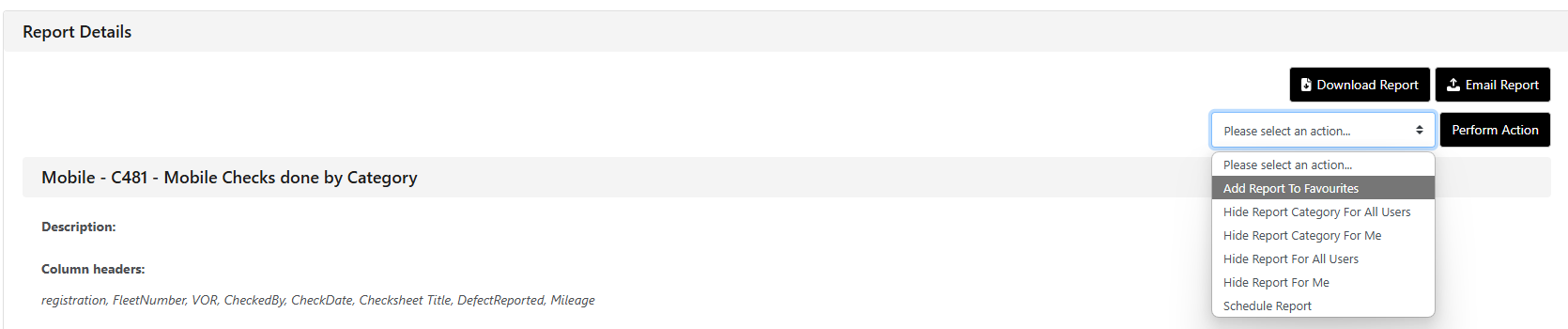
or choose 'Add Report To Favourites' from the 'Report Details' within the report itself.
To view or deselect a favourite report, simply click the tick-box 'Only Favourite Reports' from the show option to display the list of favourite reports.
