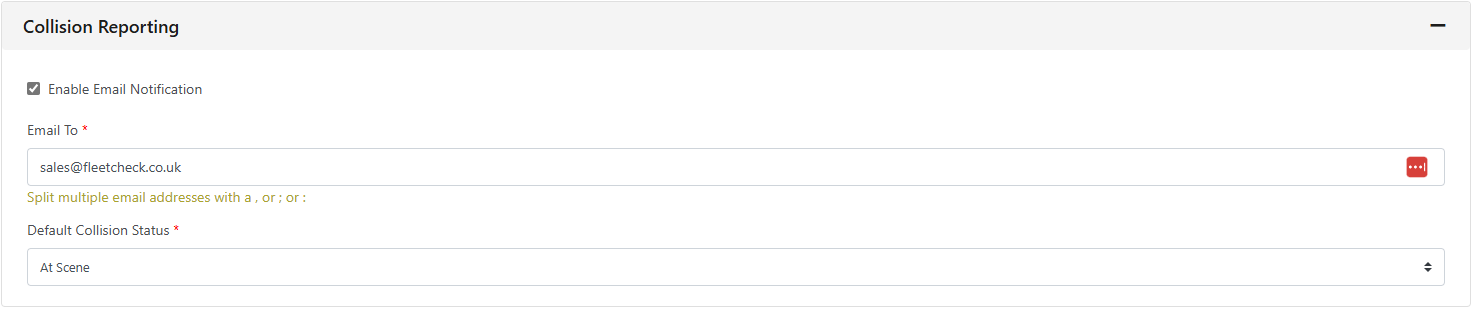
On FleetCheck professional and the FORS FMS software solution, Collision reporting Settings are available to you -
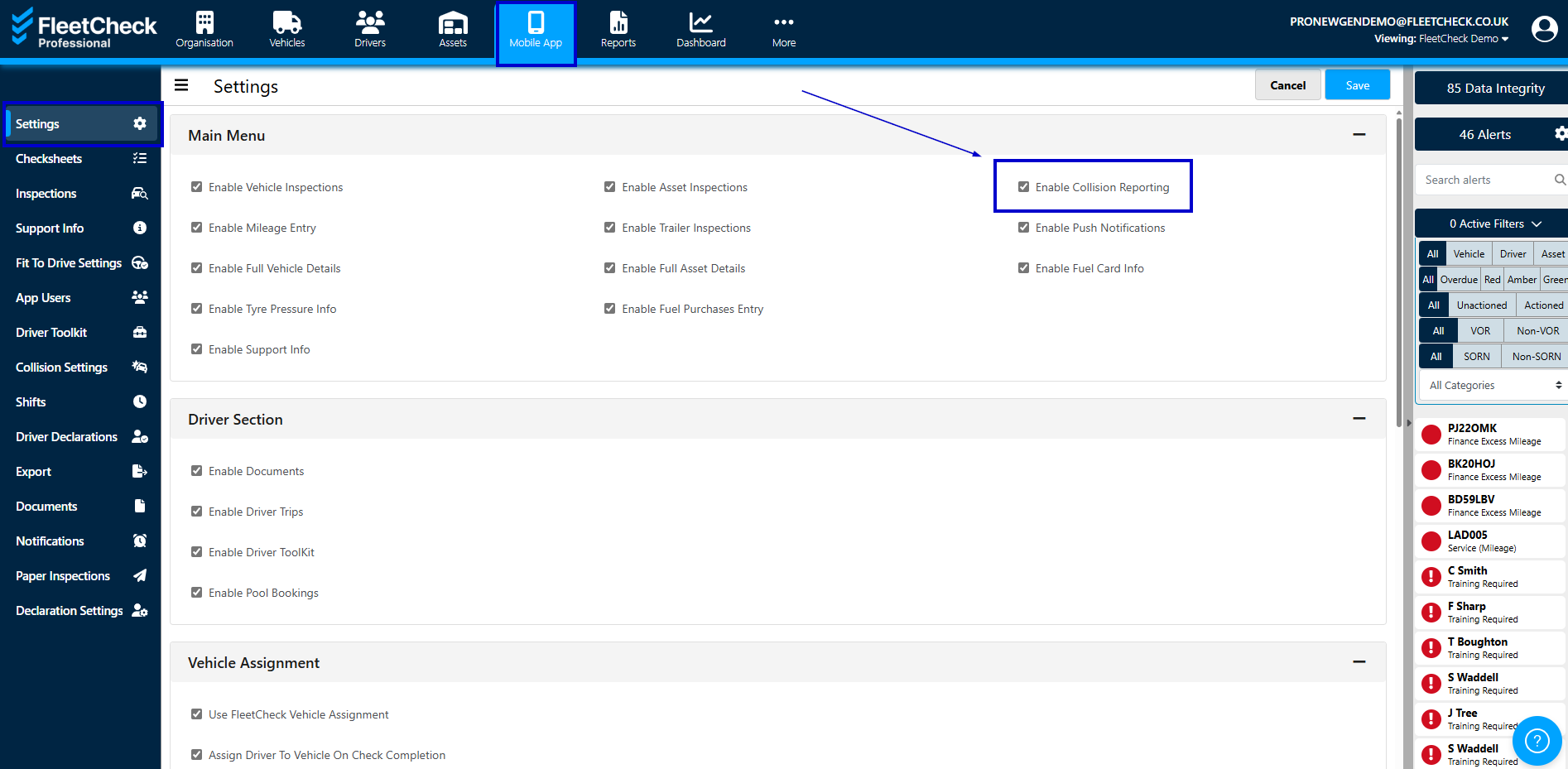
Collision reporting gives your drivers access to a report form which can help prompt them on what information you require from them at the point of an incident.
This is a standard form requesting weather and road conditions, witness statements and photographs but there is some room for customisation which can be completed in the app on the Collisions area of the app -
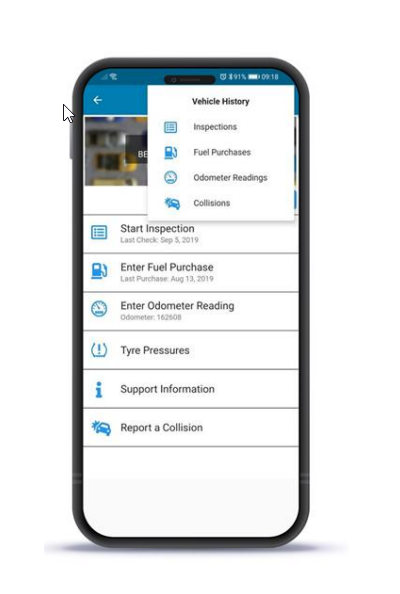
The more information you can get your drivers to complete in regards to a collision is the better. The information completed by your driver on the app will come through into the software, you are able to then send this directly to your Insurance provider via FleetCheck.
Once enabled within the Settings, you will have Collision Reporting Settings available to you, this will allow you to detail the Email address of the person/department that needs to be informed at a point of a collision
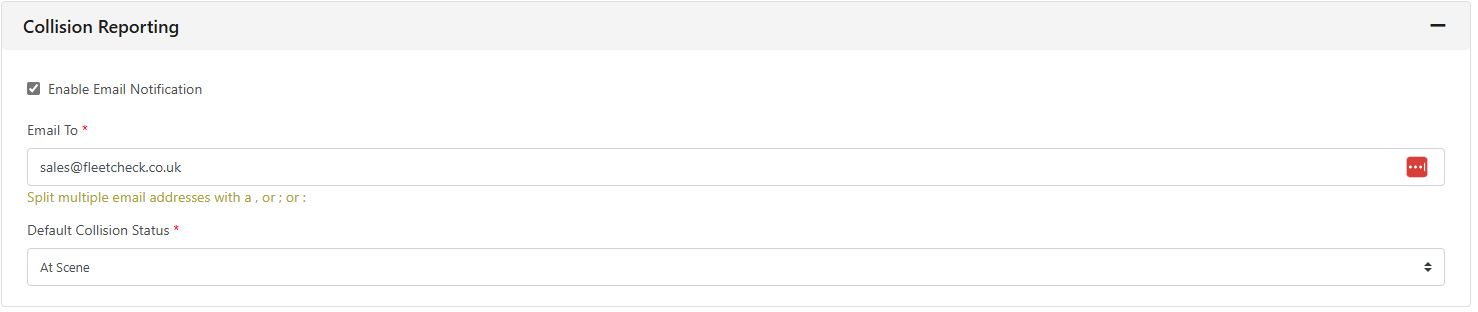
you can also add any information you would like your drivers to see -