Once you have added collision details into the system, you may need to go back and add documents against the collision or the costings of the collision.
You can do this by going to the ‘Collisions’ section on the left-hand side, this will give you an overview of all collisions where you can search for the relevant collision or see the most recent collisions.
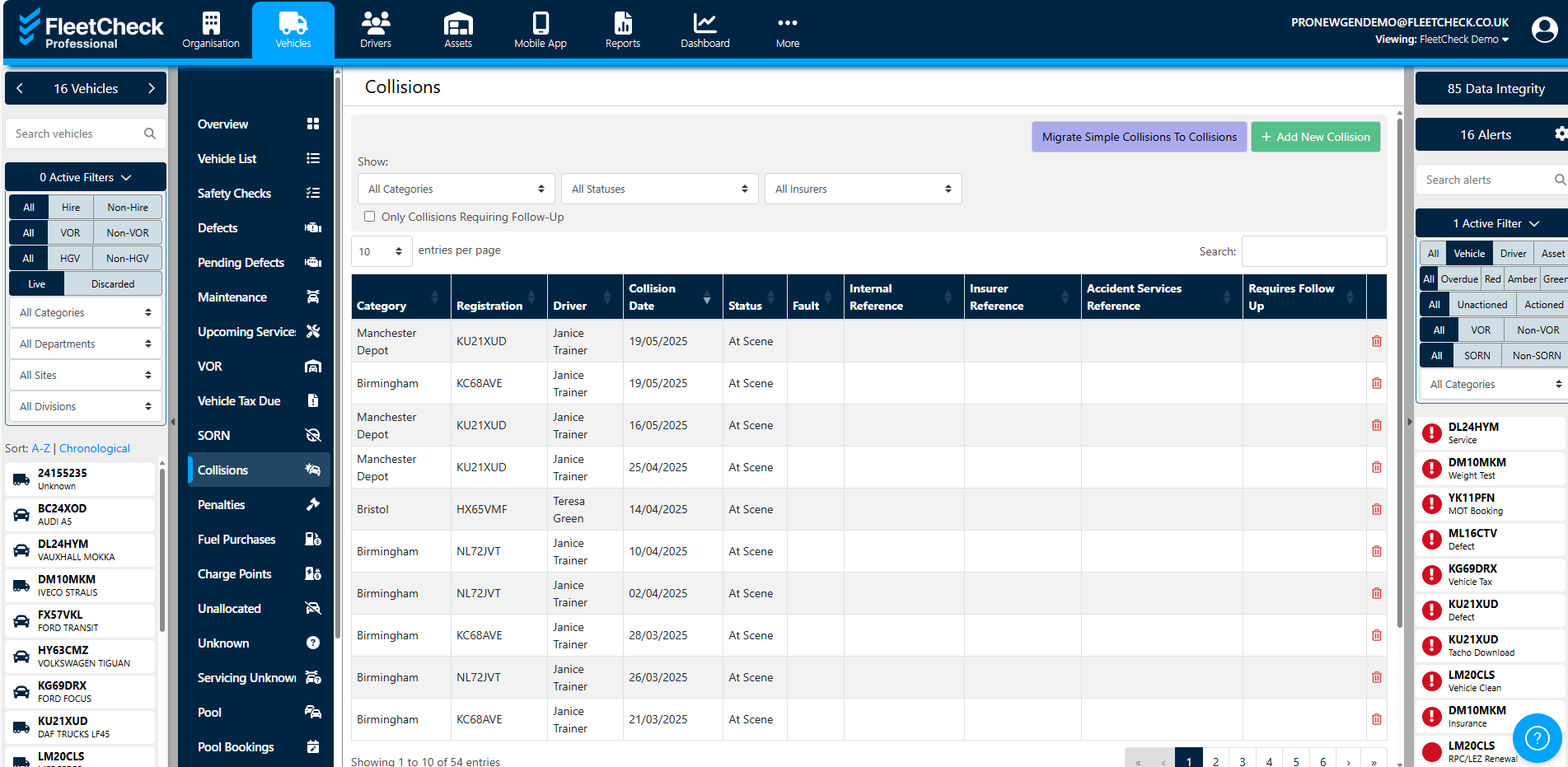
Click the relevant collision to open the details, you will be taken to the collision, this is where you can see the actual details, including Insurance etc and add Documents
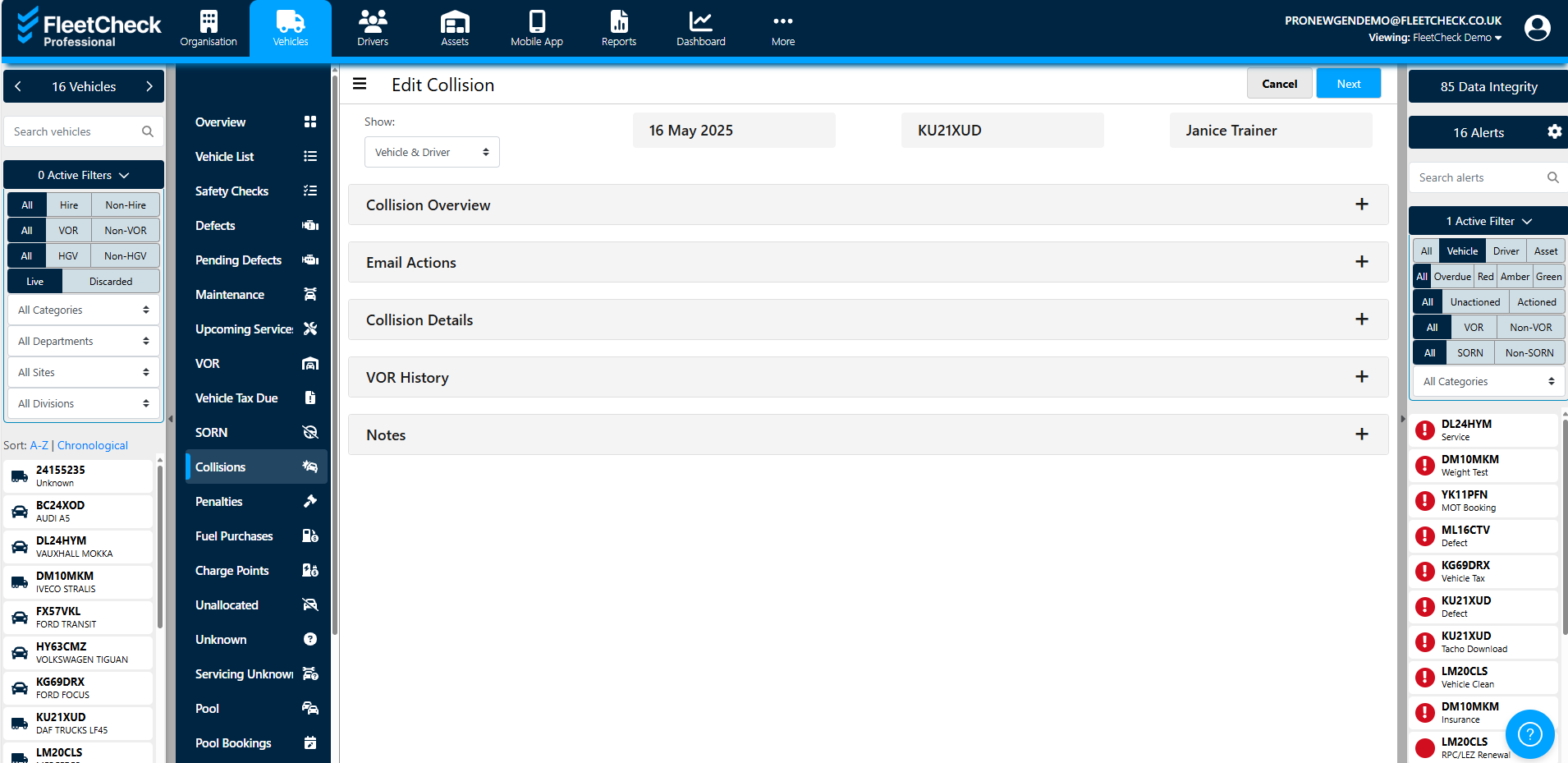
There are many benefit to using the collisions section, it enables you to follow through on your collisions but also allows you to add as much detail against the collision as needed to keep the documents and details in one place.
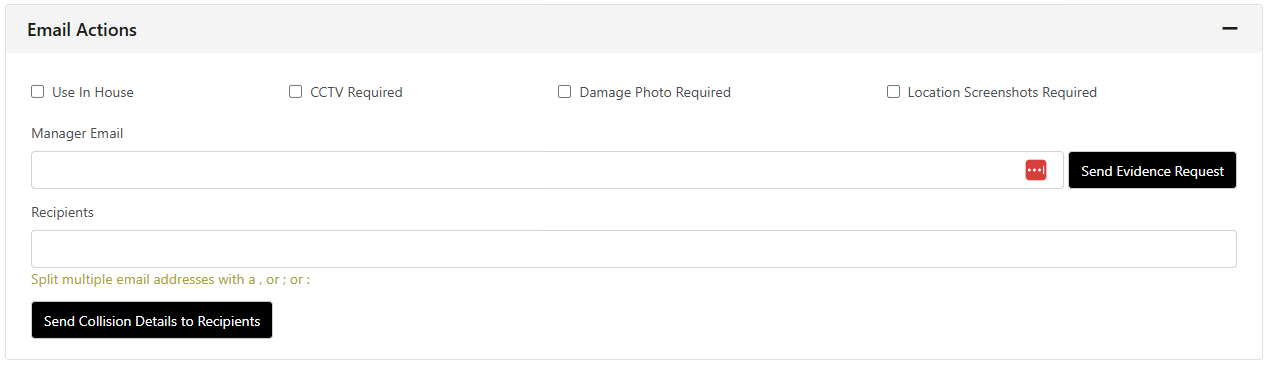
You also can email collision details out in bulk should you need to -