App users is an area on the FleetCheck software that allows you to Create Logins, view Logins, reset passwords and send out logins in bulk should you need too.
Located within the Mobile App area on the system, App Users is an area on the software you will be frequenting often should your drivers be using our walkaround app.
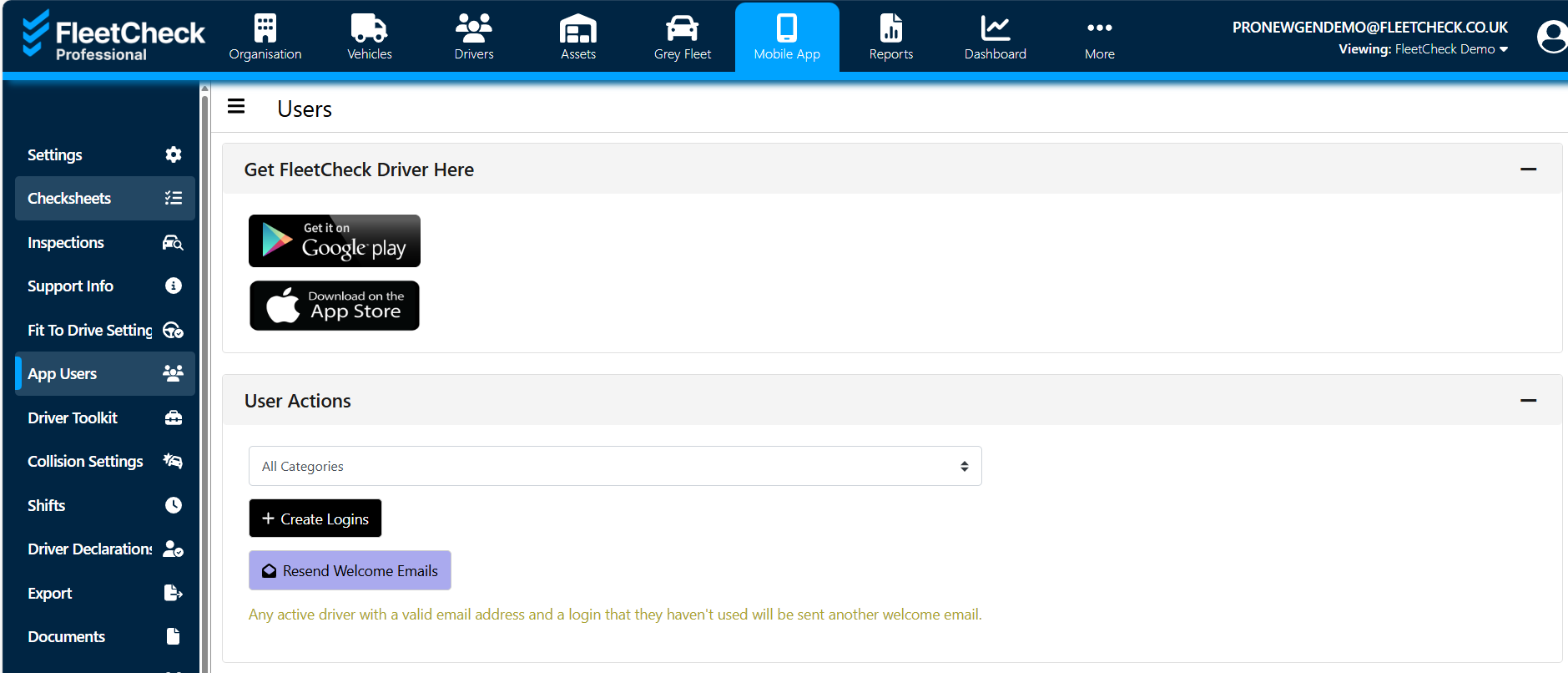
In user actions you are able to send out logins in bulk to drivers
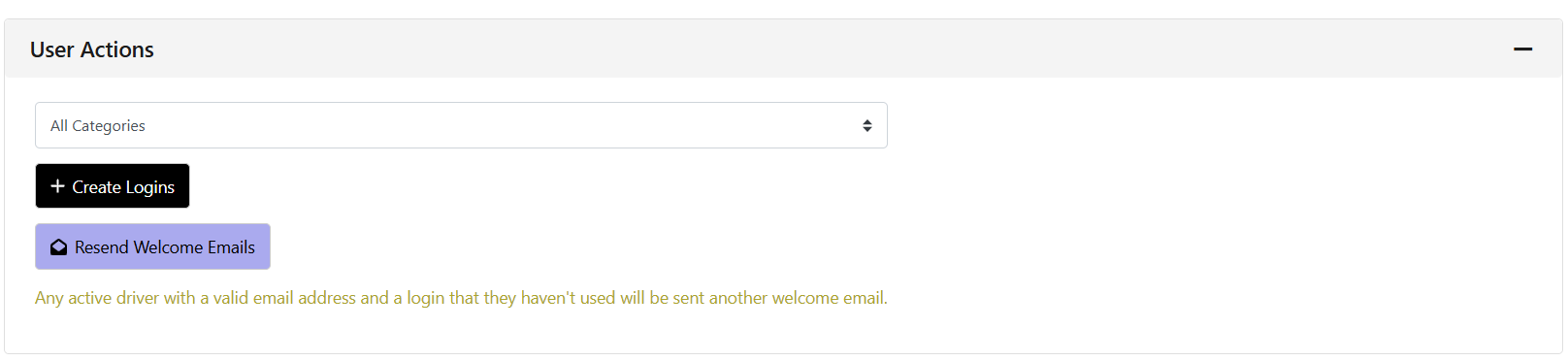
You can also bulk email any active driver with a valid email address and a login that they haven't utilised, can be sent another welcome email from here (sometimes drivers do not always activate their logins when sent straight away).
Within Users, you are able to Reset Passwords, send logins and have visibility of the vehicle they are using, the version of the app they are logging in with and also the operating system they are using. 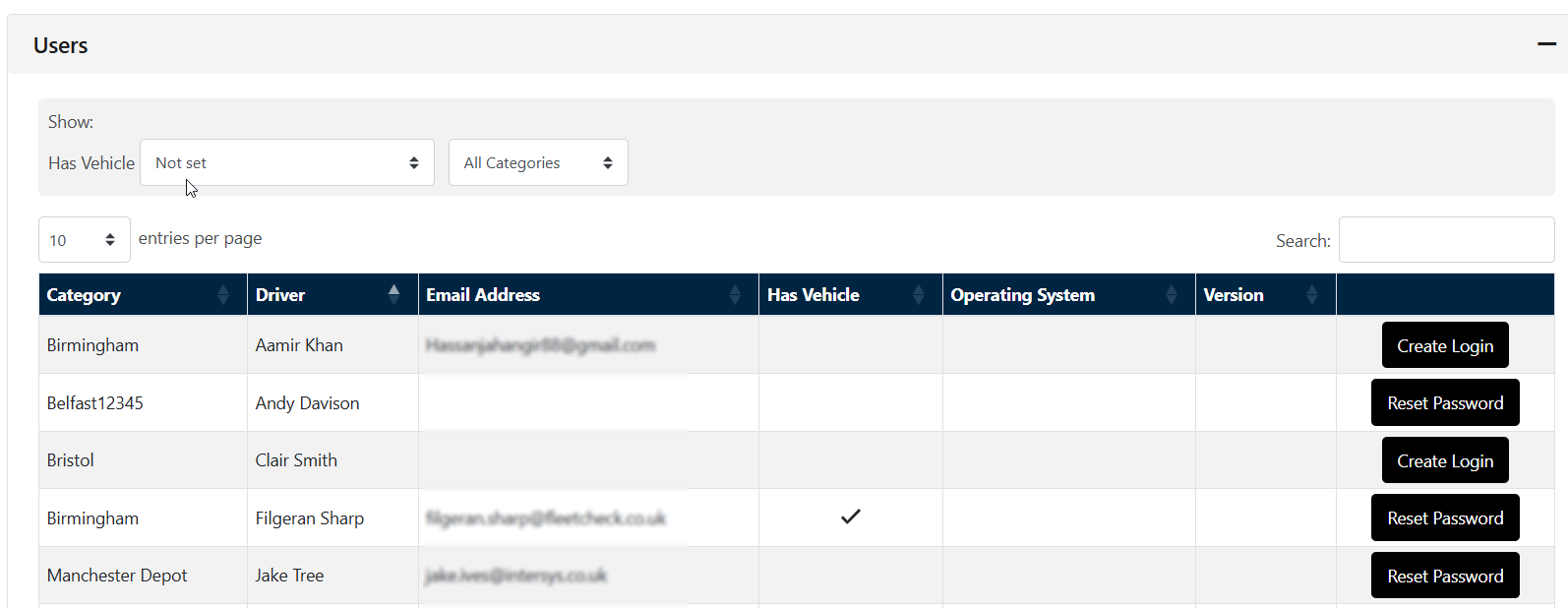
Now if you want to see who has logged into the app - you can simply view the columns Operating System and Version. This details the device the driver has logged into the app with and the version of the app they are using.

You can run reports on the system which will detail who has and hasn't logged in but for a quick visual, just frequent the app user page.