At FleetCheck we recognise that not all drivers will have a mobile phone that they wish to use for work purposes, or possibly they might not have an email address that they wish to share. Similarly, it could be that quite simply your drivers are logging in via a handheld device/PDA and as such you would rather use the HR Number functionality on the software.
The HR Number Login area resides within the Mobile App area under the heading Settings, scroll right to the bottom -
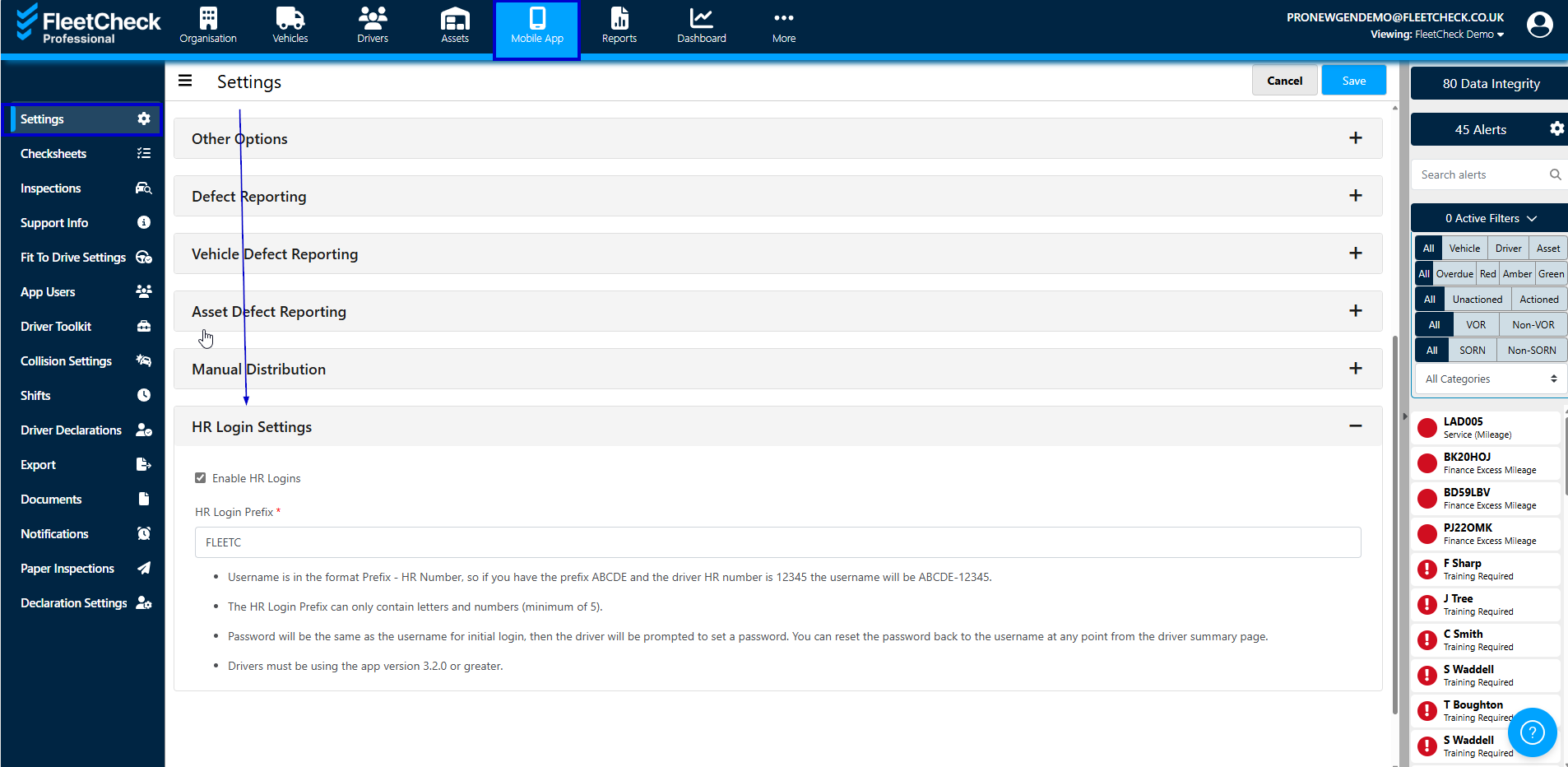
To set up the HR Number Logins for your fleet all you need to do is select the Prefix
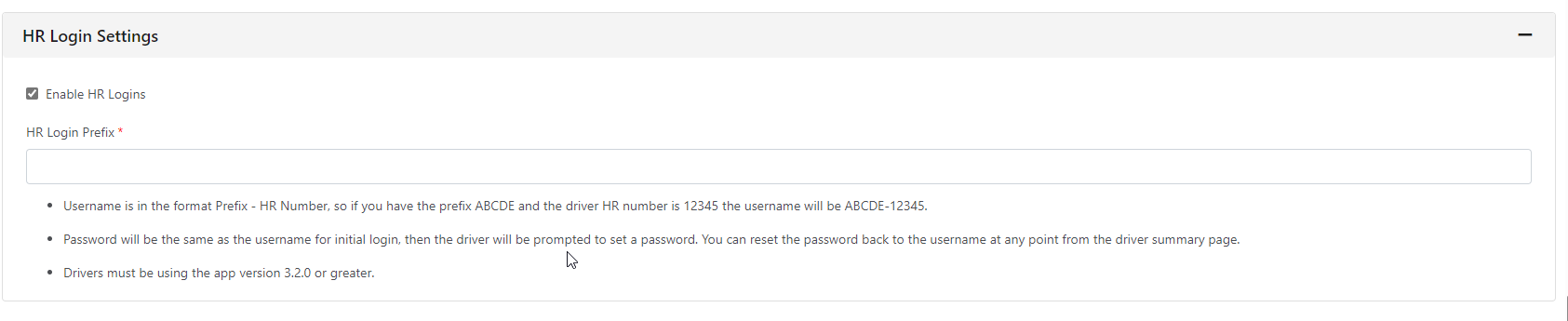
Once you have selected your prefix and the drivers HR numbers are in the system (stored against the drivers profile) they are able to access the app.
When your drivers open the FleetCheck app the requirements will be to enter a Username and Password. The Username is the Prefix you have selected and their HR Number. The Password on the first login is the username. Once both fields are completed they will then press login and from there they will be asked to set up a password.
Once this password has been created. The next time they login it will be the username as before but then the password will be the one they have created and will need to use moving forward.
Drivers must be using the app version of 3.2.0 or greater to use this functionality.