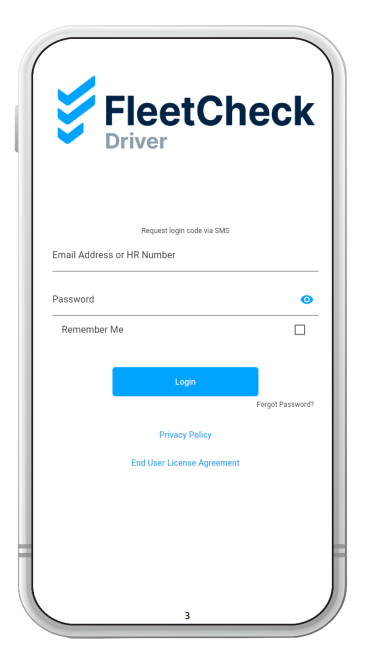
Your team of drivers can use the FleetCheck Driver app for daily vehicle inspections, reporting defects and much more. To access the app each driver will need a login by providing their first name, last name, phone number and/ or email address.
A login can be created by selecting the driver's profile from the 'Drivers' tab.
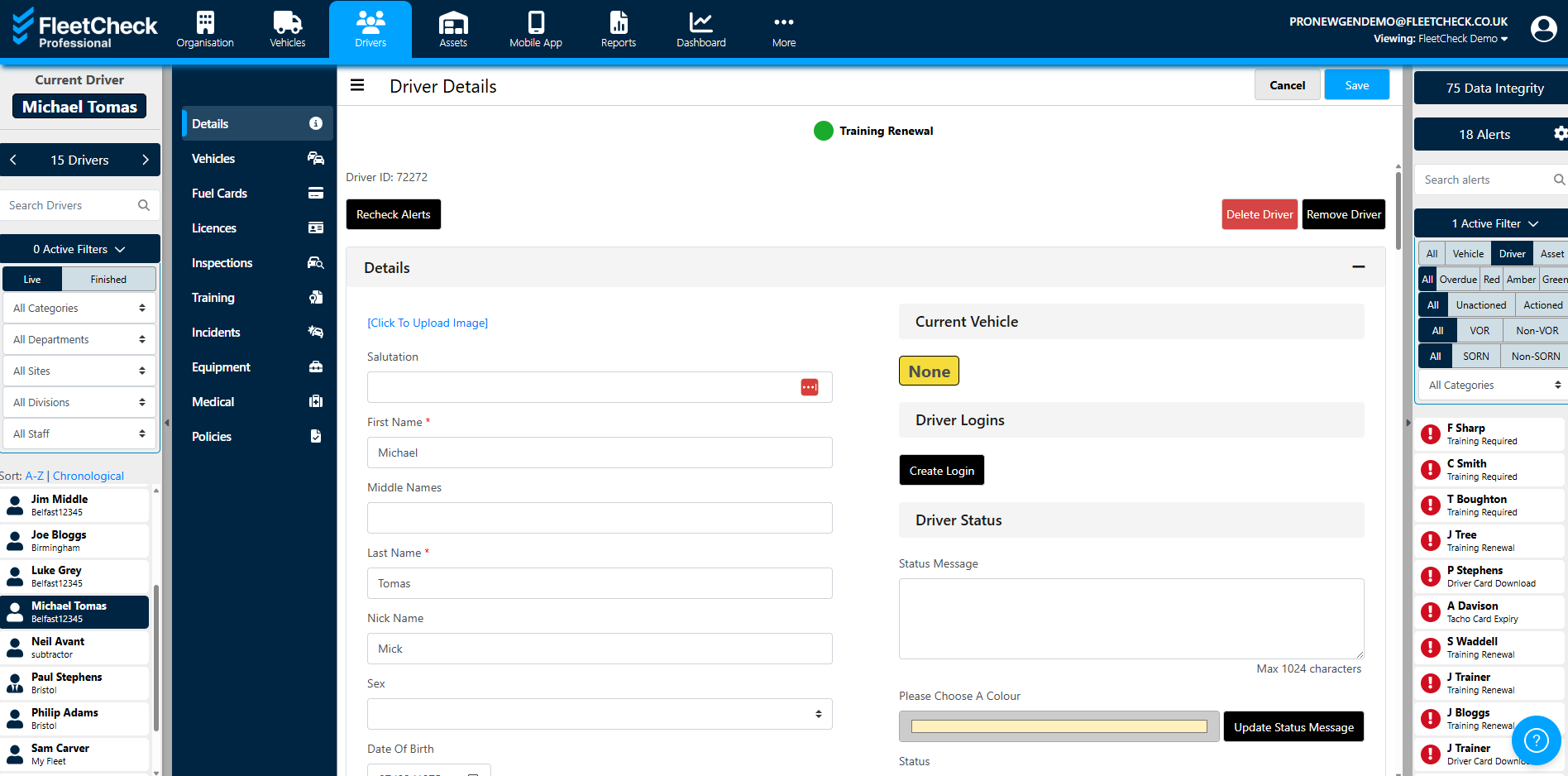
Next, click the 'Create Login' from the 'Driver Summary' section and the driver will receive a message with all their app login details.
This message will ask the driver to setup their own password, so if in the future they forget it, they can reset it themselves by clicking, “Forgot My Password” on the log in screen of the app.
If your drivers do not have email addresses, they can login using their mobile number against the driver profile. This will allow them to receive a one-time code to login with for 30 days. After 30 days, they will need to request another code.