Within FleetCheck you have the ability to store your documents for your fleet, drivers and assets. We have set up a generic list of documents you may want to add however, we also provide the option to create your own document types on your account.
If you go to ‘Documents’ on the top menu bar (within More) and then the ‘Document Types’ tab on the left
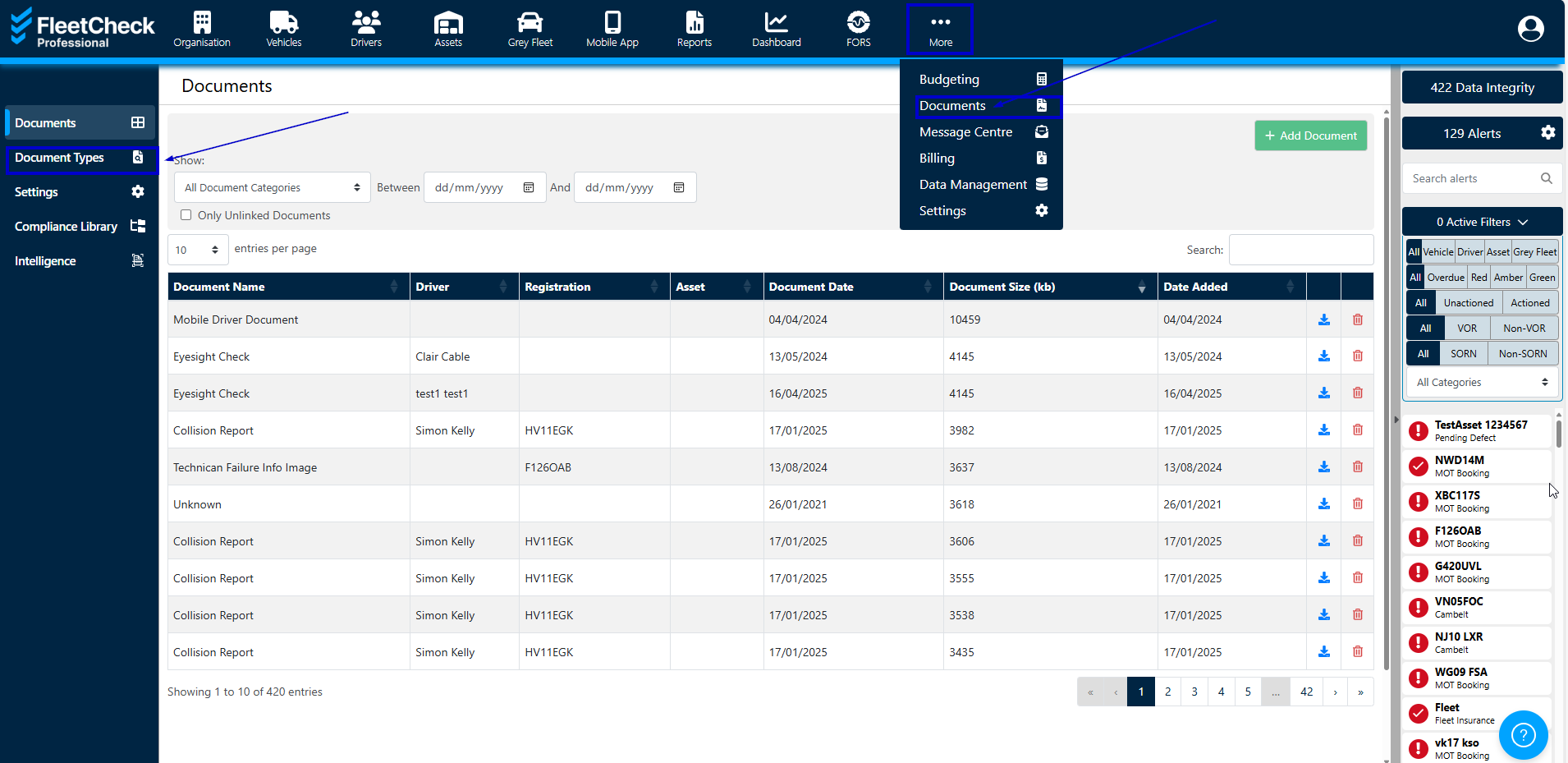
At the top of the page, you will see there is a ‘Custom Document Types’ header, if you click the ‘Add Custom Type’ button you will be able to select whether the document type will be uploaded against a vehicle, driver, asset, fleet, supplier etc.
Within the ‘Hidden Document Type’ tab you can choose to hide specific document types by selecting a category and document type and then click the ‘Hide Type’ button. This will stop the document type showing in the dropdown when you are uploading a document.
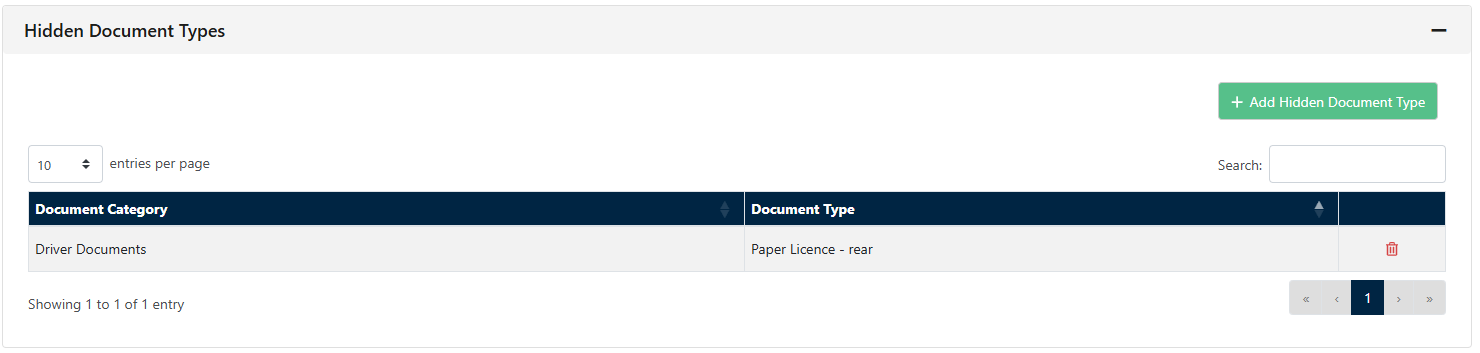
If you wish to view the document type or remove a custom document type, you can do so at anytime by clicking the red dustbin next to the relevant line.
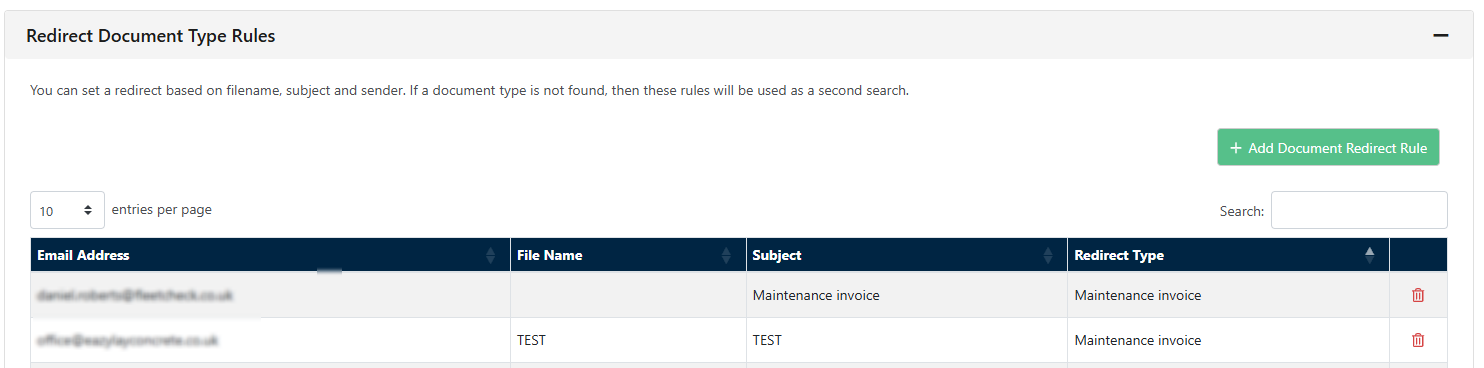
You can also set up Redirect Document type rules within this area.