On FleetCheck your alerts are displayed within the right hand side pop out bar -
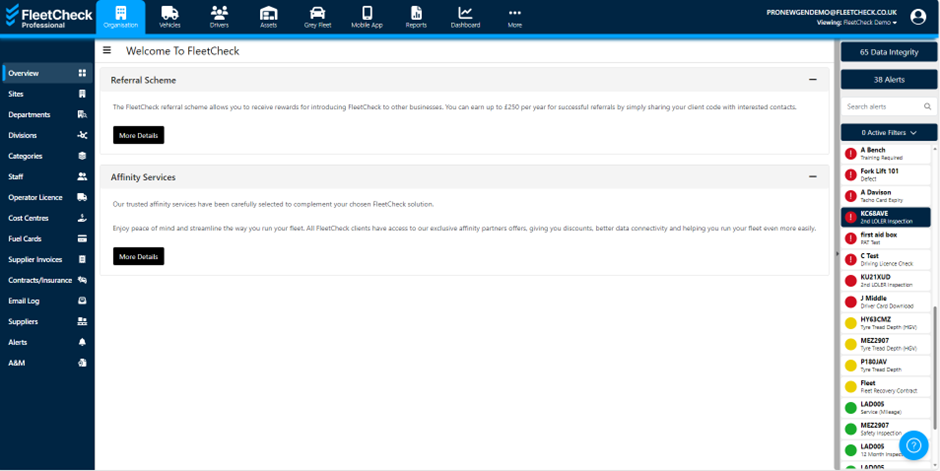
On the right is the alert screen that will highlight all active alerts and colour code them based on their priority. You can use the search box or filter options to alter which alerts are displayed.
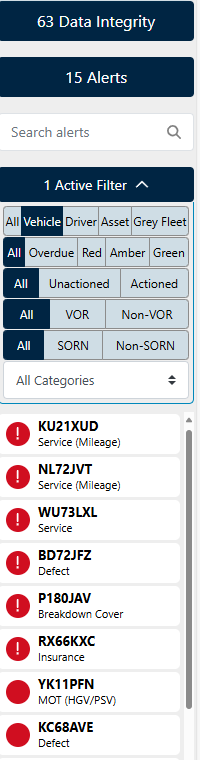
To view a specific alert - simply select the alert
This will then open up into the vehicle/driver/asset in question

The prompts detailed, will help you to clear the alert.
So we can clear the example Tax alert by selecting on any of the tiles -

Its important to remember our alerts within FleetCheck are information/date driven. So once the date or the information is in the software, the alert will invariably clear.