In FleetCheck, we have a section for data retention to help with keeping your fleet data GDPR compliant. It allows you to select how long you want data to be kept in your system.
It is a staff permission that will need to be enabled for users to be able to change these settings.
Our default setting is 24 months for anything which has been discarded or after 12 months of an accident.
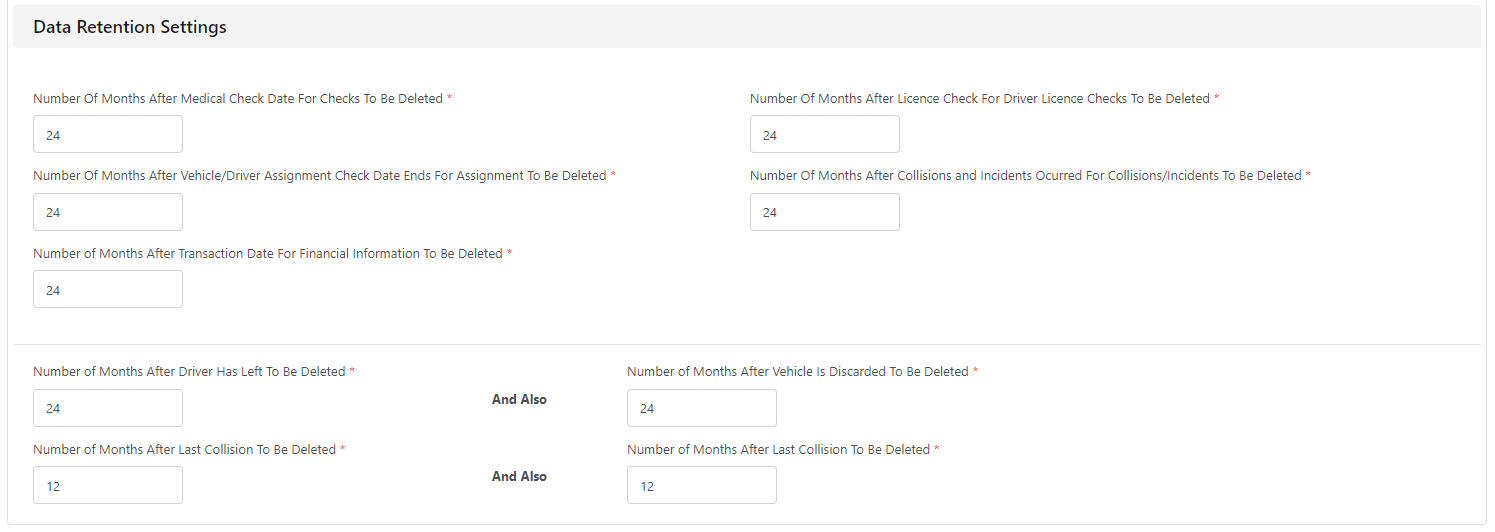
We delete the data on a monthly basis and you can view which data is going to be deleted here before it happens or alternatively, you can set up an email notification.
Once the data is deleted, it cannot be retrieved.
Within this area you can set up to receive email alerts of data that is due to be deleted in light of the data retention settings -
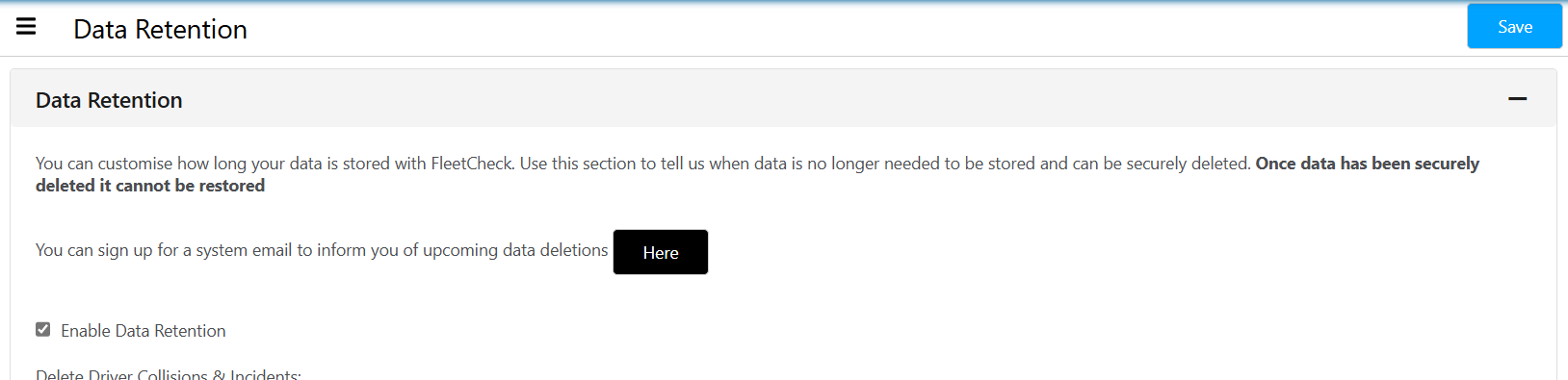
By clicking Here it will allow you to set up Data Rention Alerts -
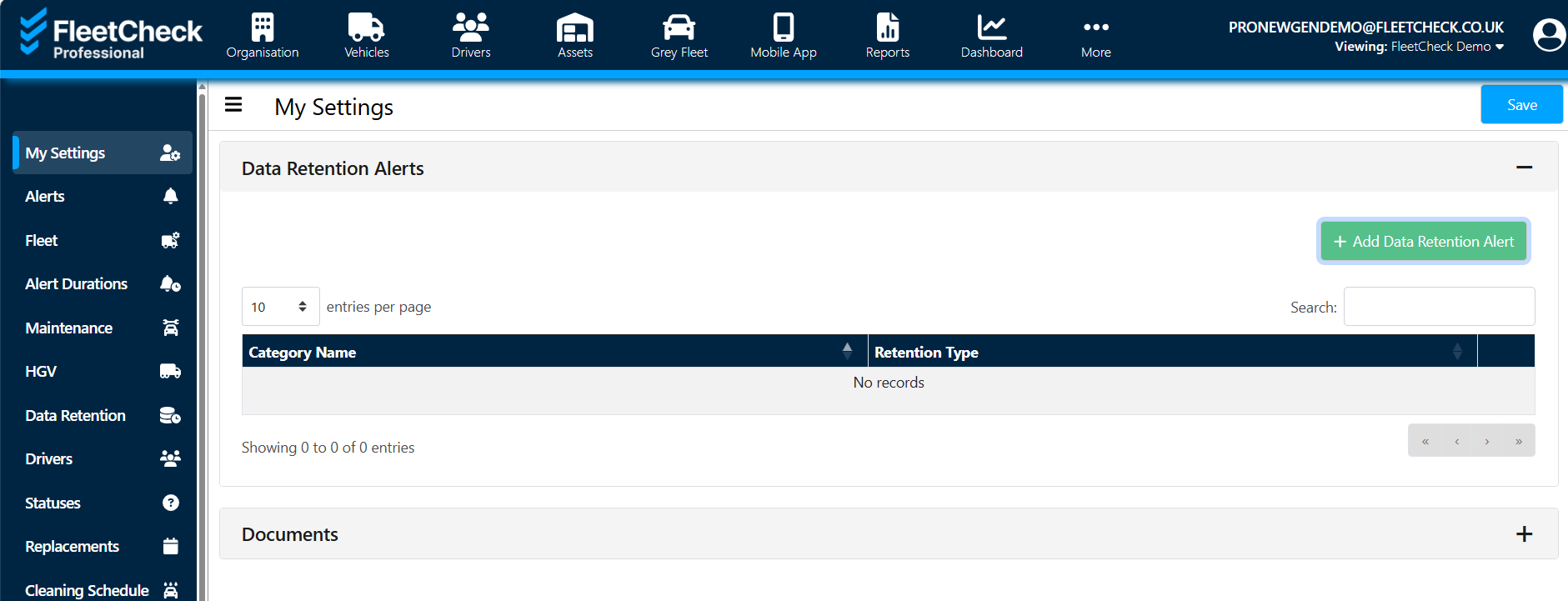
Remember to click the ‘save’ buttons once you have made your changes.