Within FleetCheck Professional, you can create an audit trail for all the maintenance carried out on your assets as well as your vehicles. You can book maintenance bookings as well as invoices to help you keep track of costs.
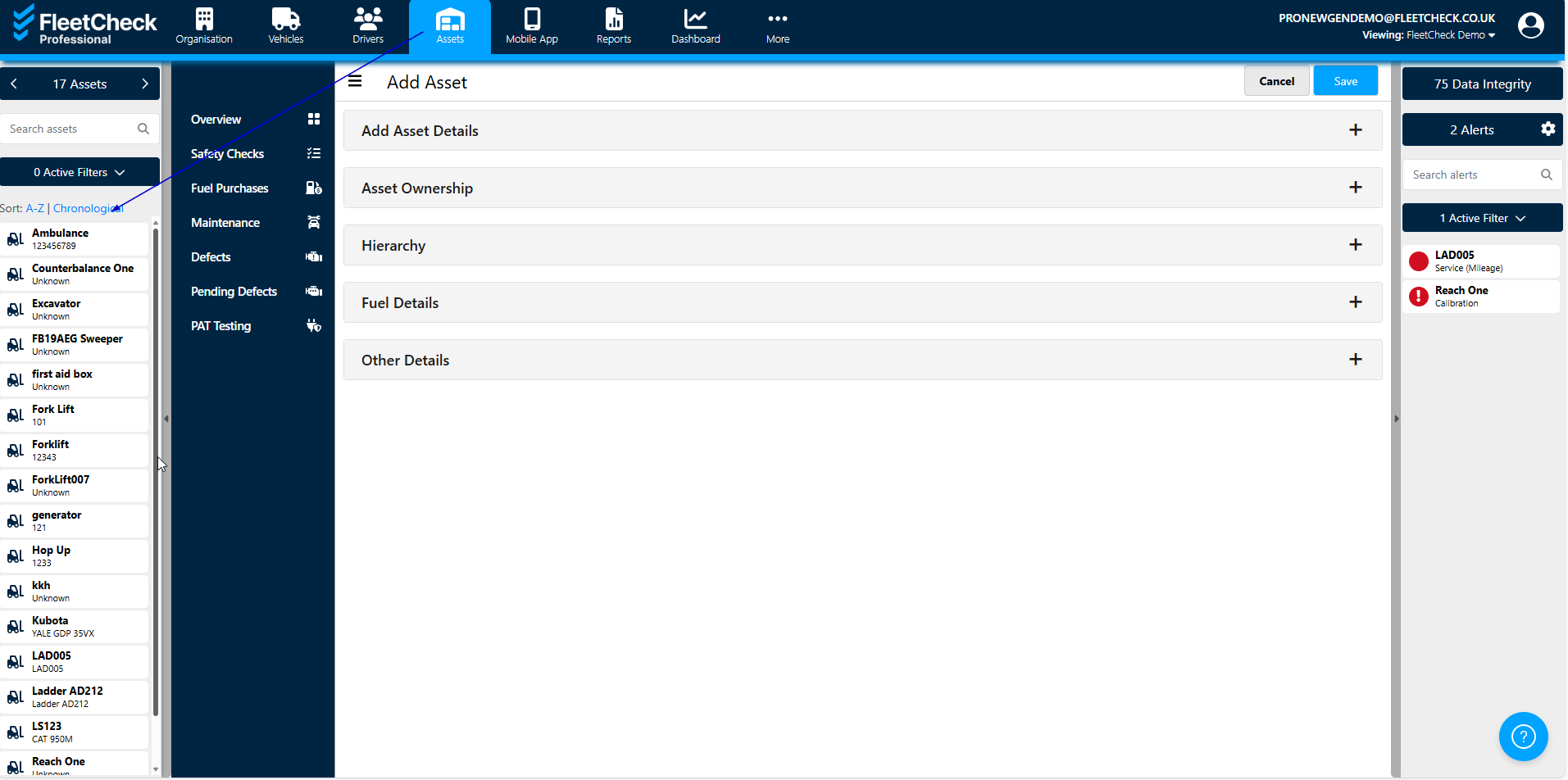
To record a booking on the system, select an asset and then go to the ‘Maintenance’ tab.
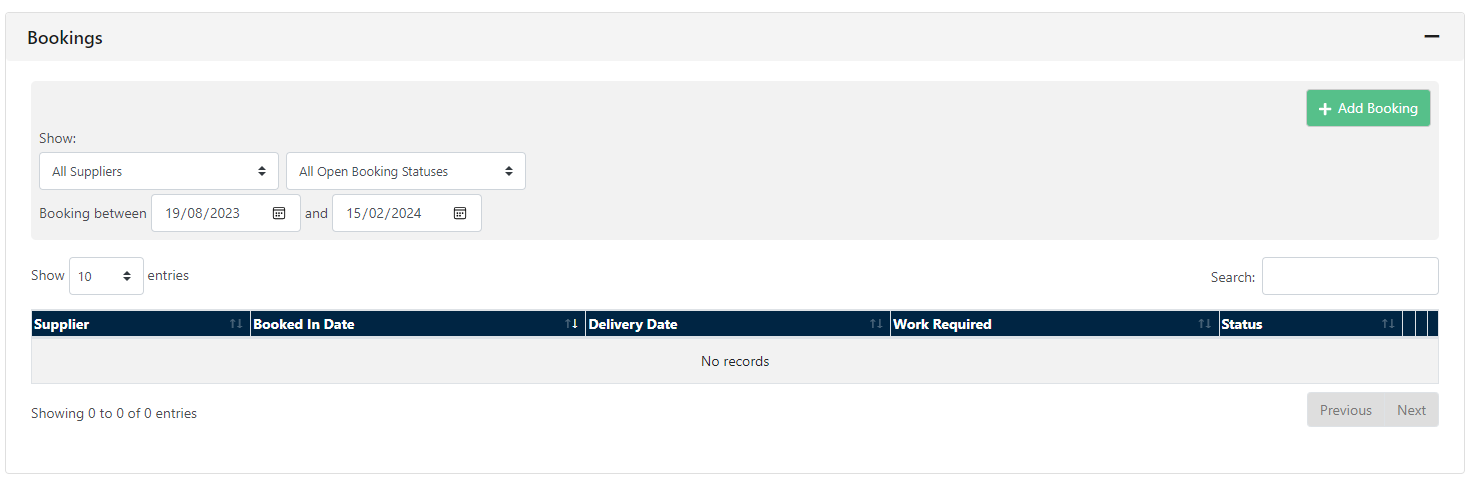
You can view recent or upcoming appointments at the top of the page and record new appointments using the ‘Add Booking’ button.
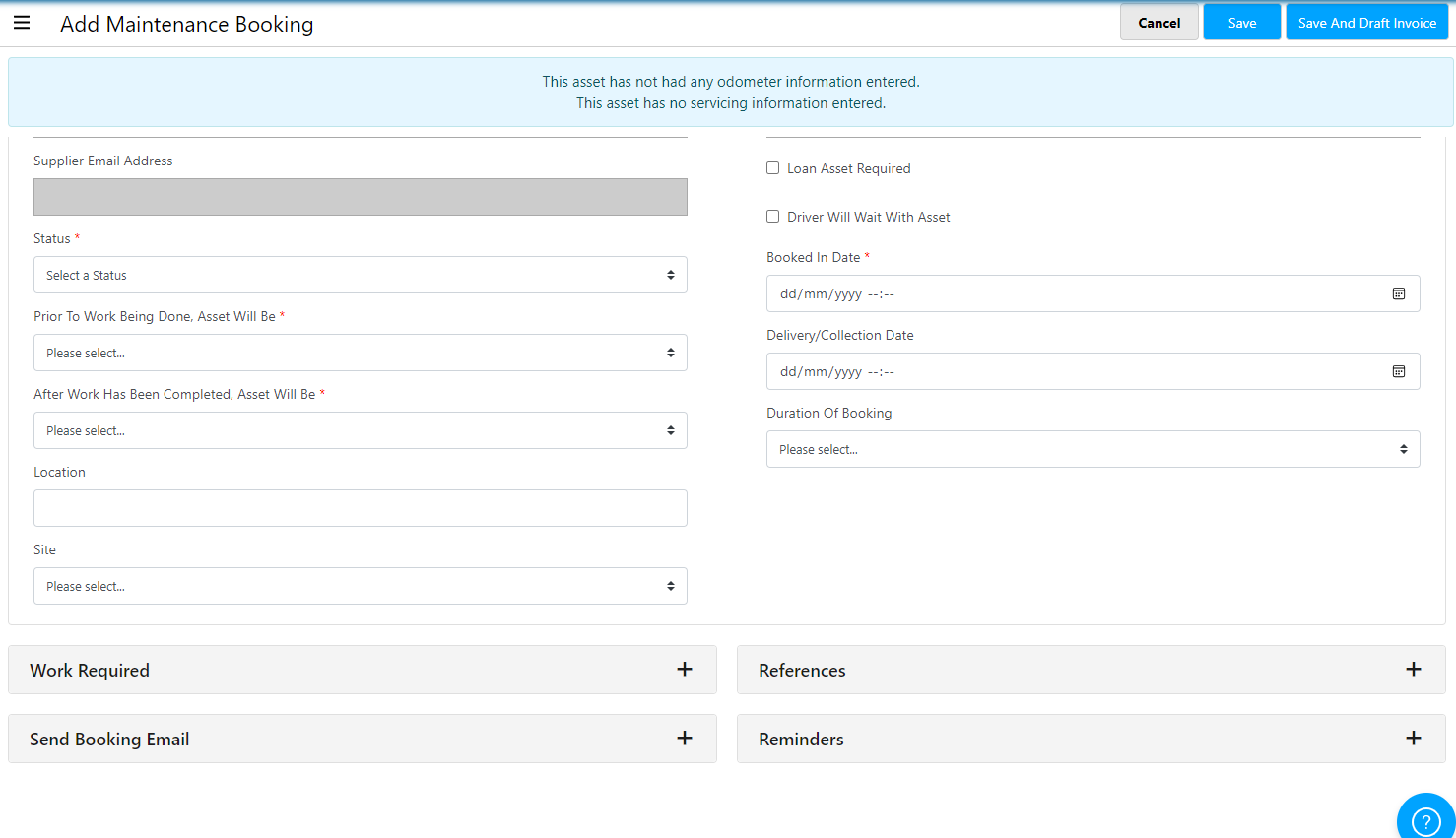
Once you have selected the ‘Add Booking’ button, you can enter the relevant details such as the date, delivery/collection dates and times as well as the required work. Once you have entered the relevant details, you can email or download the booking details. and set Booking Reminders.
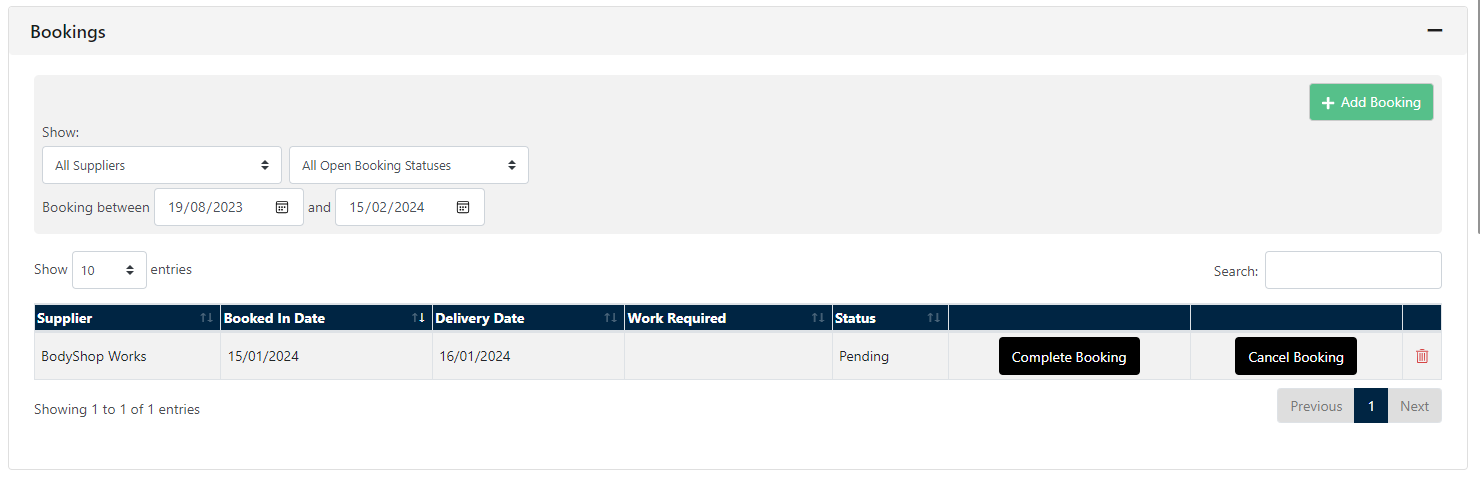
 Once the booking has been completed, you can change the status by going back to the ‘Maintenance’ tab on the asset and setting the status to ‘Completed’.
After recording and completing a maintenance booking, you may also want to enter a maintenance invoice to record the costs.