In FleetCheck you can add fleet contracts and receive reminders for all key dates and renewals against these contracts.
Ensure your Suppliers are set up correctly on the software first, and then you can set up the contracts associated with these suppliers.
Located within Organisation we have our Fleet Contracts and Insurance tab.

Within this section you can add Repair and Maintenance contracts, Telematics, Insurance and Vehicle Recovery. You can do so by selecting the ‘Add new’ button.
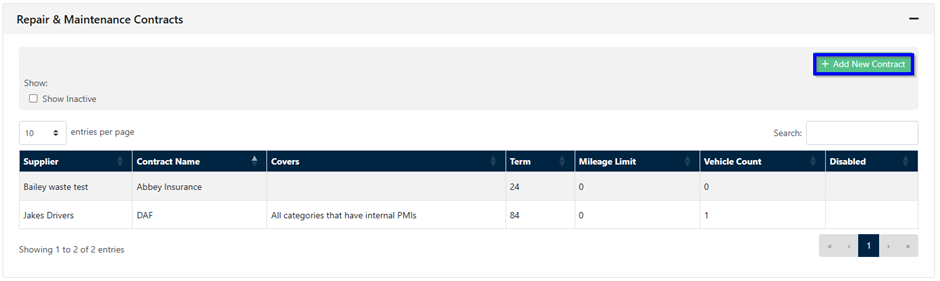
Once you have added all your contract information, added in supplier info Key dates etc, you then need to apply them to your fleet.
Lets use Repair and maintenance contracts to start with. Go into the vehicle in question and select R&M Contracts from the vertical menu - simply select the green add button and add your contract to that vehicle -

detailing the key information -

it will then display within the vehicles R&M Contracts area -

and also within the main contacts and insurance area under the organisation tab within the fleet count -

Once you have associated said contracts to the vehicle's on your fleet - the alerts will remind you of impending renewals etc. Helping keep you on top of important dates.