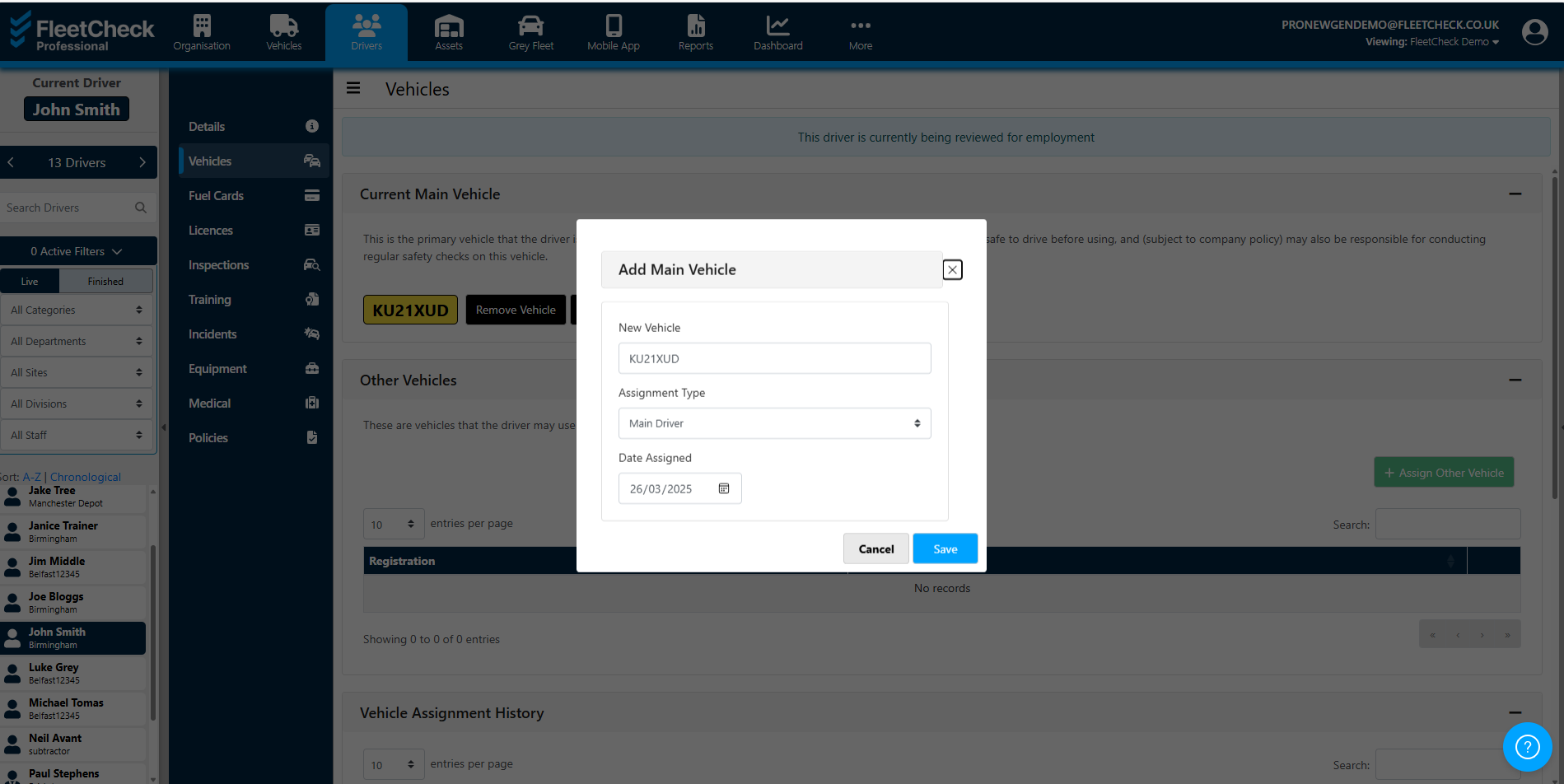
In FleetCheck you can assign a vehicle (or multiple vehicles) to a specific driver and maintain their assignment history of current and past vehicles.
To assign a vehicle start by selecting the 'Drivers' main menu page, then the Driver's name from the left side bar, then 'Vehicles' from the secondary menu.
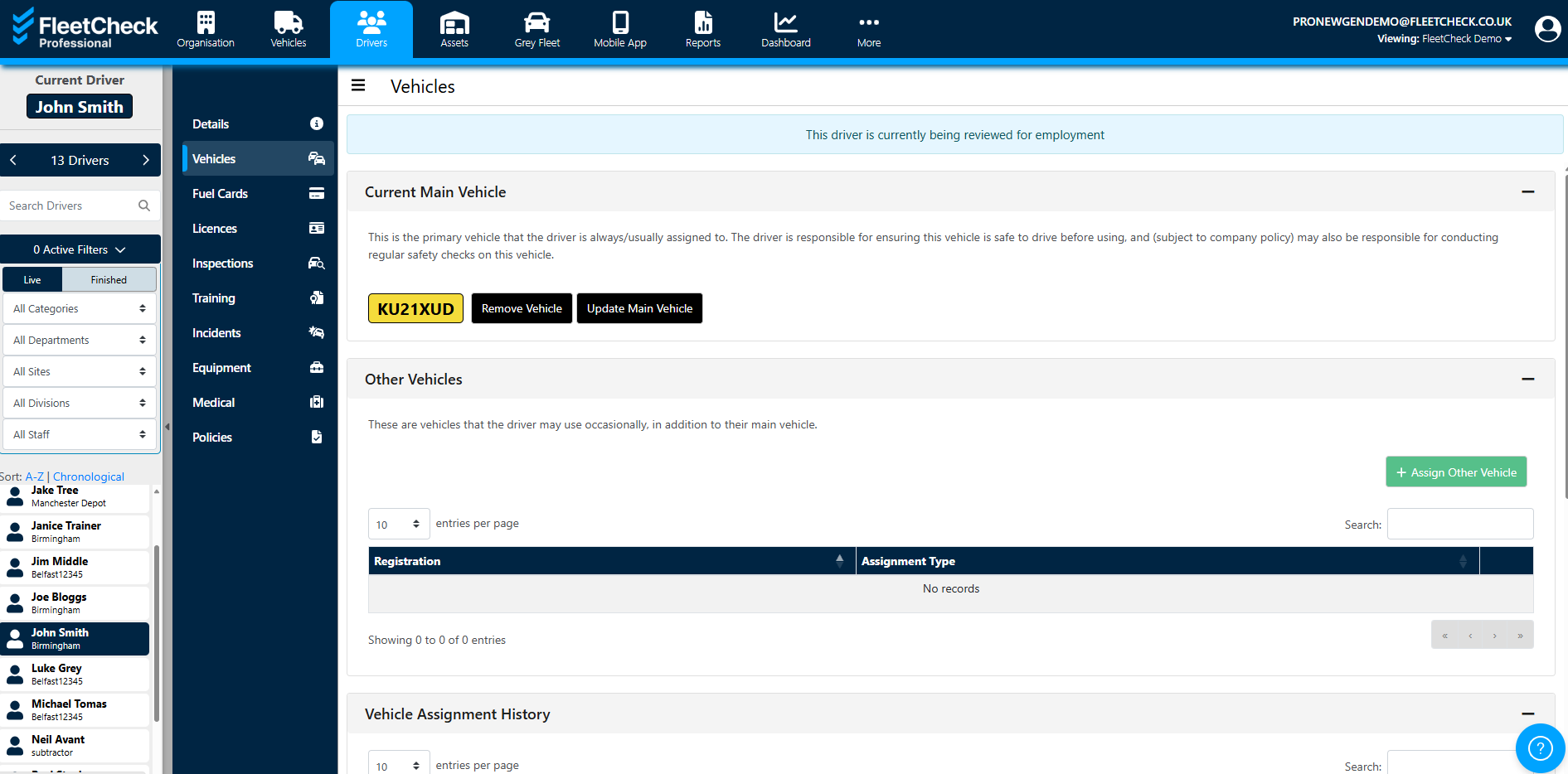
This page shows the list of the driver's main vehicle, other assigned vehicles and their assignment history.
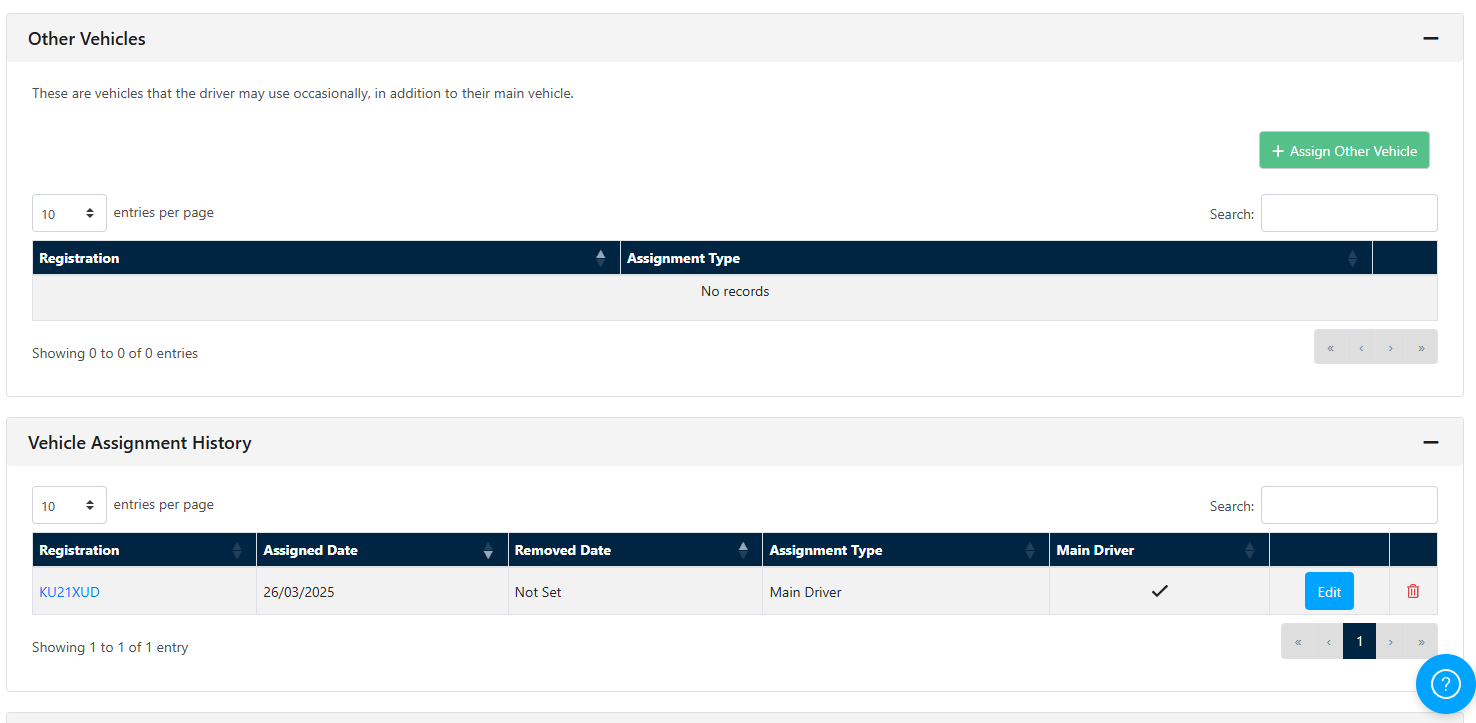
To assign a new vehicle to the driver simply click "Update Main Vehicle" and enter the relevant information in the pop-up window, choosing if the vehicle is their main vehicle or not and clicking "Save" to finish assigning.