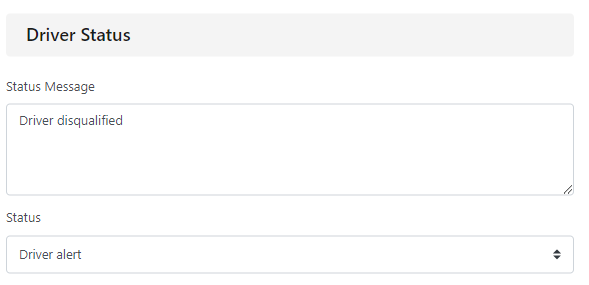
In your company, you may want to assign statuses to specific vehicles, assets or drivers. This may be to indicate a driver is on long term sick etc.
You can add a new status by going to ‘Settings’ and then the statuses tab.
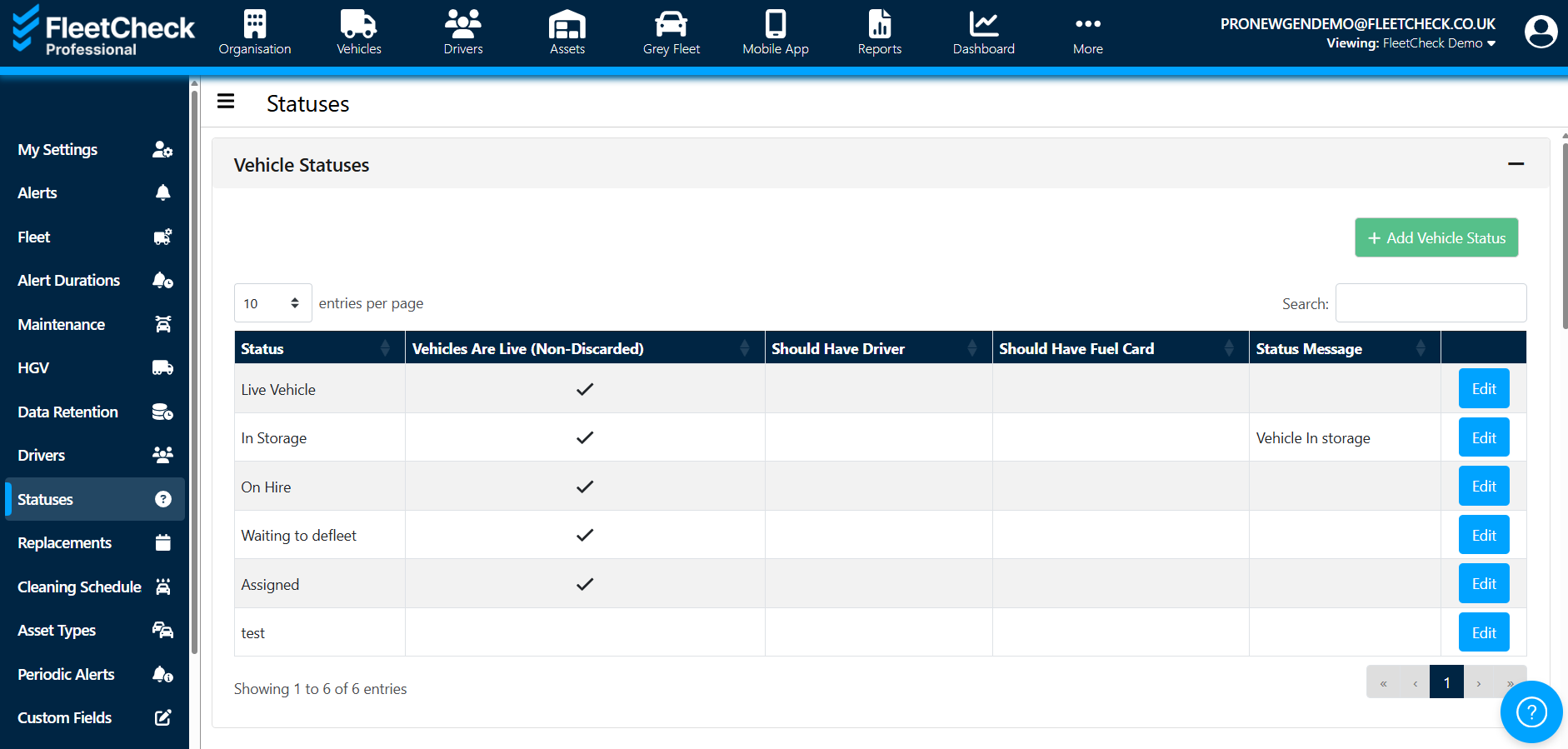
There are options to add vehicle, driver and VOR statuses. Click the ‘add new status’ option under the relevant header.
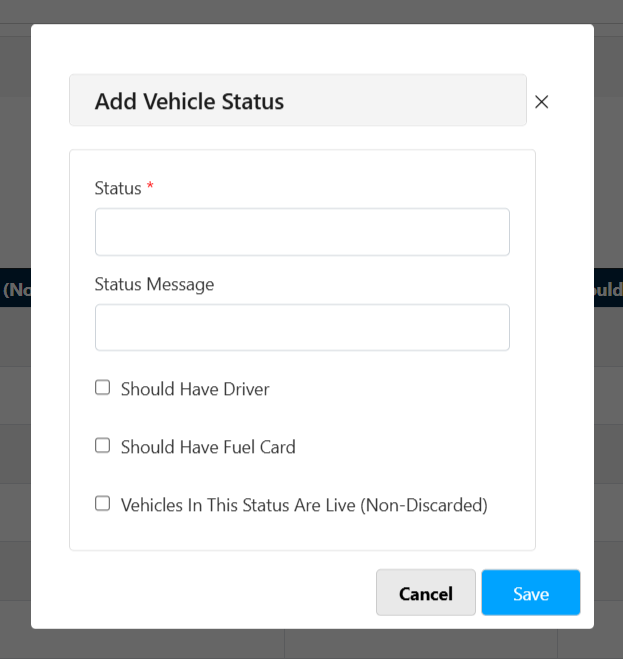
You can then enter the status name and any message to be viewed with that status.
To assign the statuses to a vehicle, asset or driver, you will need to go to the relevant record. The status can be assigned on the ‘summary’ tab of the vehicle, asset or driver.