Under each asset, you can record whether they are on a finance contract along with the company, agreement number and cost.
You can do this by going to an asset and then selecting the ‘Finance’ tab in the left hand side menu
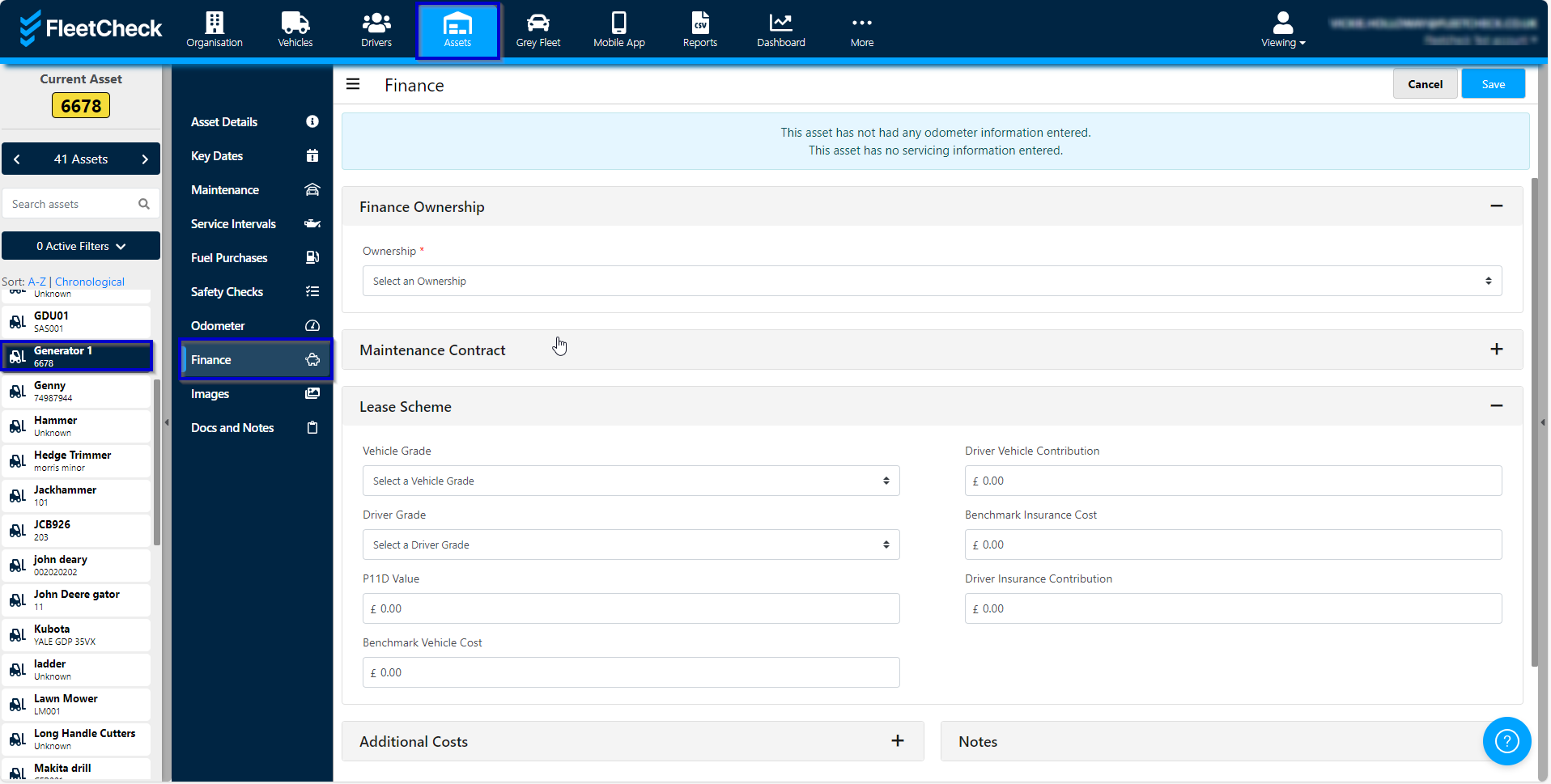
Once you have entered the details, you will receive finance alerts for when the contracts are due to expire.
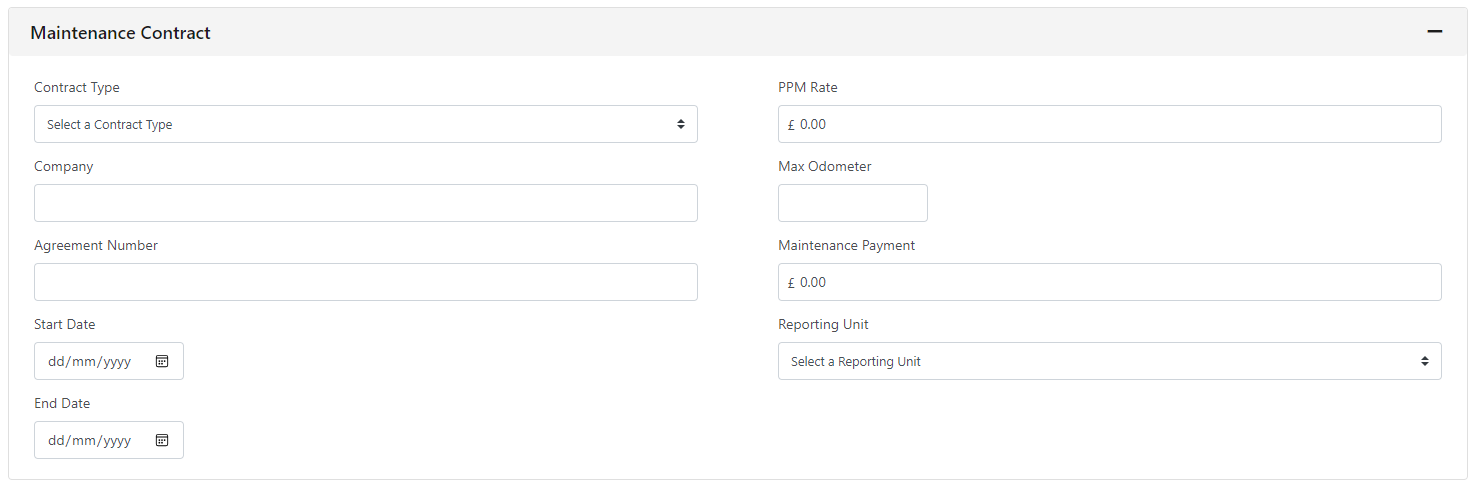
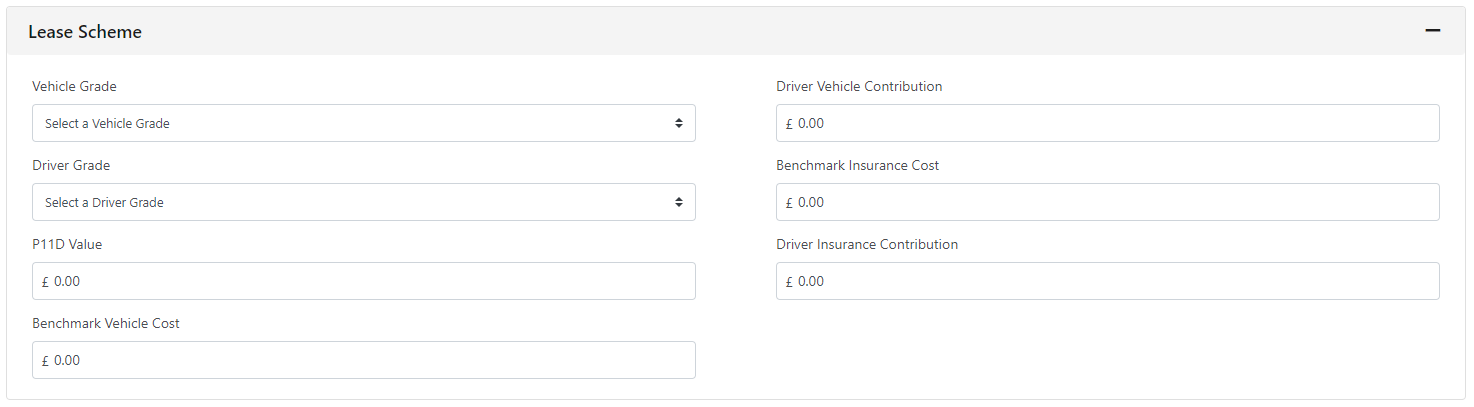
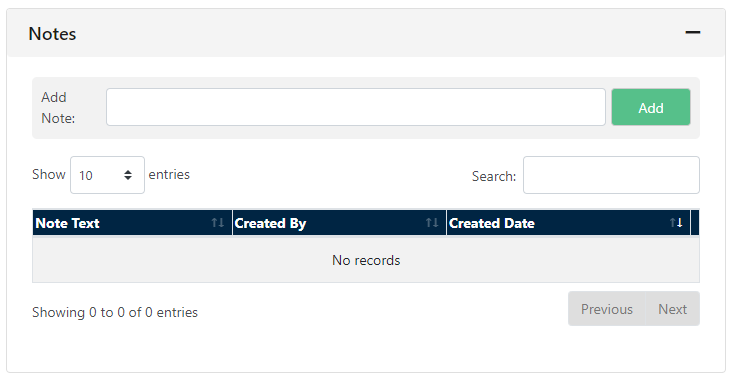
If you complete the Asset Finance section the FleetCheck software will alert you of any key dates coming up on your Assets.
It's important to note that this feature is only available to those clients on the FleetCheck Professional package.