On the FleetCheck Professional package you have the ability to manage your companies assets similarly to how you manage your vehicles on the system.
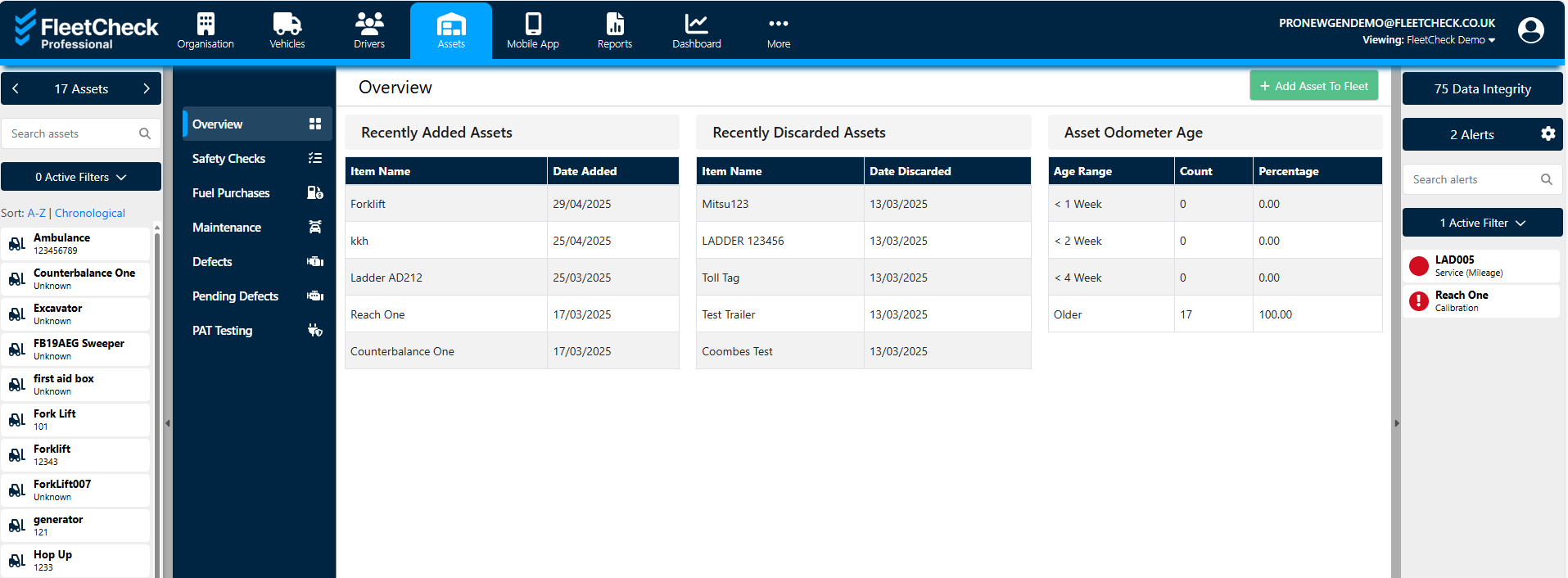
To add an asset to the system, simply select add asset top right -
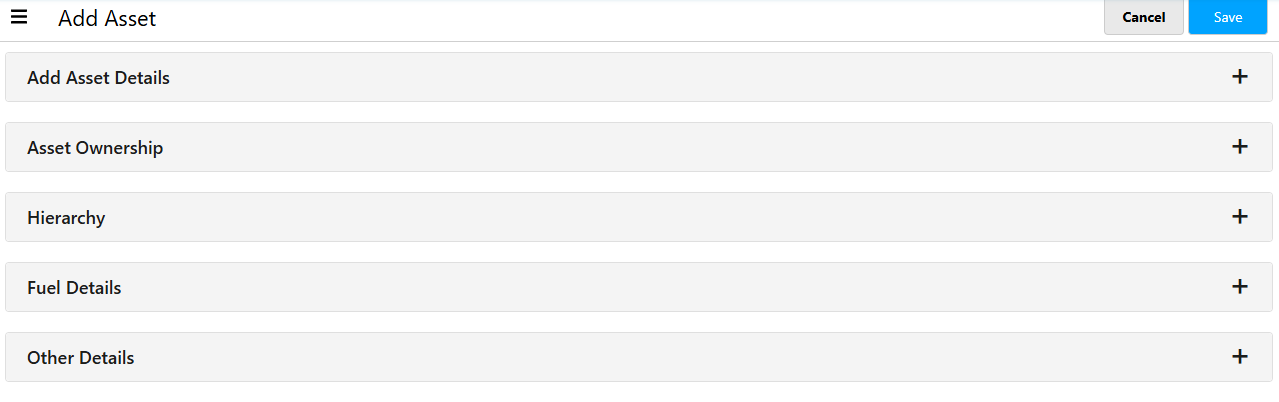
If you could then complete the following sections for the asset
The asset will then appear on the left hand side where the vehicle reg's are.
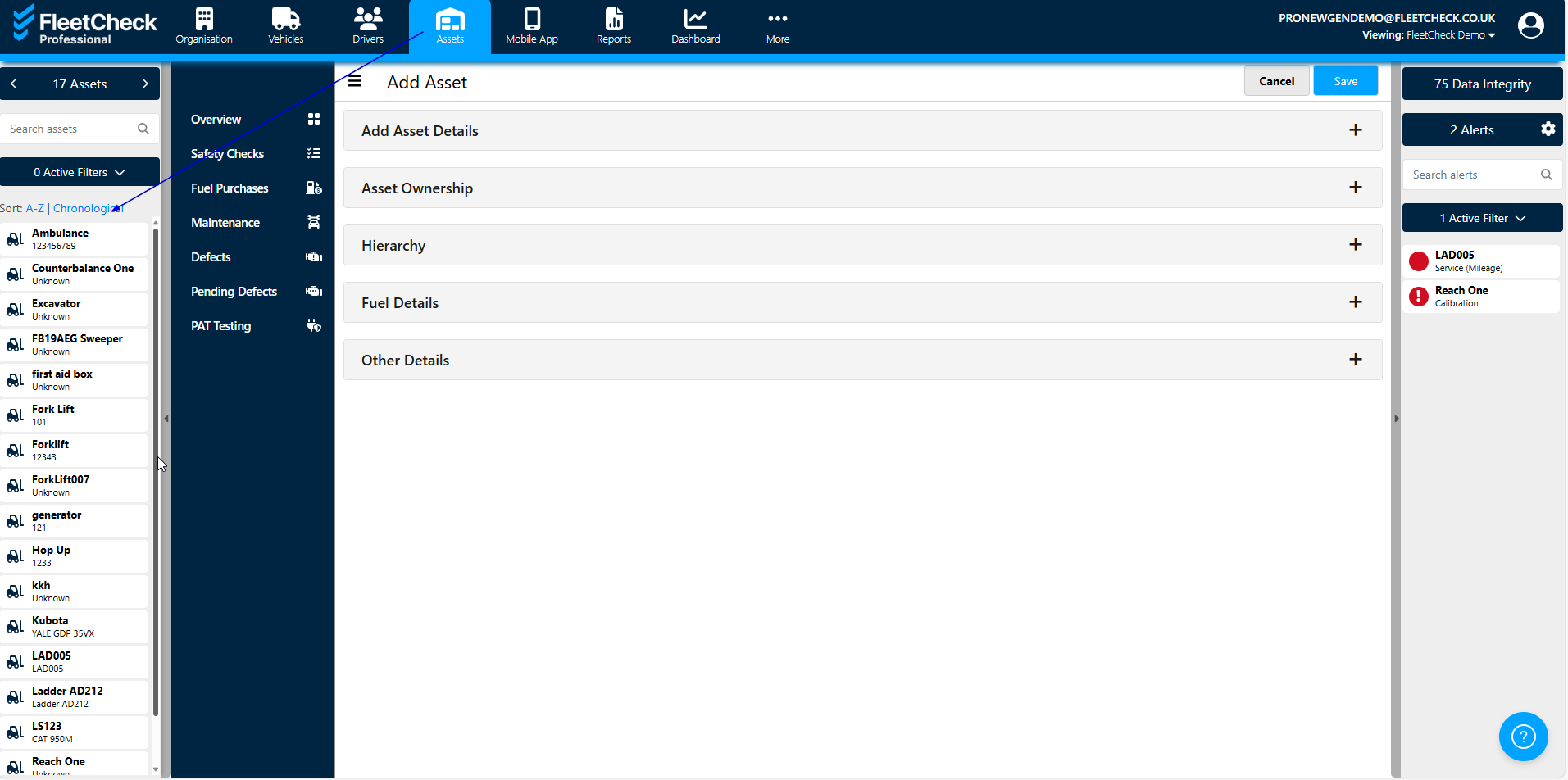
You can then manage your assets as you do your vehicles, creating checksheets, assigning assets to drivers etc.