You can add and remove vehicles at any time to your Grey Fleet area on the software.
To add a vehicle to Grey Fleet, click the ‘vehicles’ section at the top left and then click the ‘add vehicle to fleet’ option.
Once you have selected the option to add a vehicle, you will be asked to choose a vehicle type and enter the registration.
You will then be asked to determine the Ownership of the vehicle. The vehicle must be put as Driver owned in order for the vehicle to be placed in Grey Fleet.
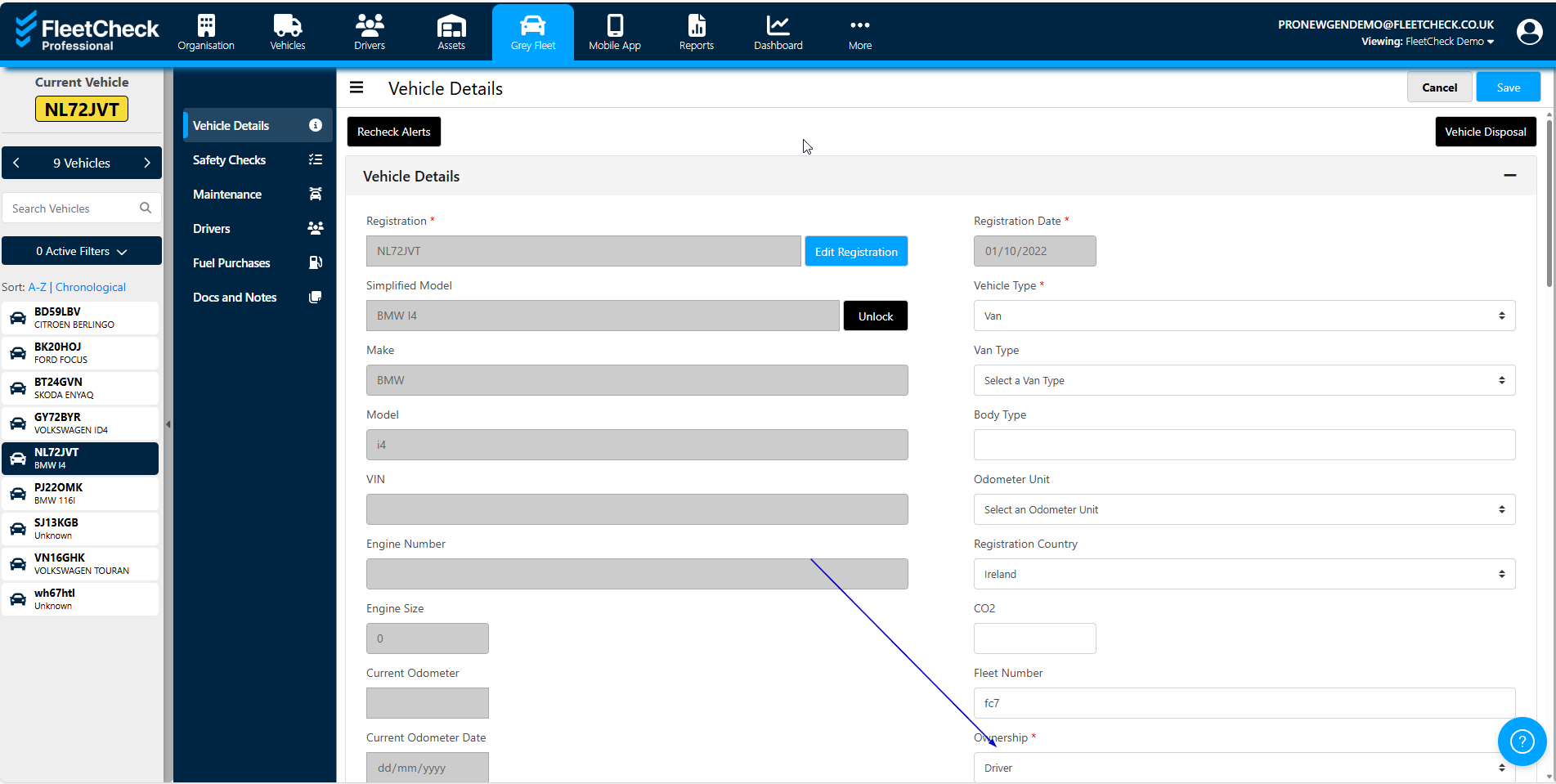
Our system will then do a lookup to pull through the make, model, VIN number, engine number and key dates such as MOT and Road Tax (MOTs are not available for O’licence vehicles).
The vehicle will then display within the Grey Fleet area on the system.

Once saved this now allows you to have a Grey Fleet icon at the top of your page.