On FleetCheck you are able to add Fuel Cards against your drivers.
Simply go in to the driver record and then Fuel Cards on the left. You will then be greeted with the Fuel Cards landing page. This is where you can add a fuel card or edit an existing one.
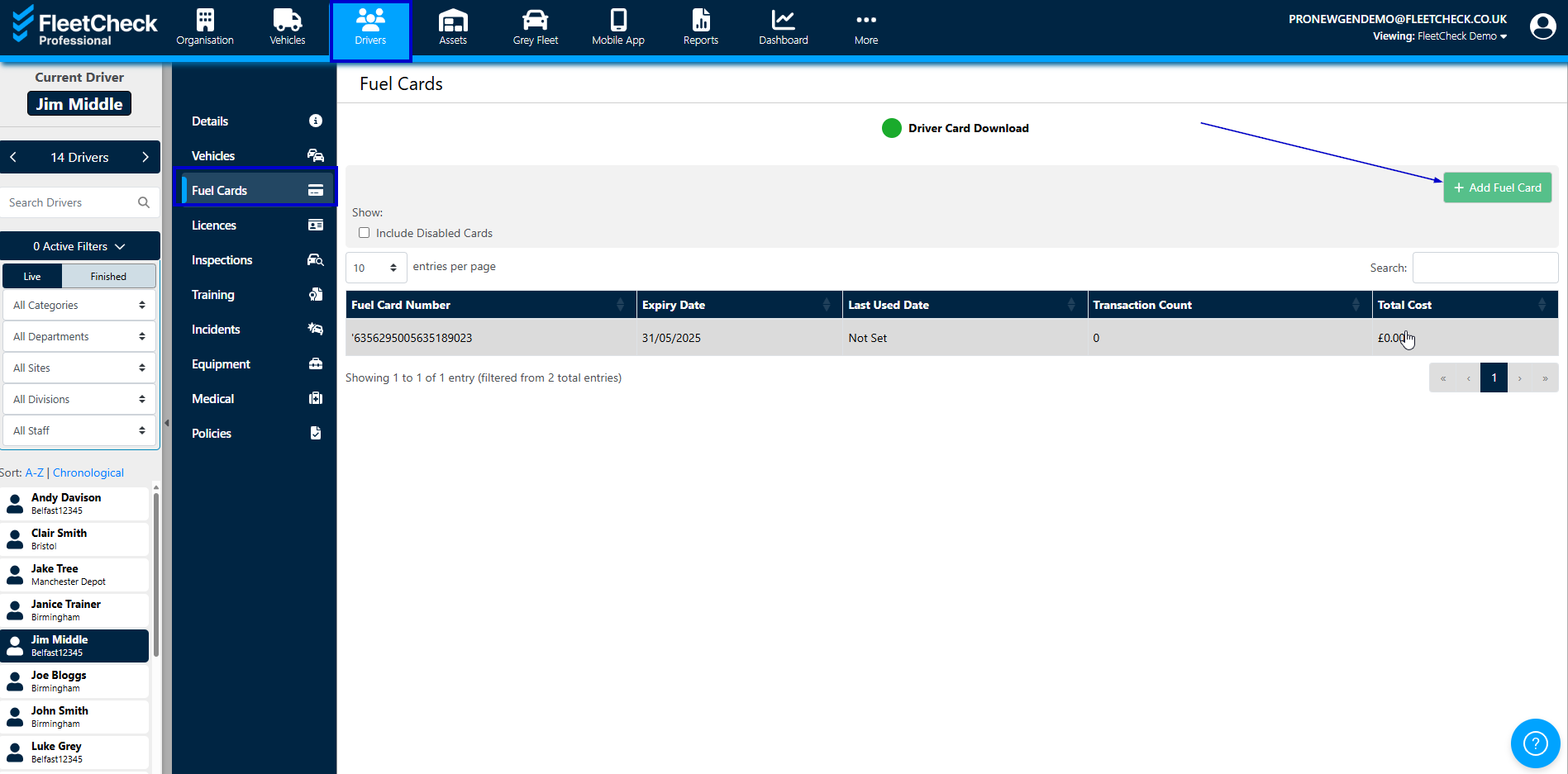
Now this allows you to associate a card with a driver. Giving you full visibility of the fuel card usage, how often the driver is filling their vehicle up etc.
You are also able to disable the fuel card within this section. And also at the very bottom, export the fuel purchases for the driver.
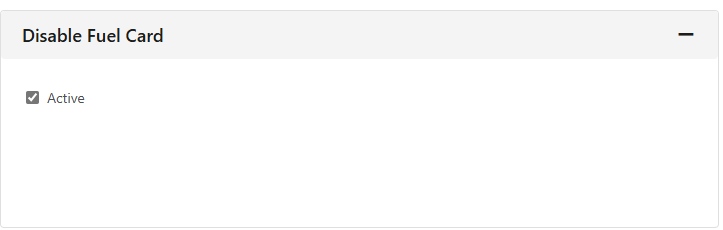
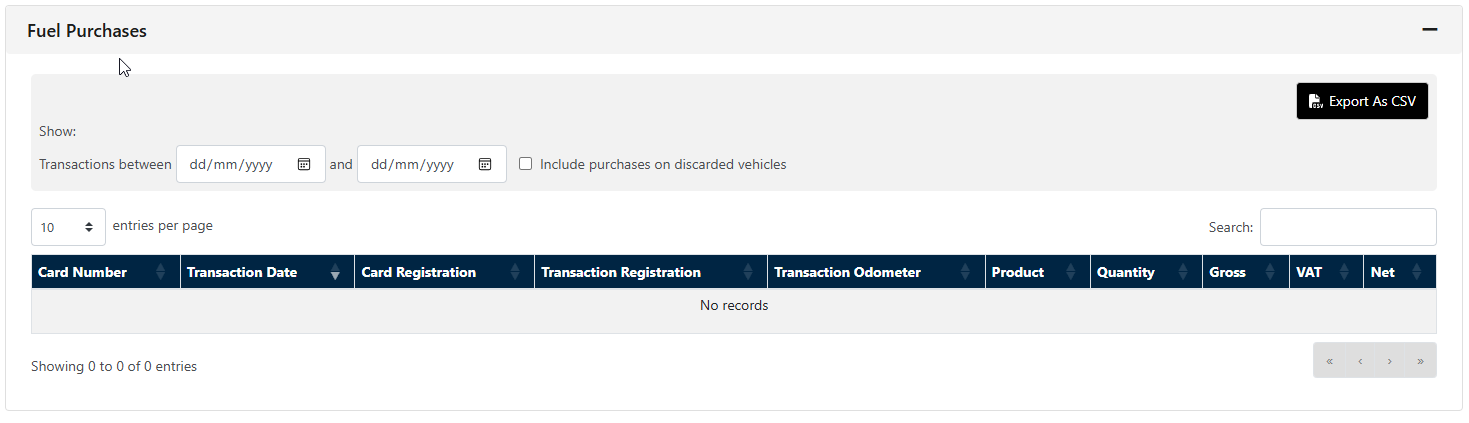
Should you need to edit an existing Fuel card, simply click on the fuel card in question , and then in to Fuel Card details, it is within this section that you can make any changes to the existing Fuel card information

Within the Fleet Check reporting suite you are able to also run financial reports detailing fuel usage and purchases by driver and by vehicle. Which we believe is integral to fleet expenditure.