You can add a defect manually to a vehicle via the main FleetCheck system through the 'Defects' tab. You will need to select the vehicle in question and then the Defects tab from the left vertical menu
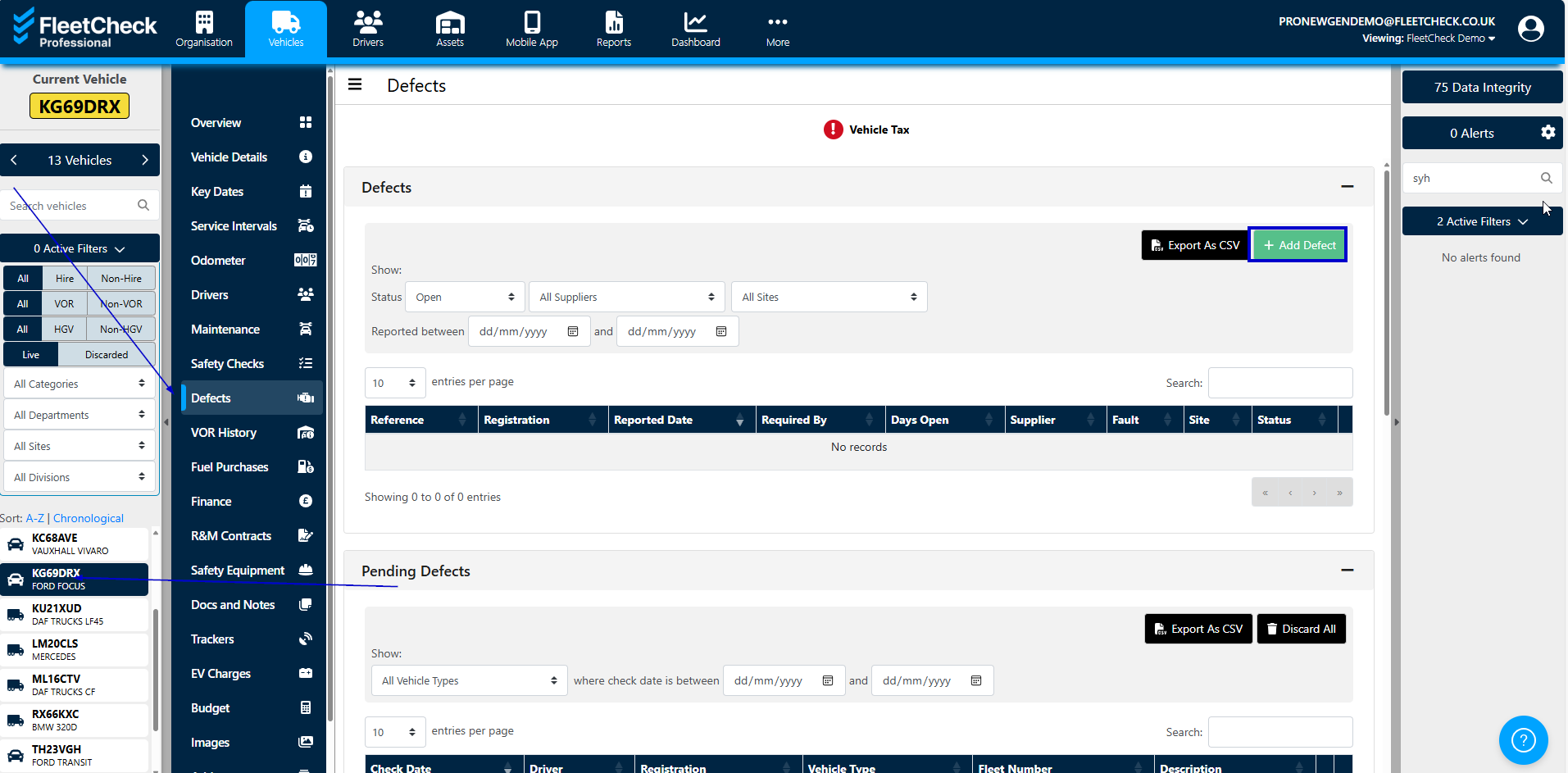
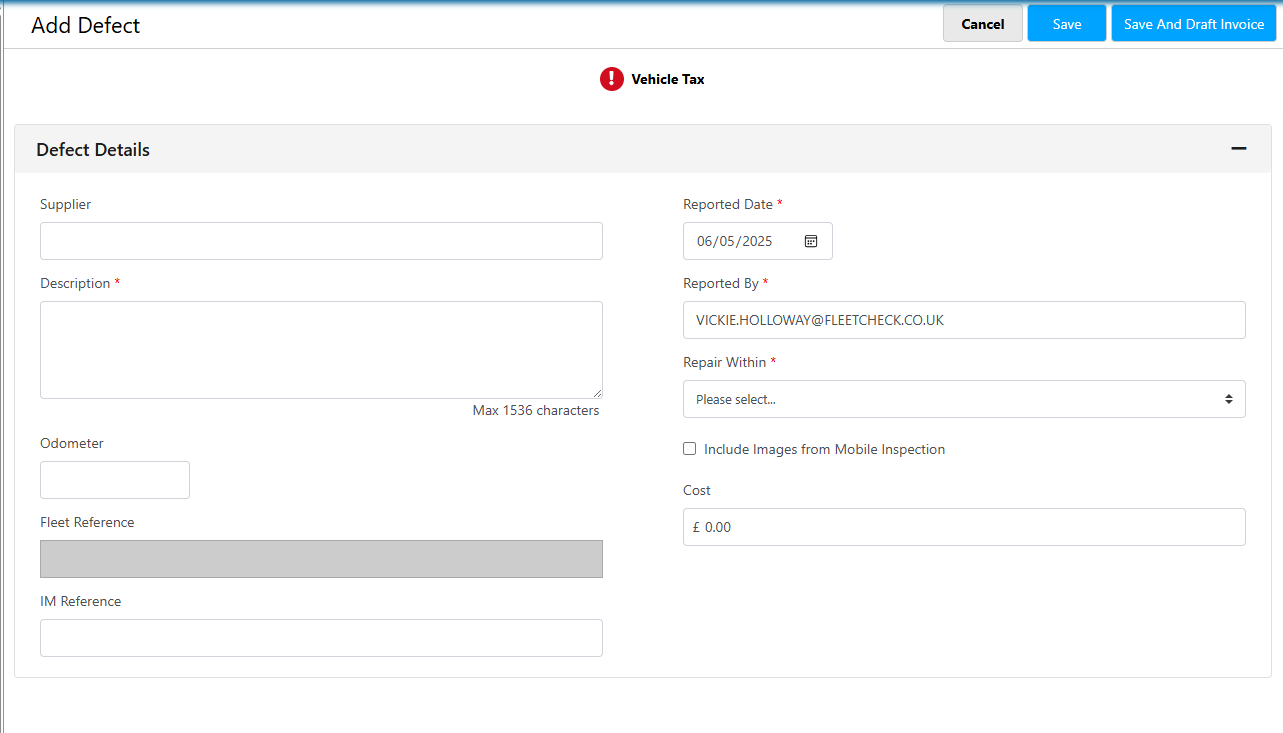
On this page there is an ‘+Add Defect’ button where you can enter the defect details, such as the odometer, the fault, the timescale the repair should be completed within and the supplier.
A defect on a HGV may also be reported at the time of a safety inspection (PMI) and these can be recorded on the ‘inspections’ tab at the time you enter the details of the safety inspection.