You can action a defect by going to Vehicles and then within the Overview section at the top select the ‘view open defects’ option.
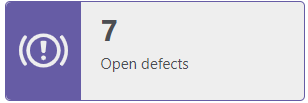
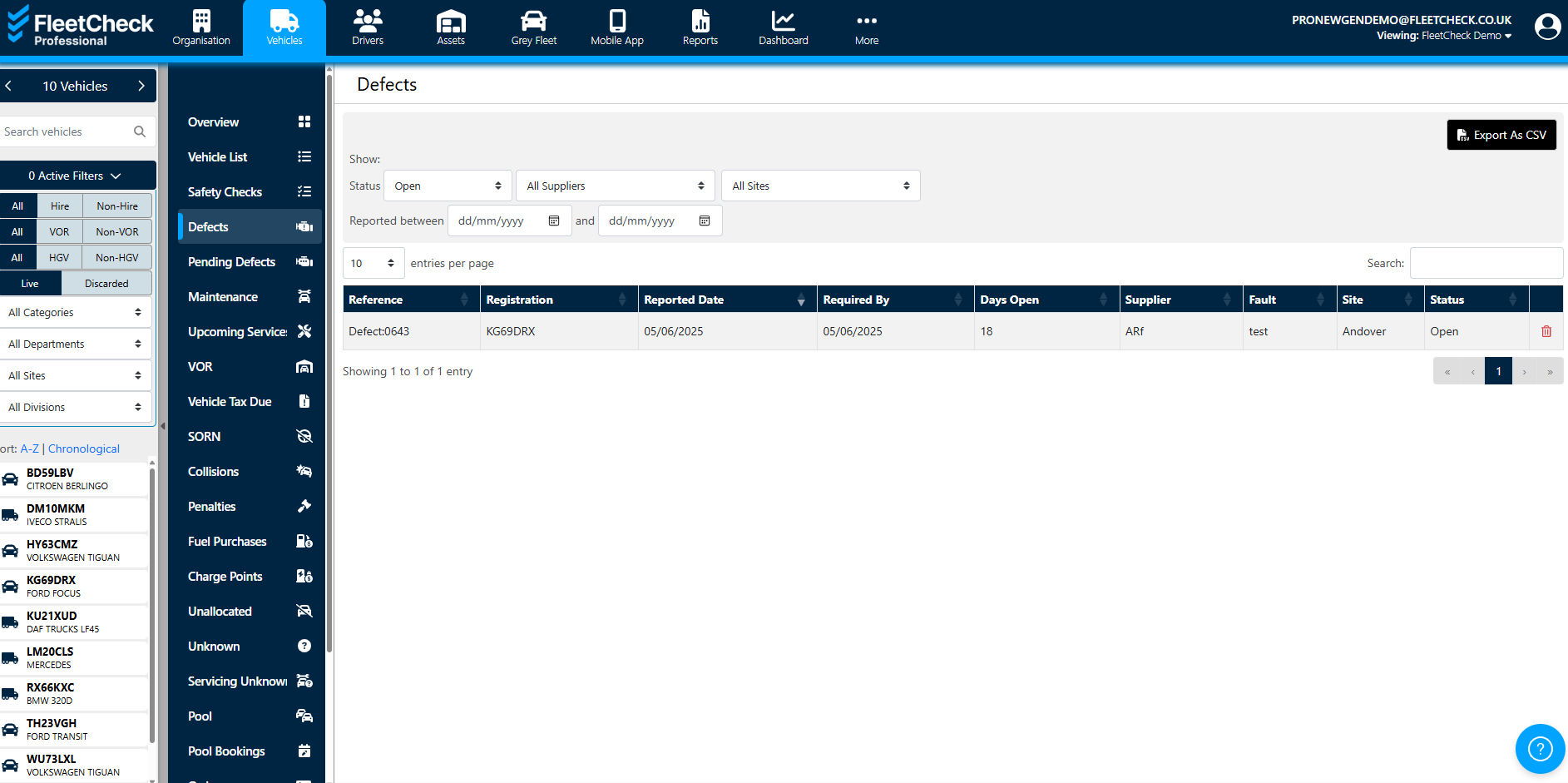
Once you have selected to view the open defects, you are greeted with the Open defects currently on the system
the pending defects are detailed further down. the vertical menu on a separate tab
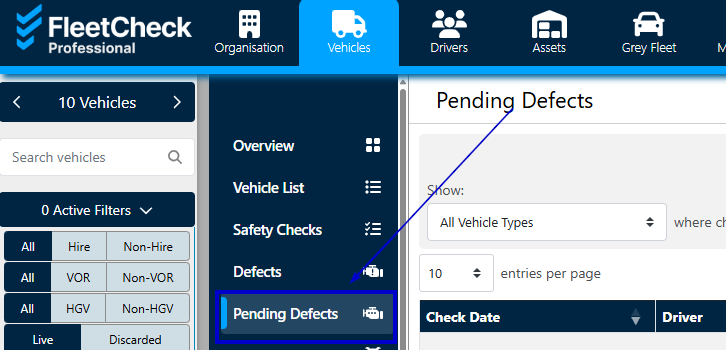
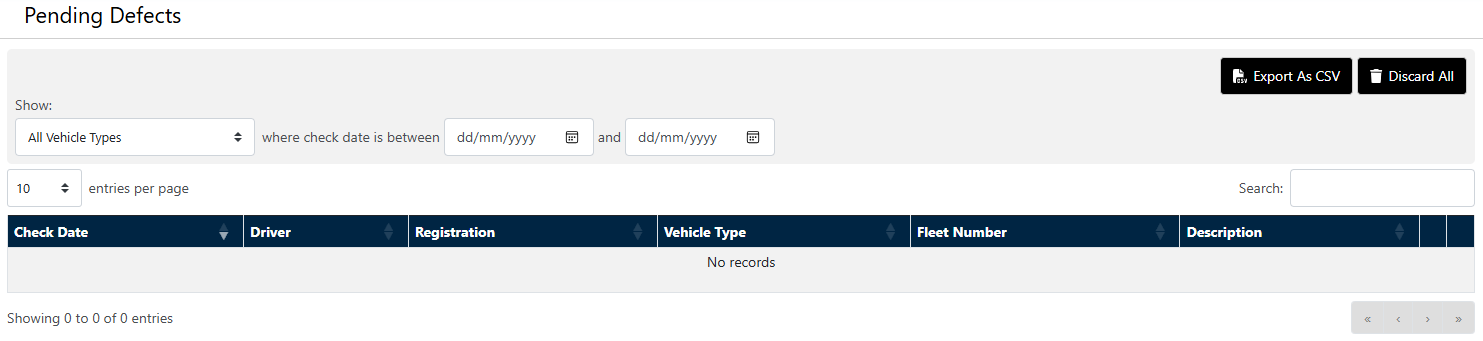
When a defect is recorded from a safety check it is saved against the vehicle. The defect is on the system as a Pending Defect until you decide how you want to deal with the defect.
If you choose to ‘add defect’ you will need to choose how to record the defect; whether this will be open, monitor or completed.
For further information on actioning defects on your vehicles, please visit the defect process area on this helpsite.