Within the ‘FORS’ tab you can open a new audit preparation in the ‘overview’ tab which you can then view in the ‘audit’ tab.
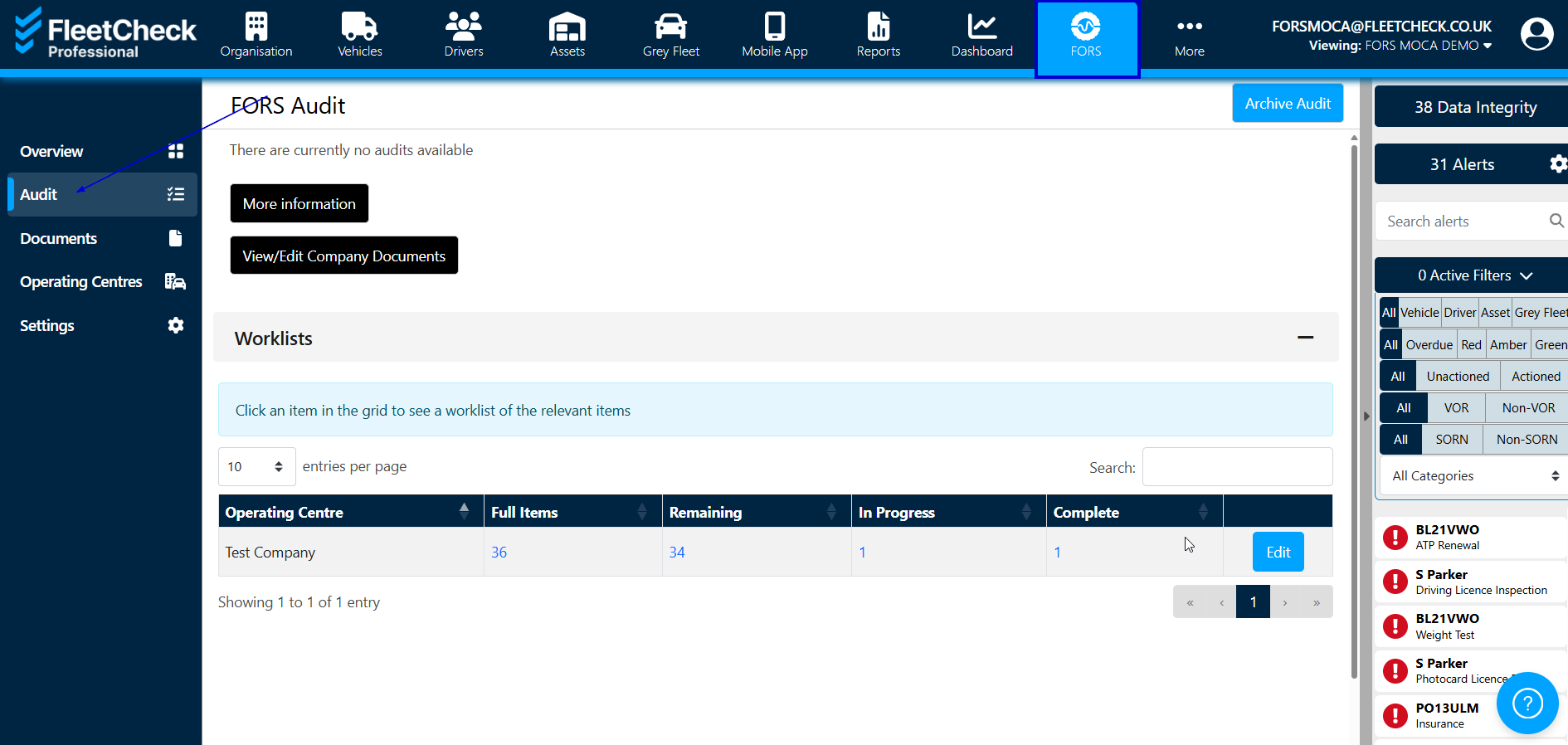
Within the audit tab you can also view your open audit and what you need to do to achieve the agreed requirements. The ‘Audit’ page gives you a summary of the number of items in the worklist with the total amount which needs completing or has been completed.
The following buttons link you to the FORS Standard via More Information and also your Company Documents
You can see it tells you the progress you have made with your audit by telling you the remaining items, in progress and completed items.
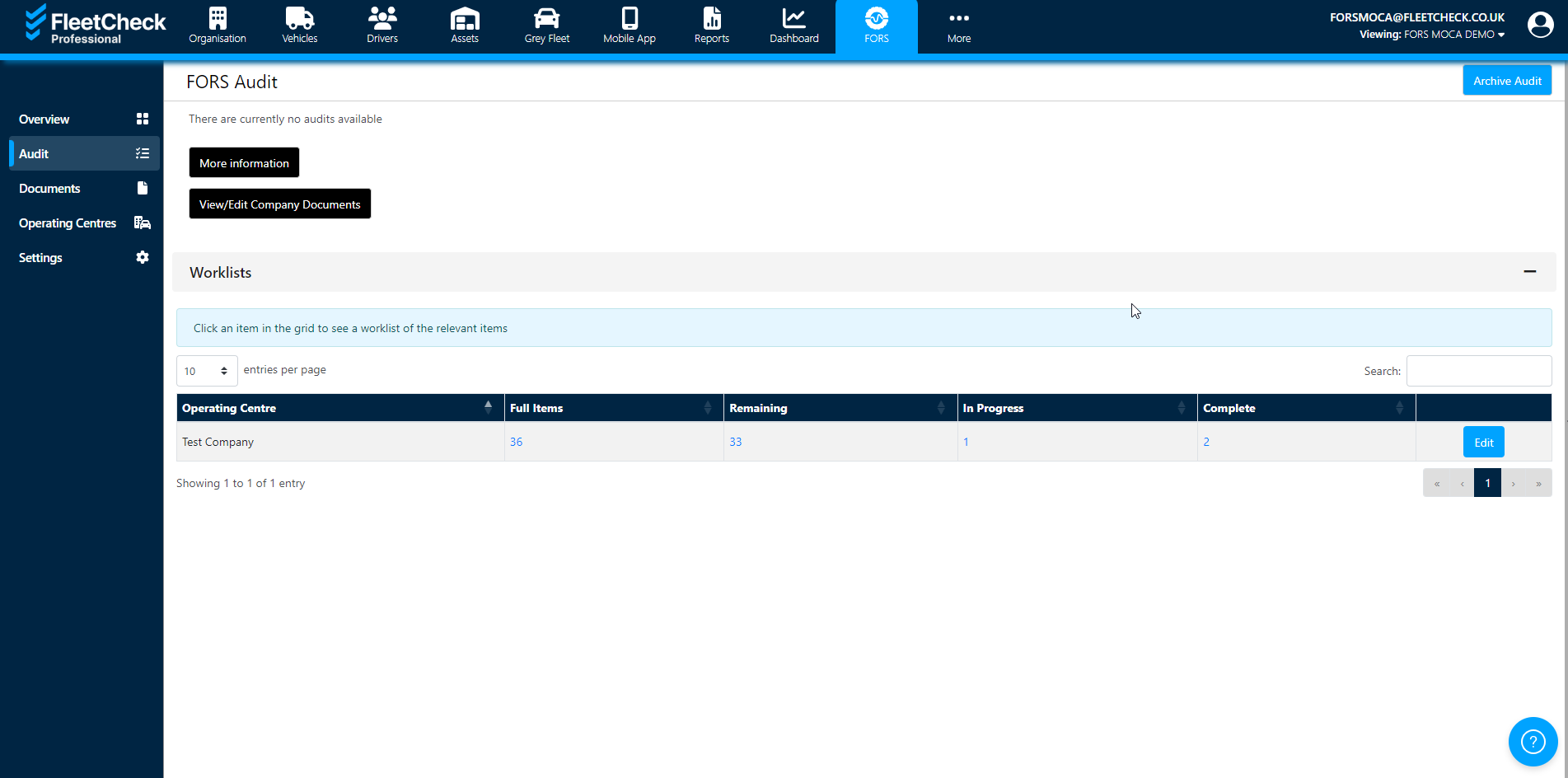
If you click on the numbers in the table in blue, you will be taken to the worklist required for the standard of the audit you have selected.
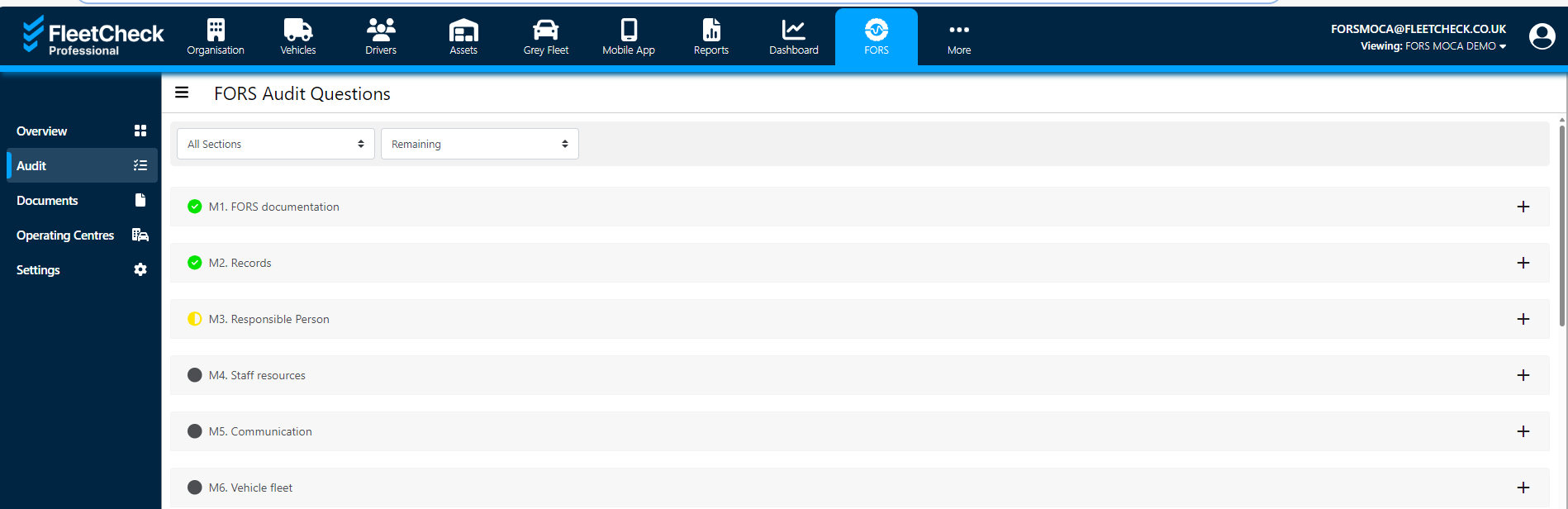
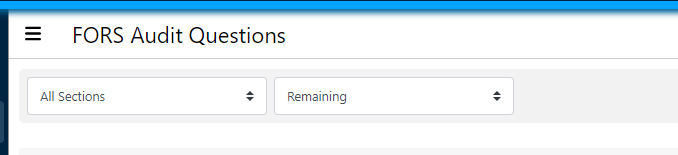
You are able to filter the worklist by changing the statuses -
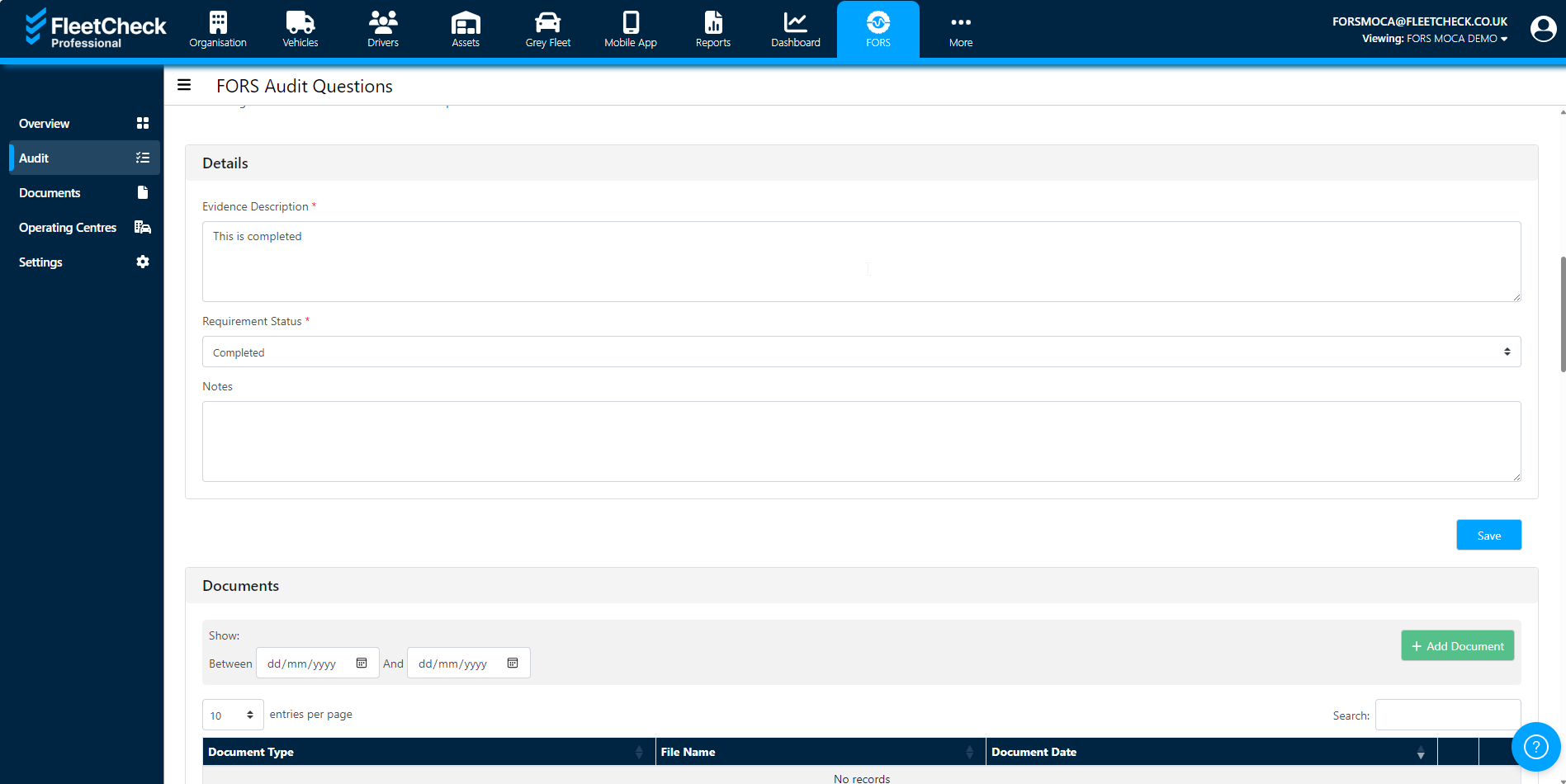
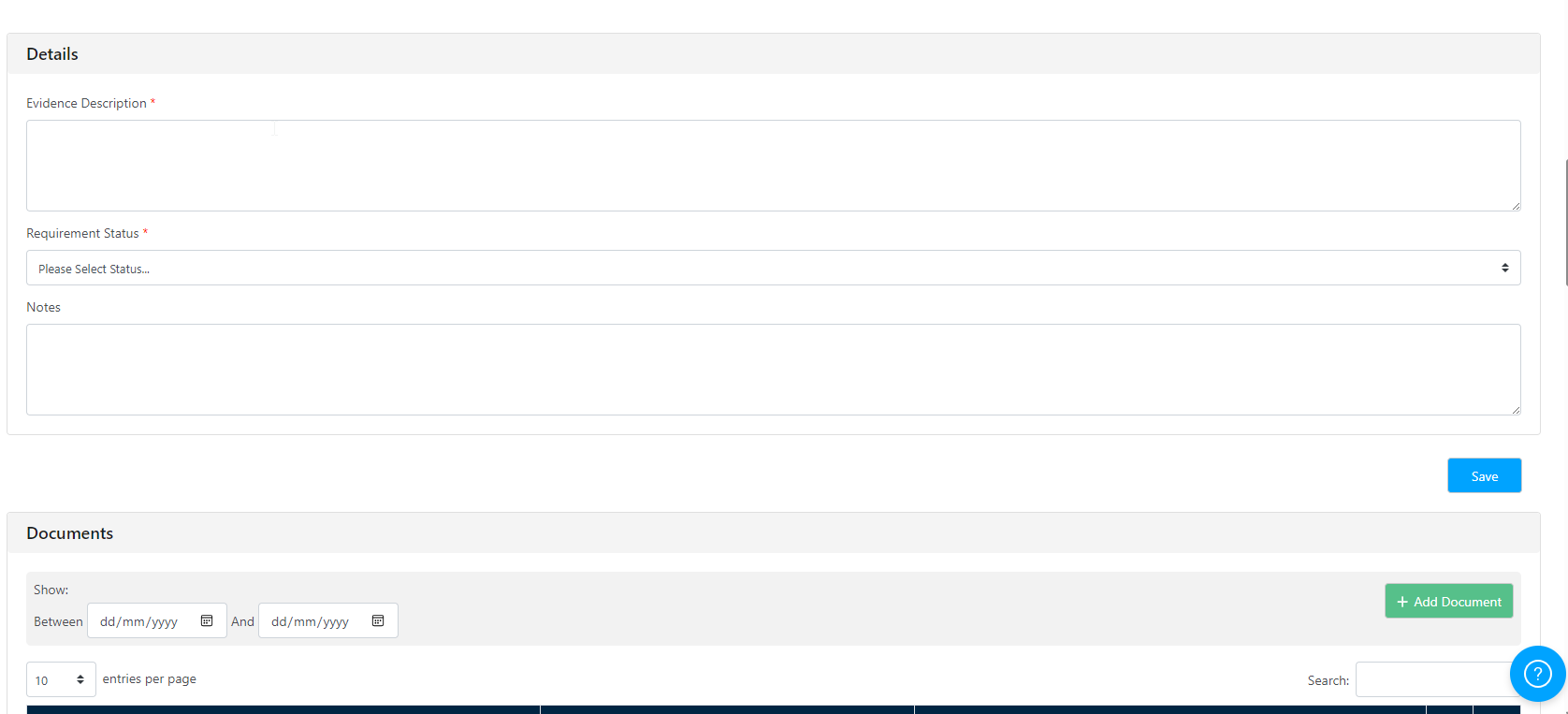
Each of the items can be clicked on to view information about the worklist and the link will take you to a more detailed view of what will be required for each item of the worklist. You are then also able to enter any supporting documents and notes relating to the progress made
Once you have completed all items in the worklist, you will then get the ‘submit’ button which you can use to send to FORS.