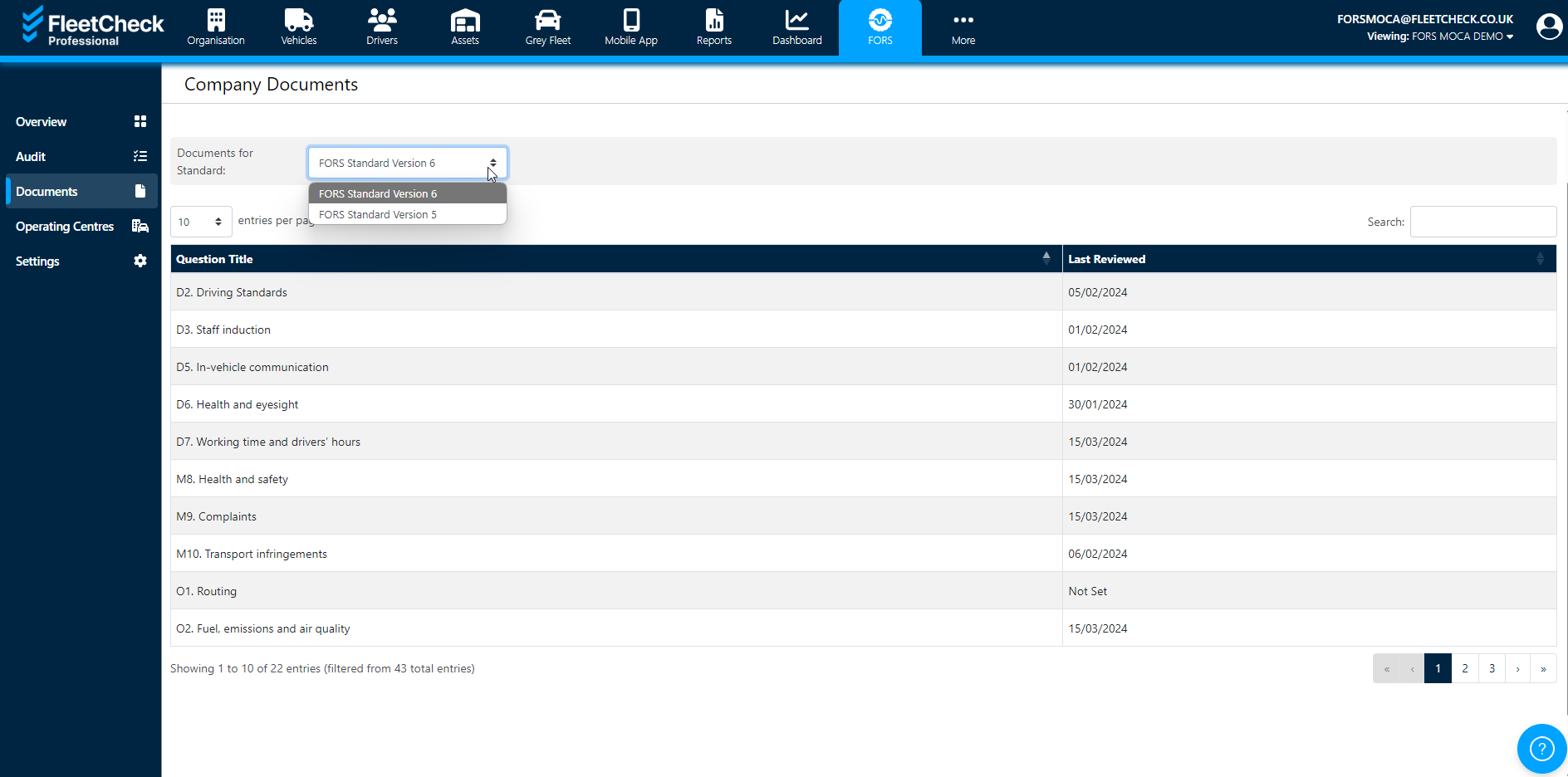
In the FORS section on the left hand side, there is a ‘documents’ tab where you can store documents against the relevant areas. This will help you keep your policies/documents in one place to refer to for FORS vehicles they have recorded.
When you add the document, you can set a review date and the system will generate the alert one month before it is due. Once you have this alert you can then go back and update the review date or change the document.
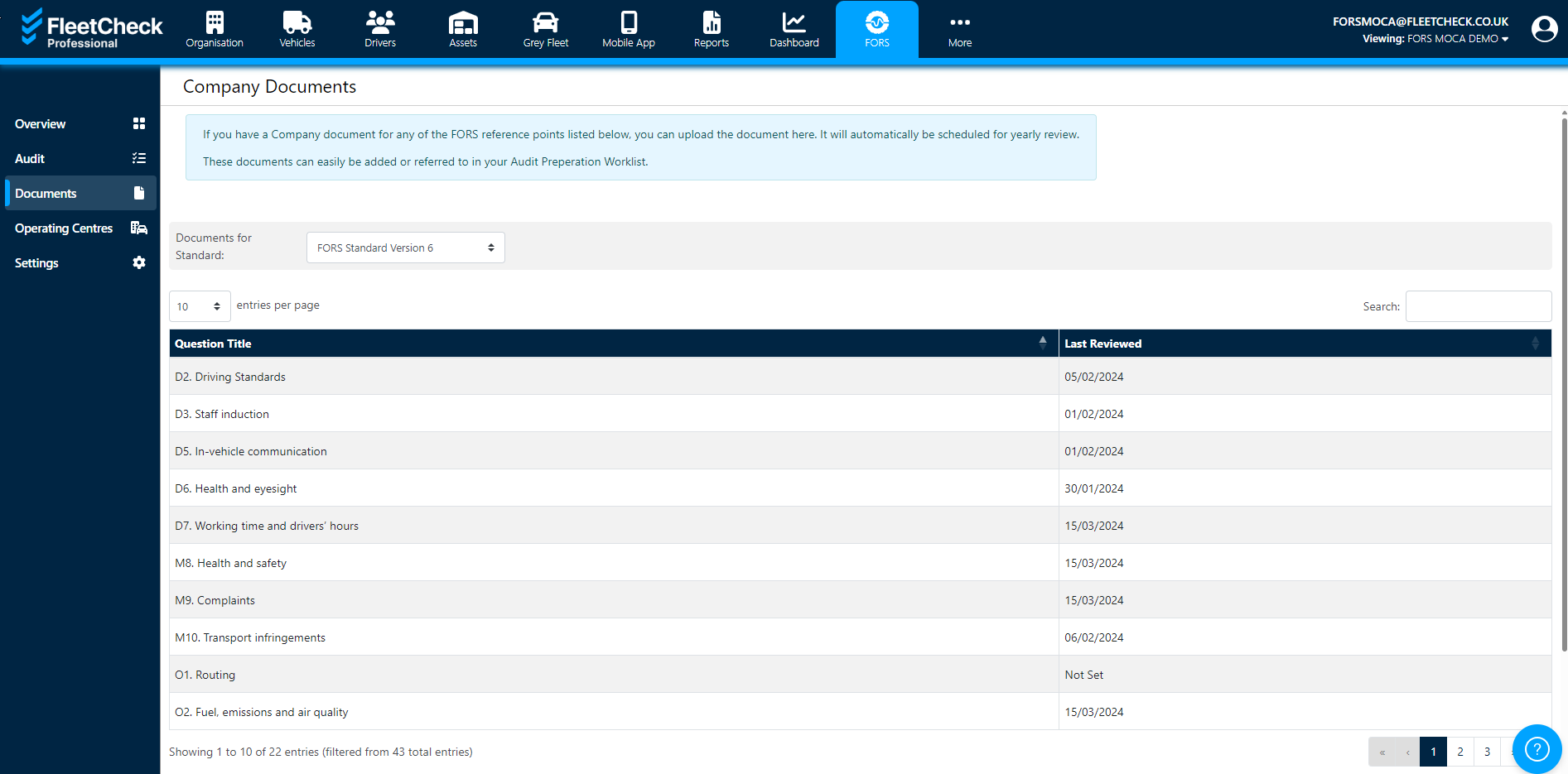
You can click on each of the areas where you can upload the document, add comments and enter a review date so you are alerted by the FleetCheck software closer to the time this needs to be actioned.