In FleetCheck we have a 'Fleet' section, located within Settings, this allows you to customise FleetCheck and make it more your own.
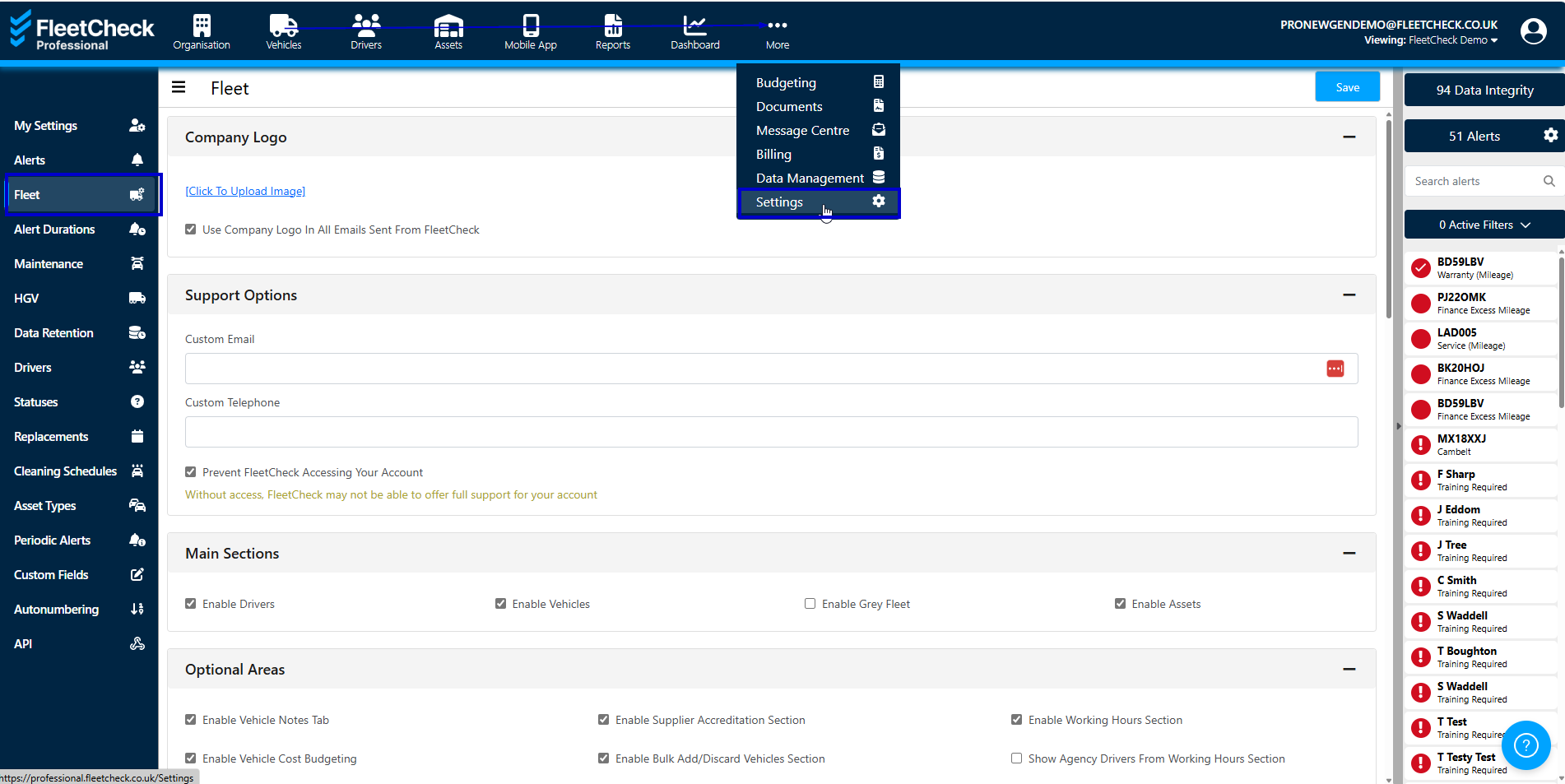
You can upload your own Logo and use it in all emails sent from FleetCheck.

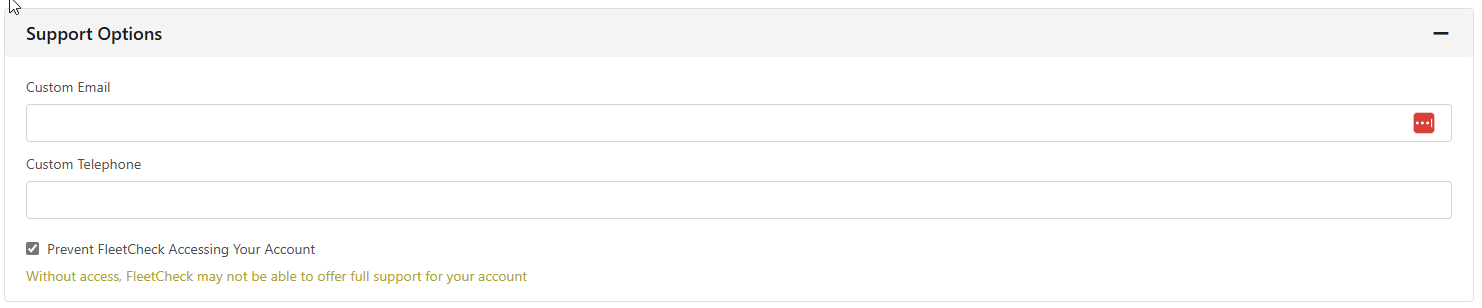
Add in your own Support Options, so if needing Support etc when using the software you can choose to have a Custom Contact details displayed.
Main Sections allows you to choose what is and is not displayed on the software

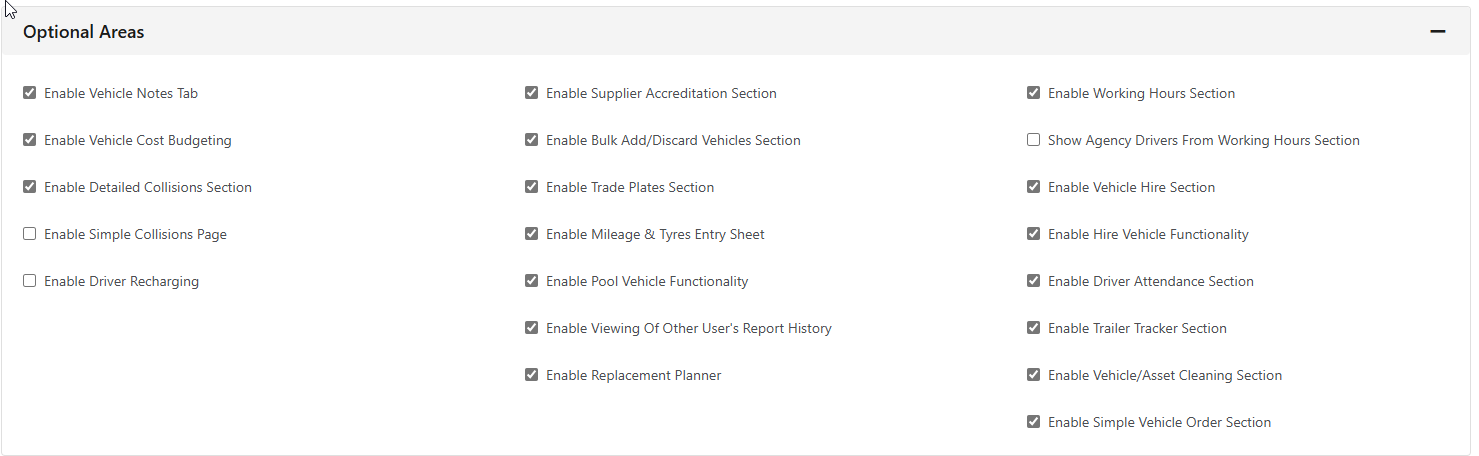
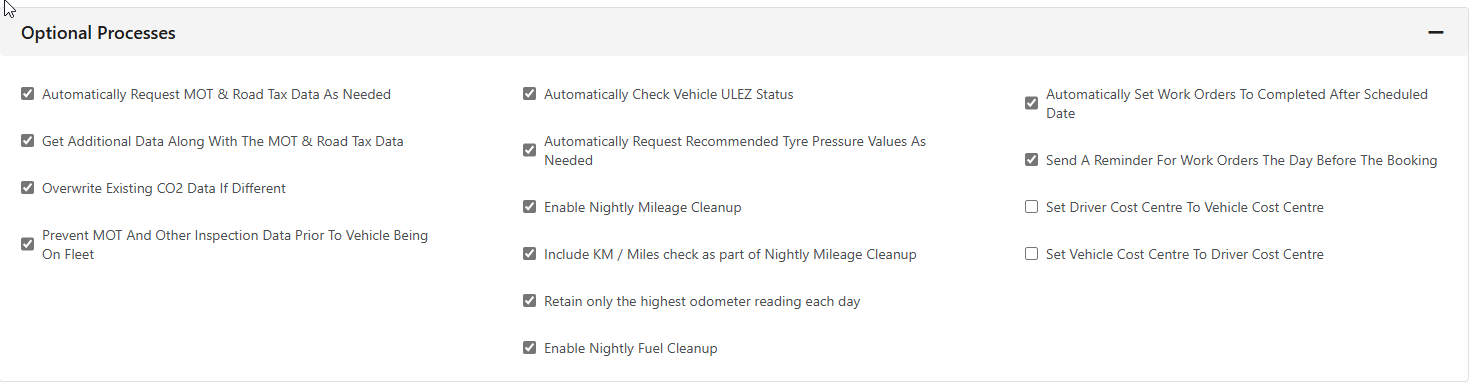
There is an Optional area that allows you enable certain areas of the system and also optional processes, such as 'nightly fuel clean up'.
In Other Settings you are able to customise FleetCheck further. You can Prevent spaces in registrations, use fleet numbers rather than the registrations and other areas such as disabling data integrity.
This is also where you can enable GarageLink and set up default work order contact details.