In ‘settings’ from the More tab, at the top of the page under ‘maintenance’ you can adjust your booking/invoice settings and set up servicing intervals.
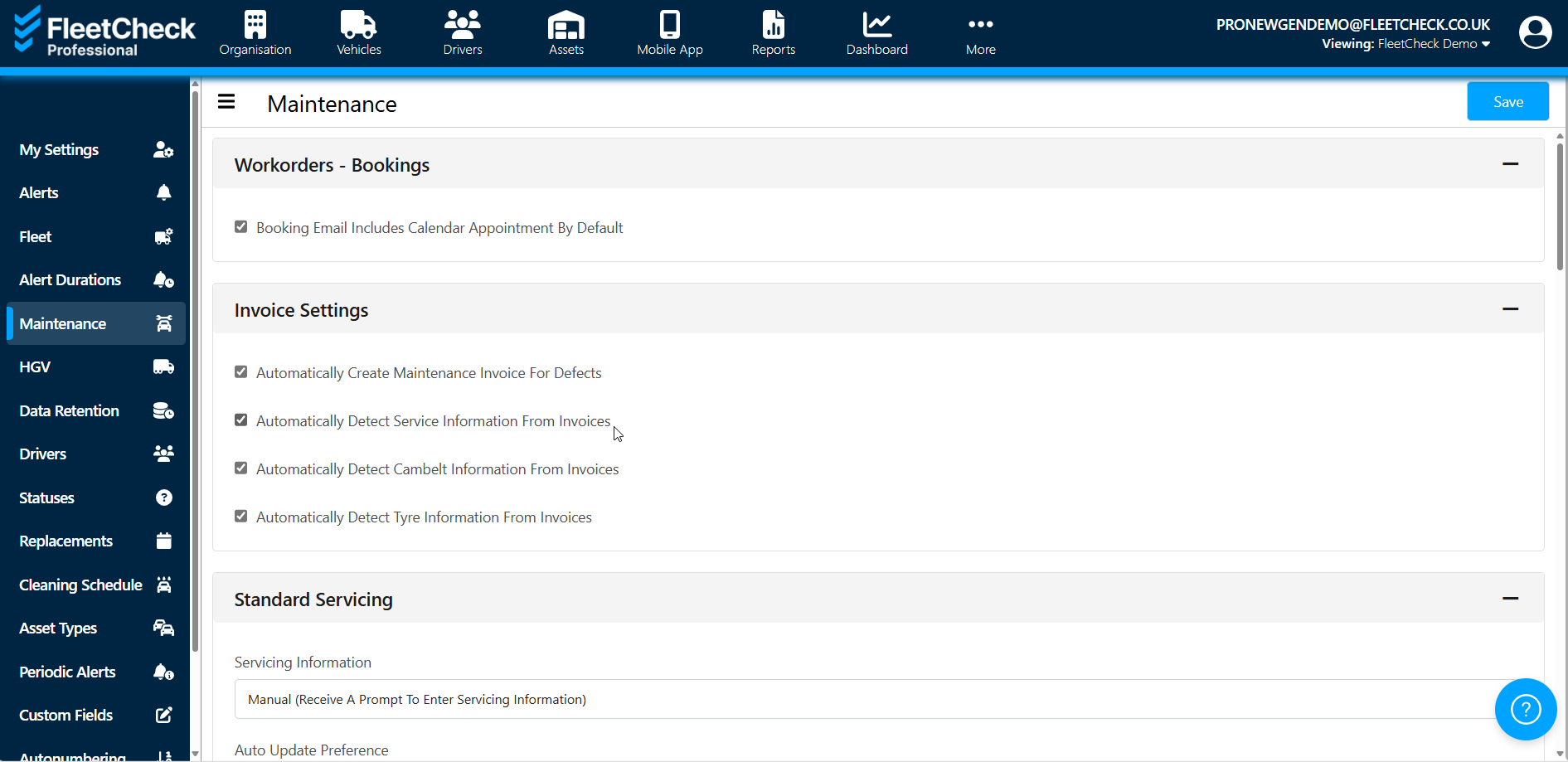
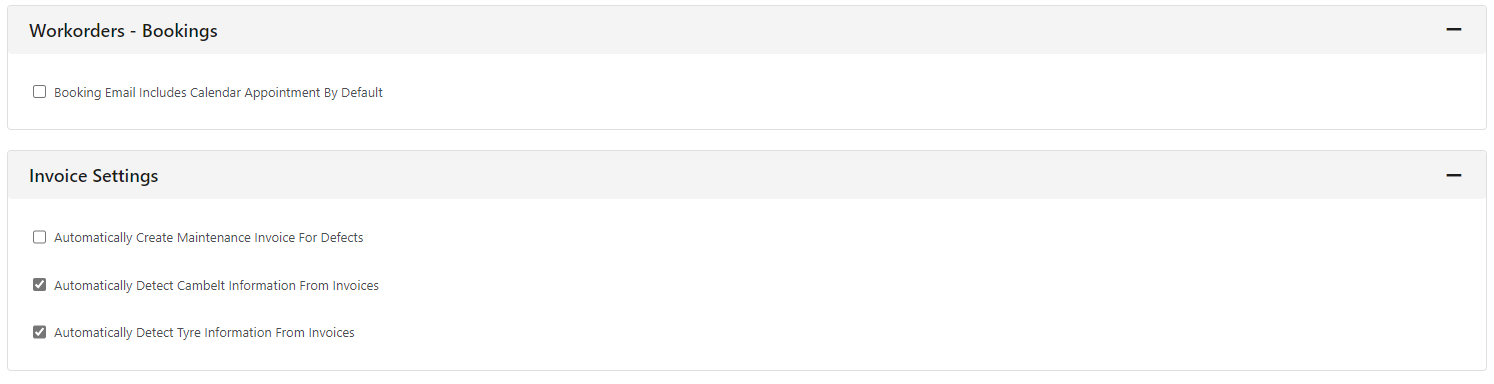
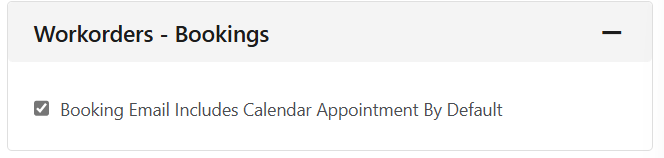
At the top of the ‘maintenance’ page, you can set the maintenance bookings to be sent with a calendar appointment. These are the bookings sent from the ‘maintenance’ tab on each vehicle.
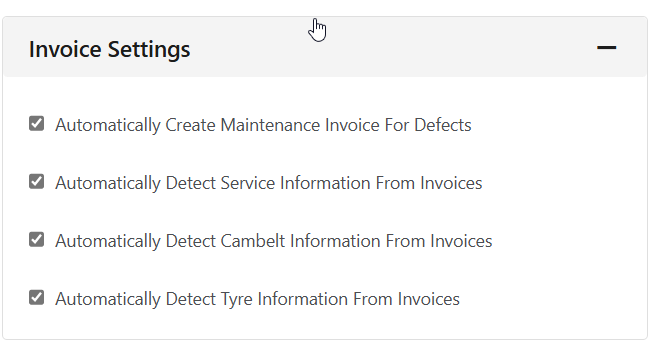
Invoice Settings are located within this area
You can set up standard servicing for some or all of your vehicles by type by clicking the ‘add fixed servicing button’. This can be set based on vehicle type, make, model or registered dates.
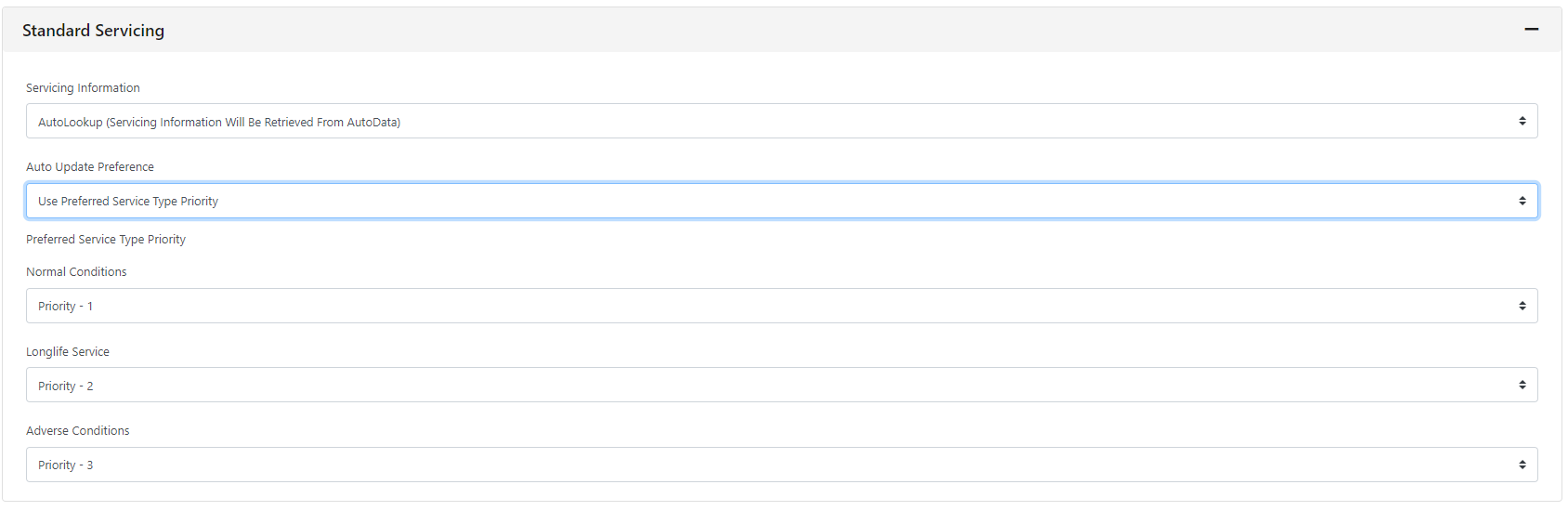
Under the ‘standard servicing’ you can select whether you’re prompted to enter servicing information or whether we will retrieve the data from AutoData.
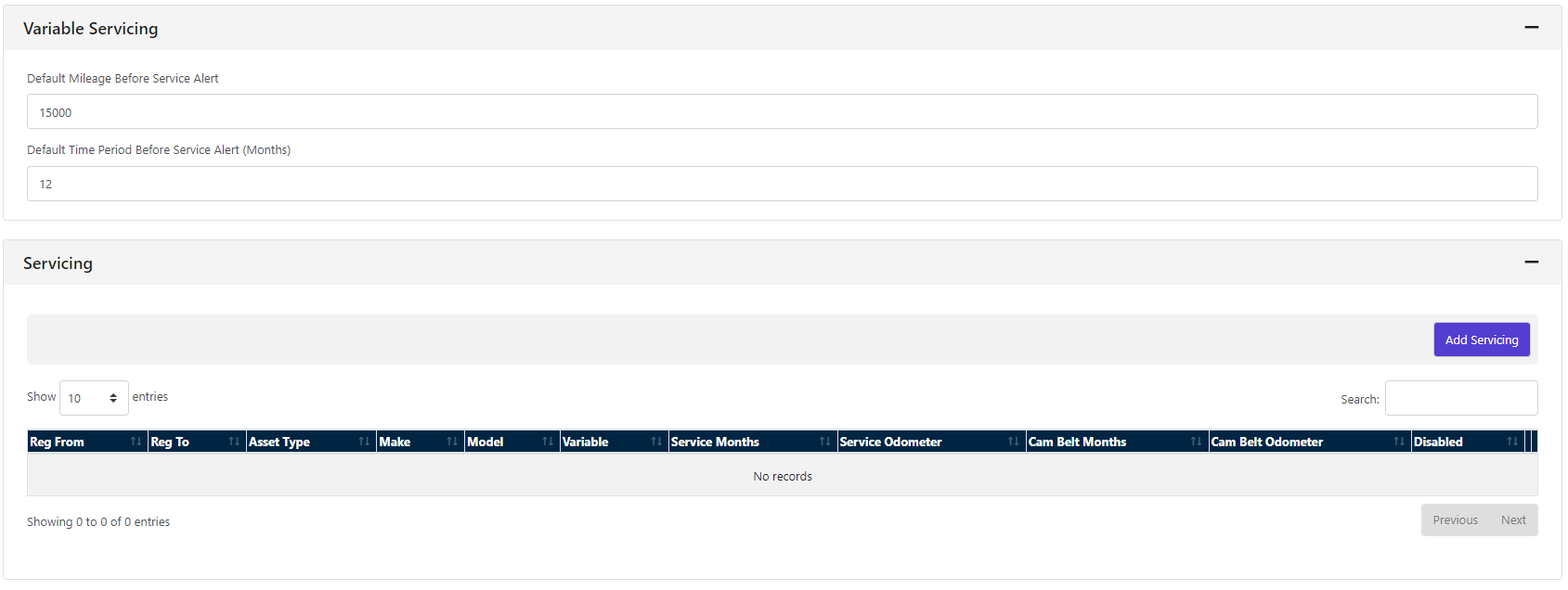
If your vehicle has variable servicing, this can be set on the system under each vehicle however, you will still get an alert to check the vehicle for its service light. The default for this is 15000 miles or 12 months however, you can change the frequency here.
 If you have vehicles on your fleet that need a fixed servicing - you are able to set them up within this area on the software.
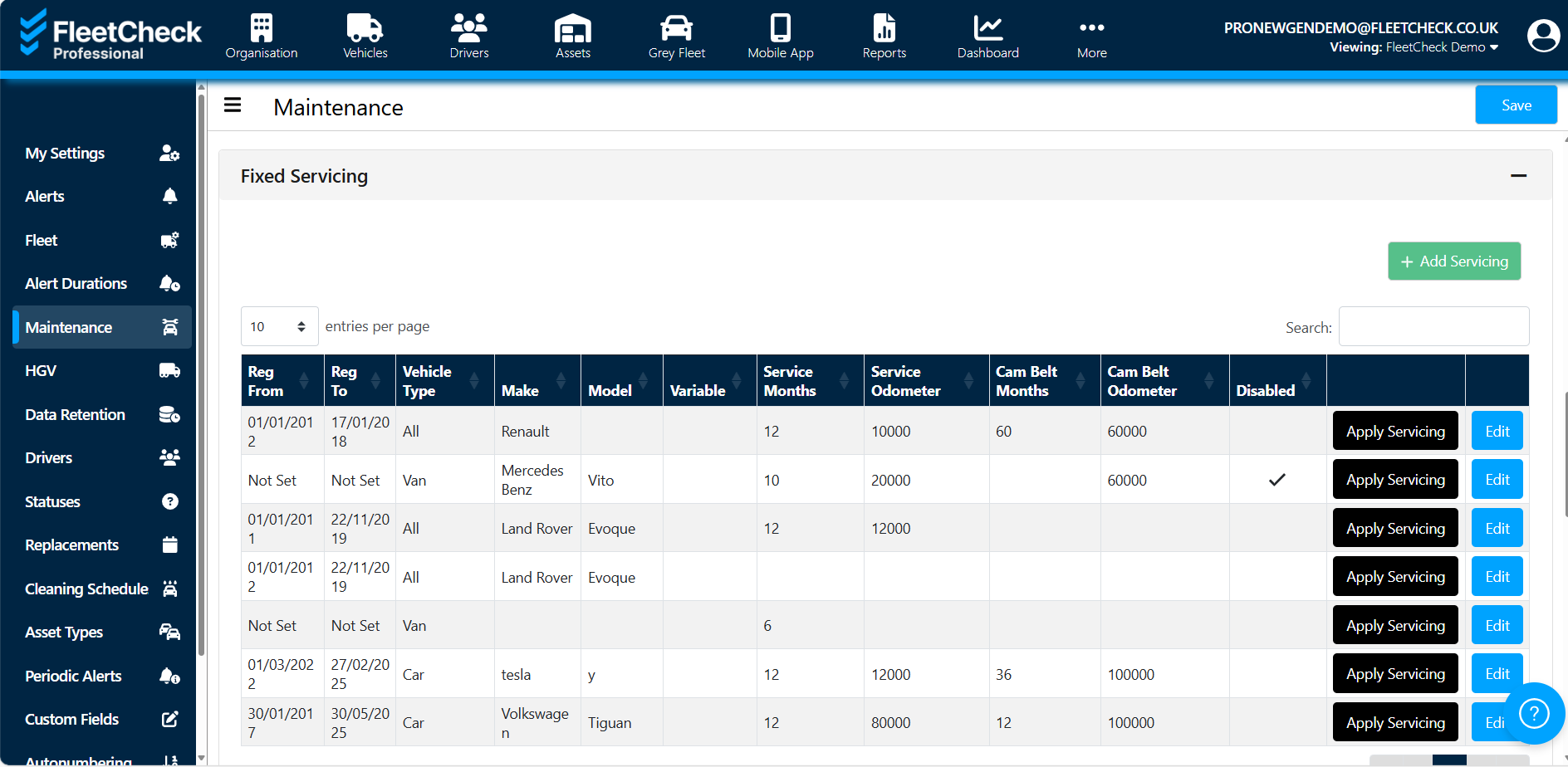
by determining the type of vehicle, the make model and age - you can set up a custom servicing interval for that particular age vehicle on your fleet - handy if you have a slightly older fleet etc