The settings for HGVs and the relating safety inspections can be changed within ‘Settings’ and then the ‘HGV’ tab.
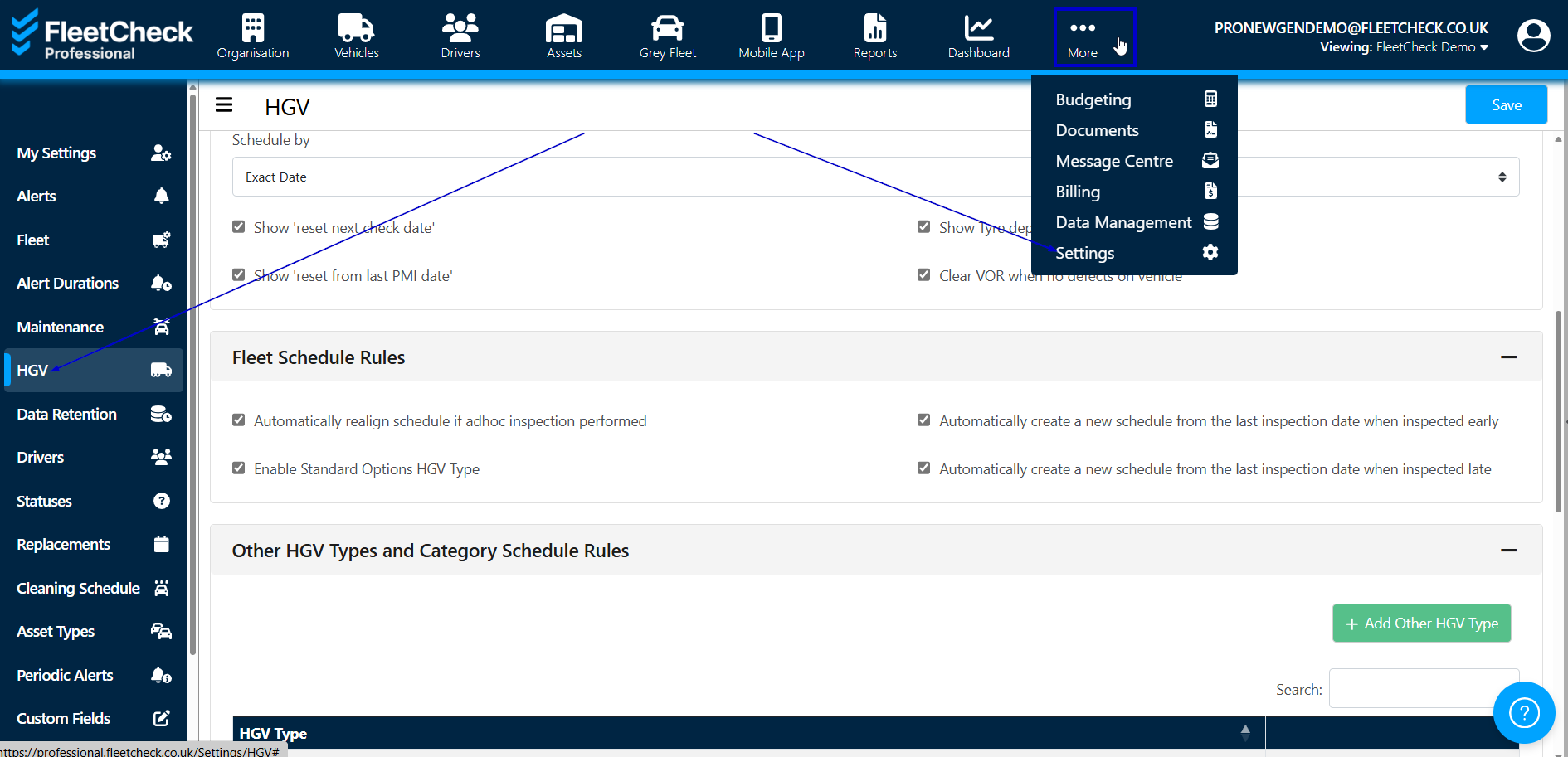
If your HGVs have a fridge or a tail lift, you can enable the specific tabs for these within this page.

If you enable this section, you will have visibility on the left hand side menu of the screen
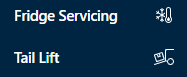
The ‘fridge’ tab will enable you to add fridge servicing/calibration and set alerts on the HGVs within your fleet.
The ‘tail lift’ tab enables you to set a frequency for servicing and select if a weight test was carried out.
Fleet Schedule Rules basically allows you to determine how you want your schedule to be effected by the information put in to the system

For Safety inspections, you can choose whether the schedule runs on the exact date, week ending Friday, Saturday or Sunday and whether you choose to show 'reset' dates.
Its super important that if you are carrying out tyre depths on your safety inspections - you also tick for this to be detailed within the HGV inspections area

By utilising the HGV settings area on your FleetCheck software you are able to make the software work for you and your business