The Key Dates tab can be selected under each vehicle. When the vehicle type is set up as a HGV vehicle (HGV vehicles are shown with the HGV icon on the left hand side).
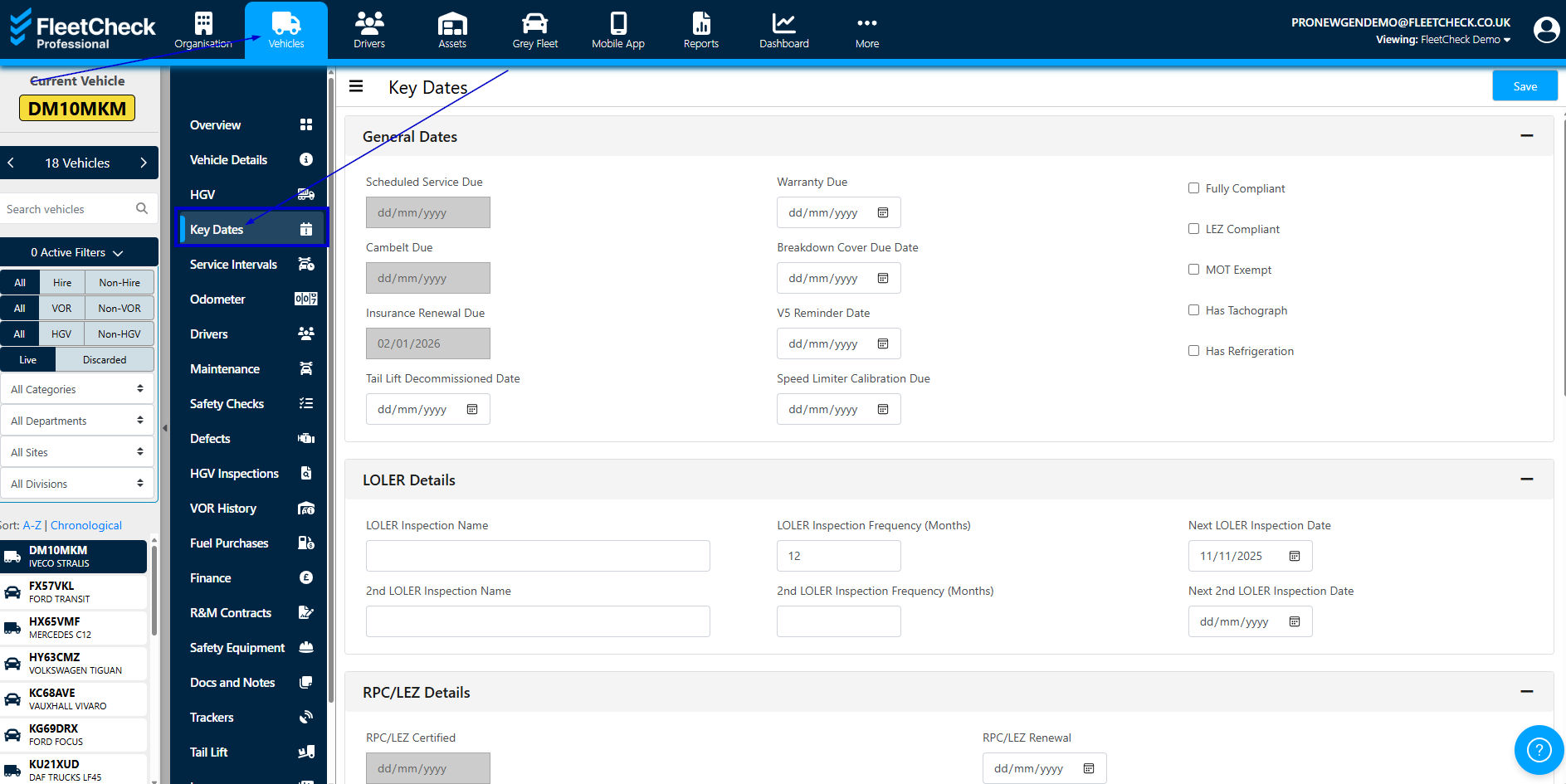
The key details and dates specific to HGVs are all held on this page.
On this page, you can detail whether the vehicle has Tachograph or MOT exempt etc by selecting areas such as these this will trigger the relevant detail area within the page
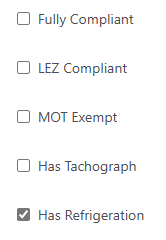
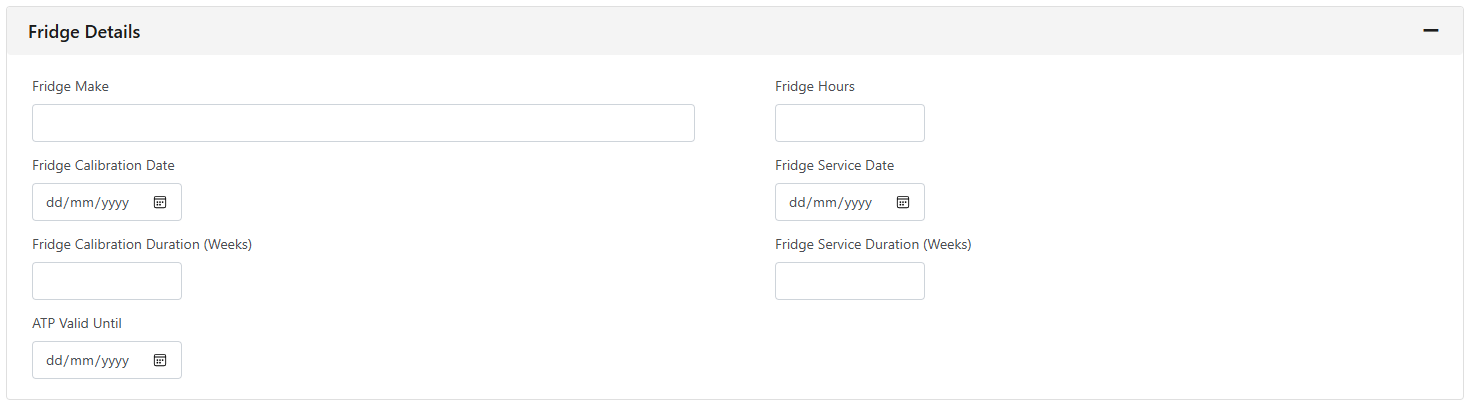
This would then open up -
You have a section where you can choose your LOLER inspection schedules and enter the next due dates for those to receive an alert.

You can also enter when the next due tacho, weight test, fridge service etc is expected.