We have a fuel purchases area that resides within our vehicle section on the system. Located on the secondary menu underneath the vehicles tab, Fuel Purchases allows you to view all the Fuel Purchases made within certain dates.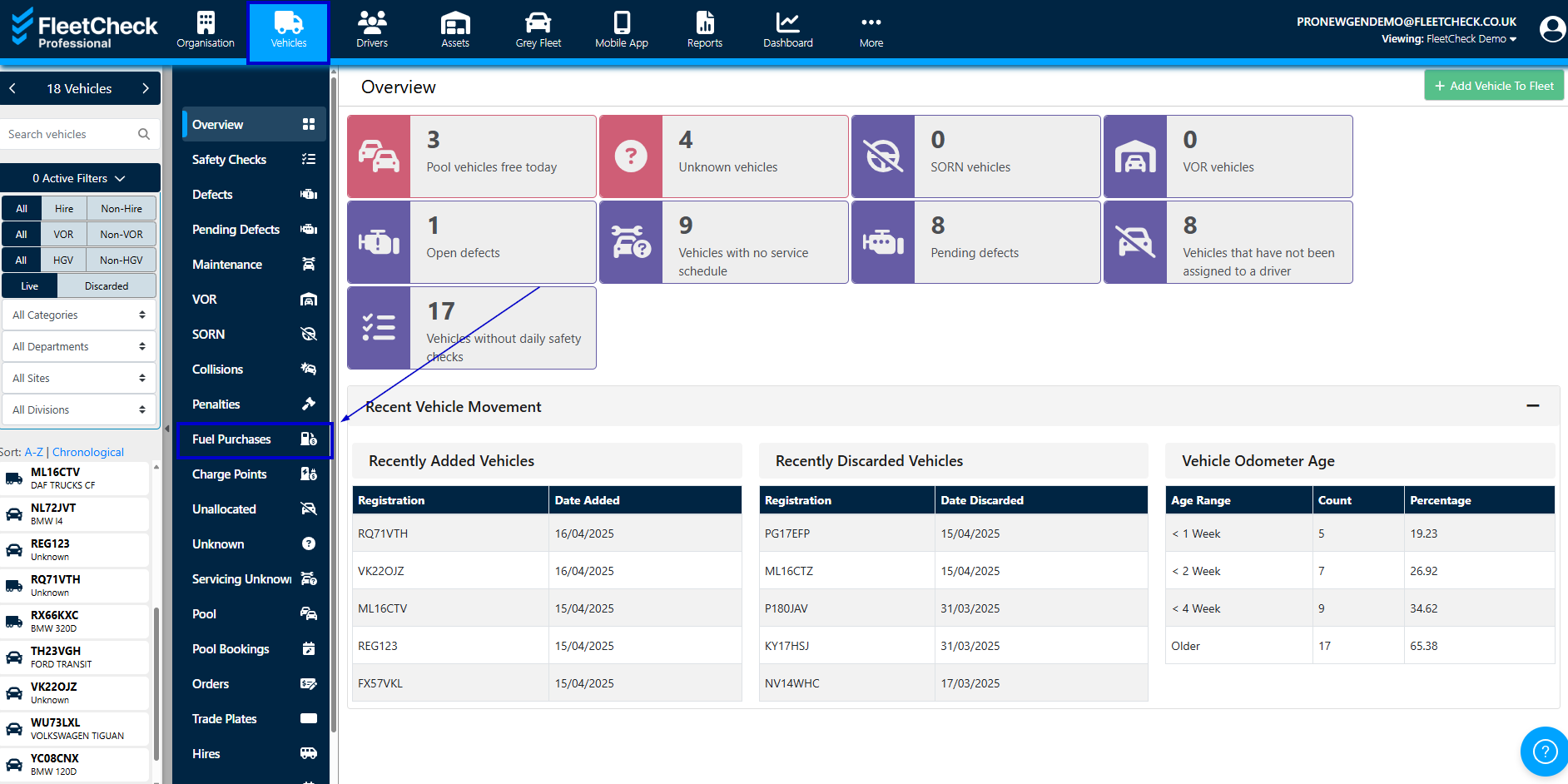
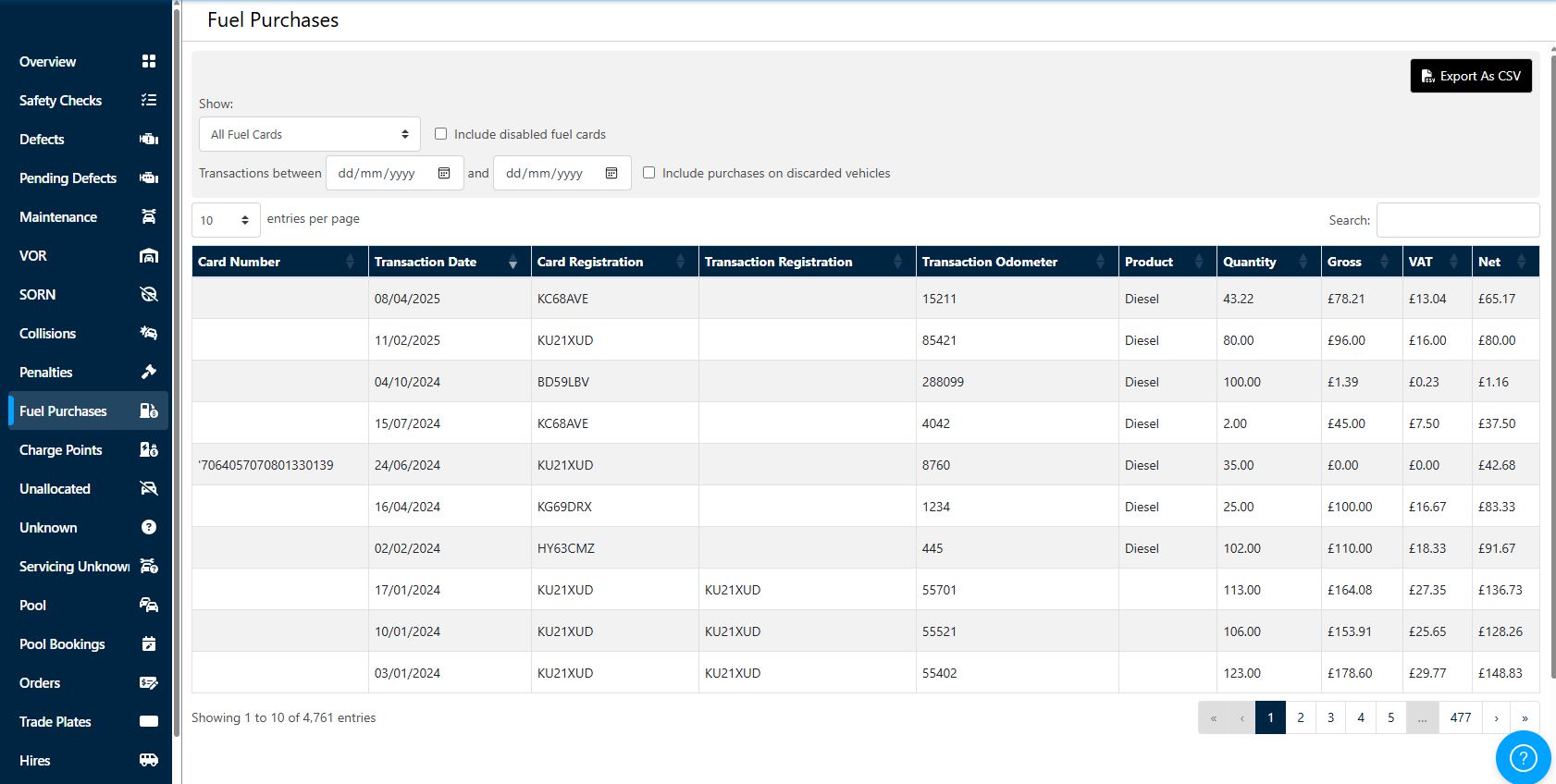
Using the dropdown and the date range area you can define the information displayed, the check boxes also allow you to display disabled fuel cards and discarded vehicles if required

You are also able to export as a csv if you need too.
Its a super easy way for you to search for a card transaction if needed or transactions made on a certain card over a timeframe should you need to.